
GitHubRepo
Open GitHub repositories.
GitHubRepo Plugin for PowerToys Run
This is a plugin for PowerToys Run that allows to search for GitHub repositories then open in your default browser.
Check out the Template for a starting point to create your own plugin.
Features
Search repo with query: query
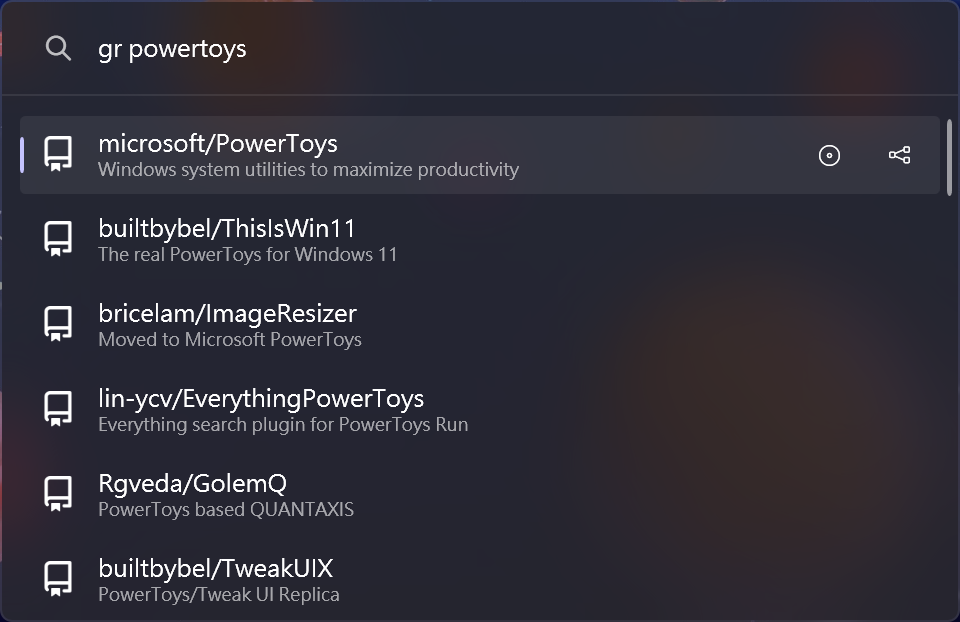
Search repo with user: user/repo
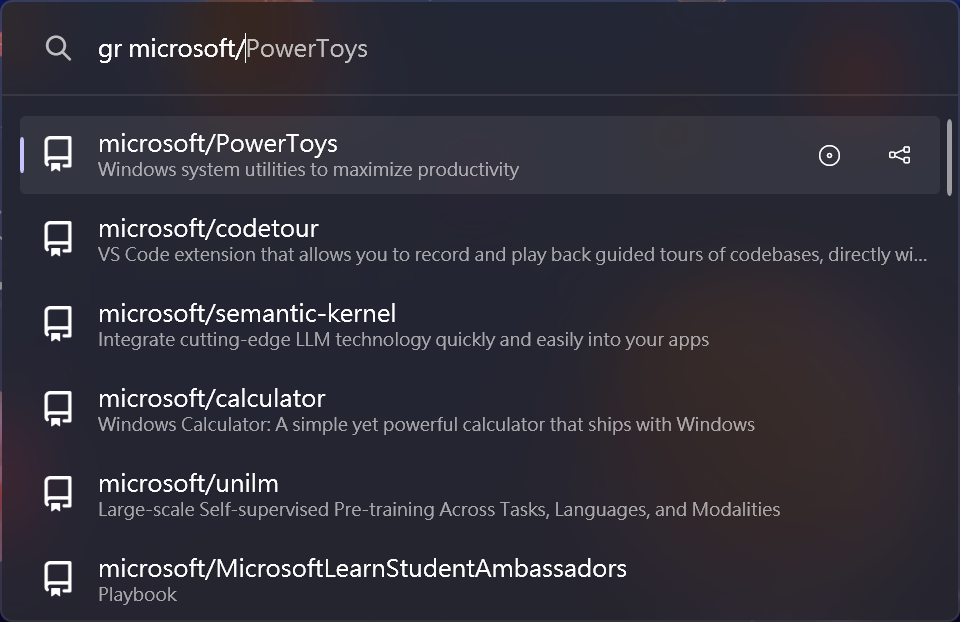
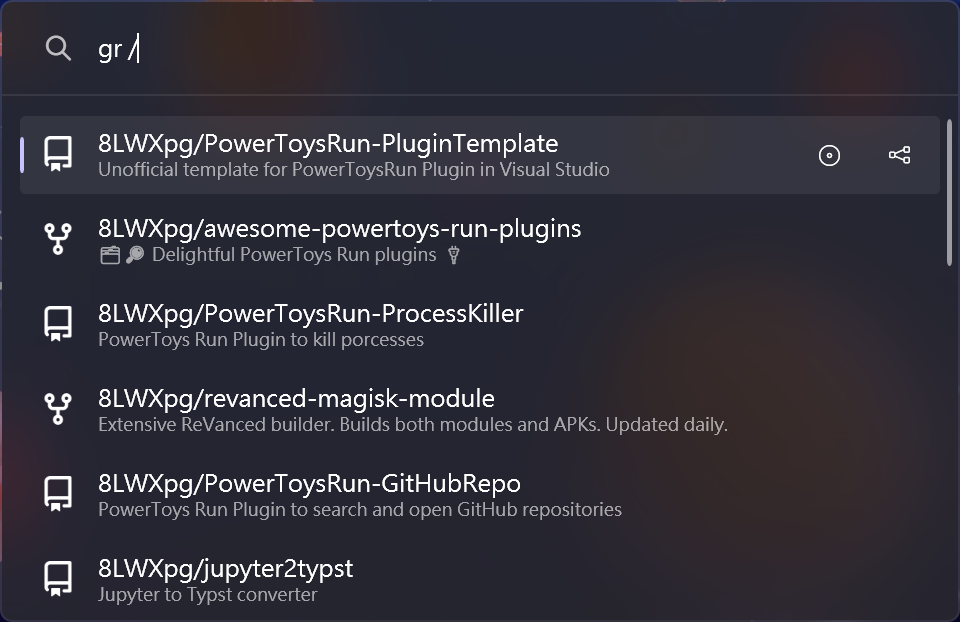
Search repo with default user: /repo
If auth token is set, it will list all the repositories the token has access to. Otherwise,
it will list all the public repositories of the default user.
Context menu
- Open issues: Open the issues page of the repository Ctrl+I.
- Open pull requests: Open the pull requests page of the repository Ctrl+P.
- Copy link: Copy the repository link to clipboard Ctrl+C.
Settings
- Default user: The default user to search for when typed
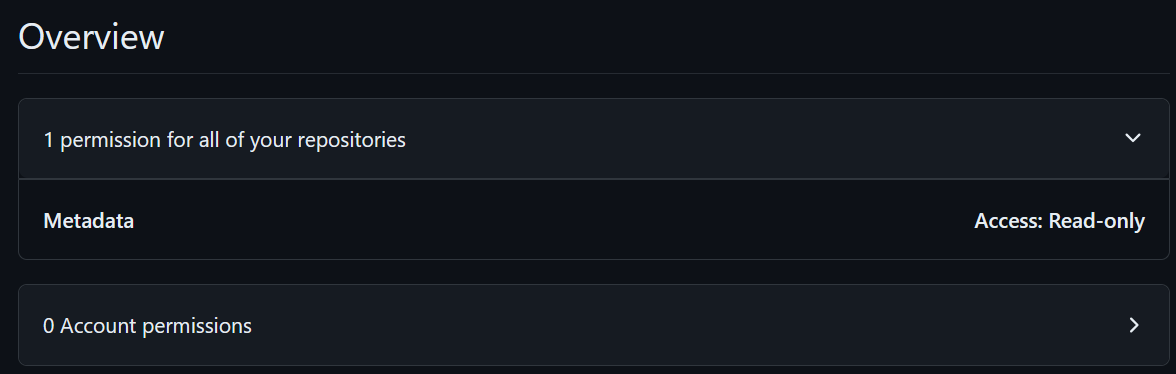
/. - GitHub auth token (optional): The GitHub auth token to use for better rate limiting and access to private repo.
You can generate a fine-grained token with read access to metadata. Detailed instructions
here.
Installation
Manual
- Download the latest release of the from the releases page.
- Extract the zip file's contents to
%LocalAppData%\Microsoft\PowerToys\PowerToys Run\Plugins - Restart PowerToys.
Via ptr
ptr add GitHubRepo 8LWXpg/PowerToysRun-GitHubRepo
Usage
- Open PowerToys Run (default shortcut is Alt+Space).
- Type
grfollowed by your search query. - Select a search result and press
Enterto open it in browser.
Building
- Clone the repository and the dependencies in
/libwithGitHubRepo/copyLib.ps1. - Run
dotnet build -c Release.
Debugging
- Clone the repository and the dependencies in
/libwithGitHubRepo/copyLib.ps1. - Build the project in
Debugconfiguration. - Make sure you have gsudo installed in the path.
- Run
debug.ps1(change$ptPathif you have PowerToys installed in a different location). - Attach to the
PowerToys.PowerLauncherprocess in Visual Studio.
Contributing
Localization
If you want to help localize this plugin, please check the localization guide