
milli.nvim
Animated ASCII splash screens with bundled animations and custom image or GIF support.
milli.nvim
Animated ASCII splash screens for Neovim. Ships with 24 bundled splashes, and lets you drop in your own from any image or GIF. Works with dashboard-nvim, alpha-nvim, snacks.nvim, mini.starter, or raw VimEnter.
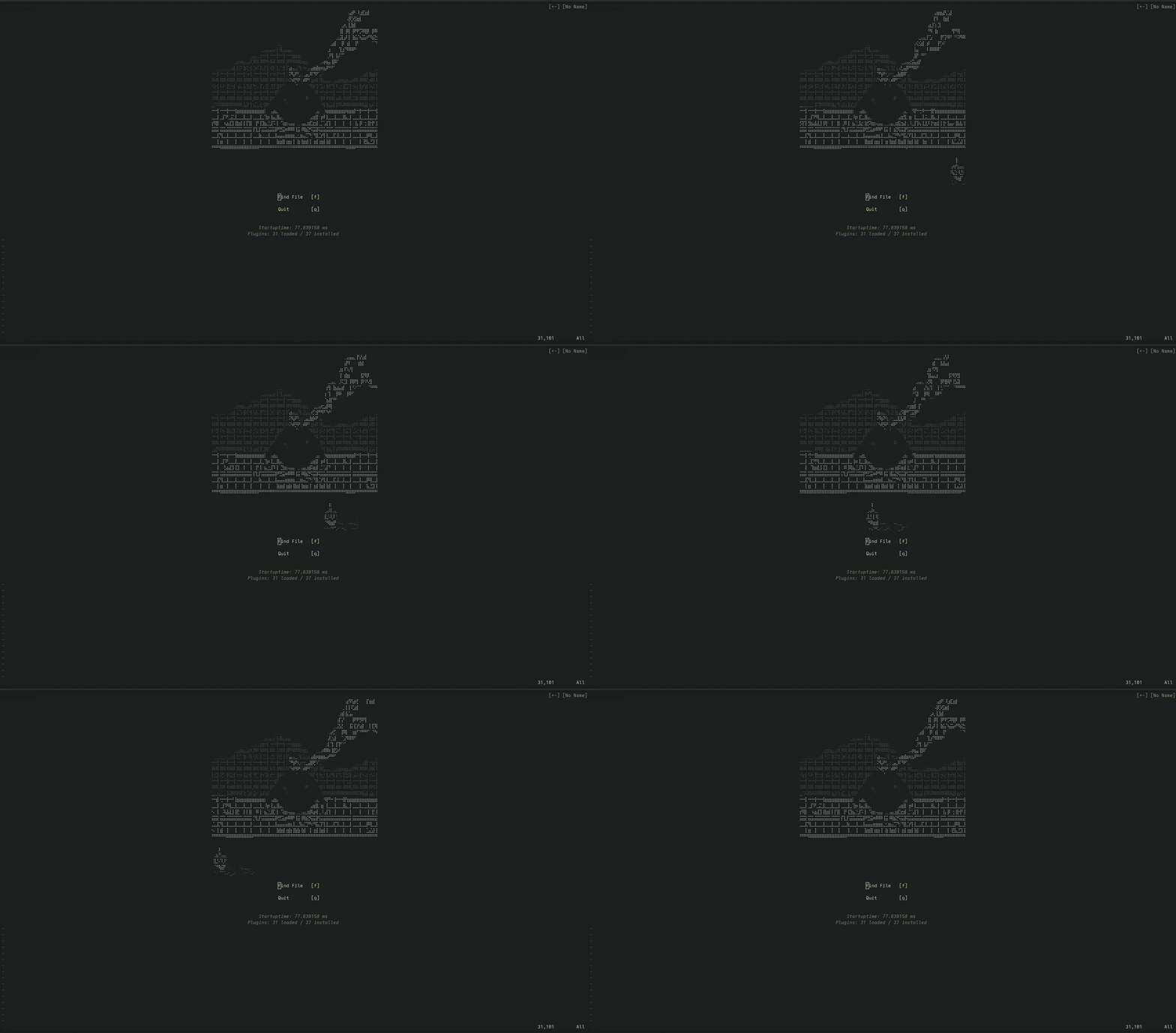
Contents
- Bundled splashes
- Install
- Quick start
- Using your own splash ← bring any image or GIF
- Dashboard integrations
- Previewing
- API
- Requirements
- License
Bundled splashes
aiface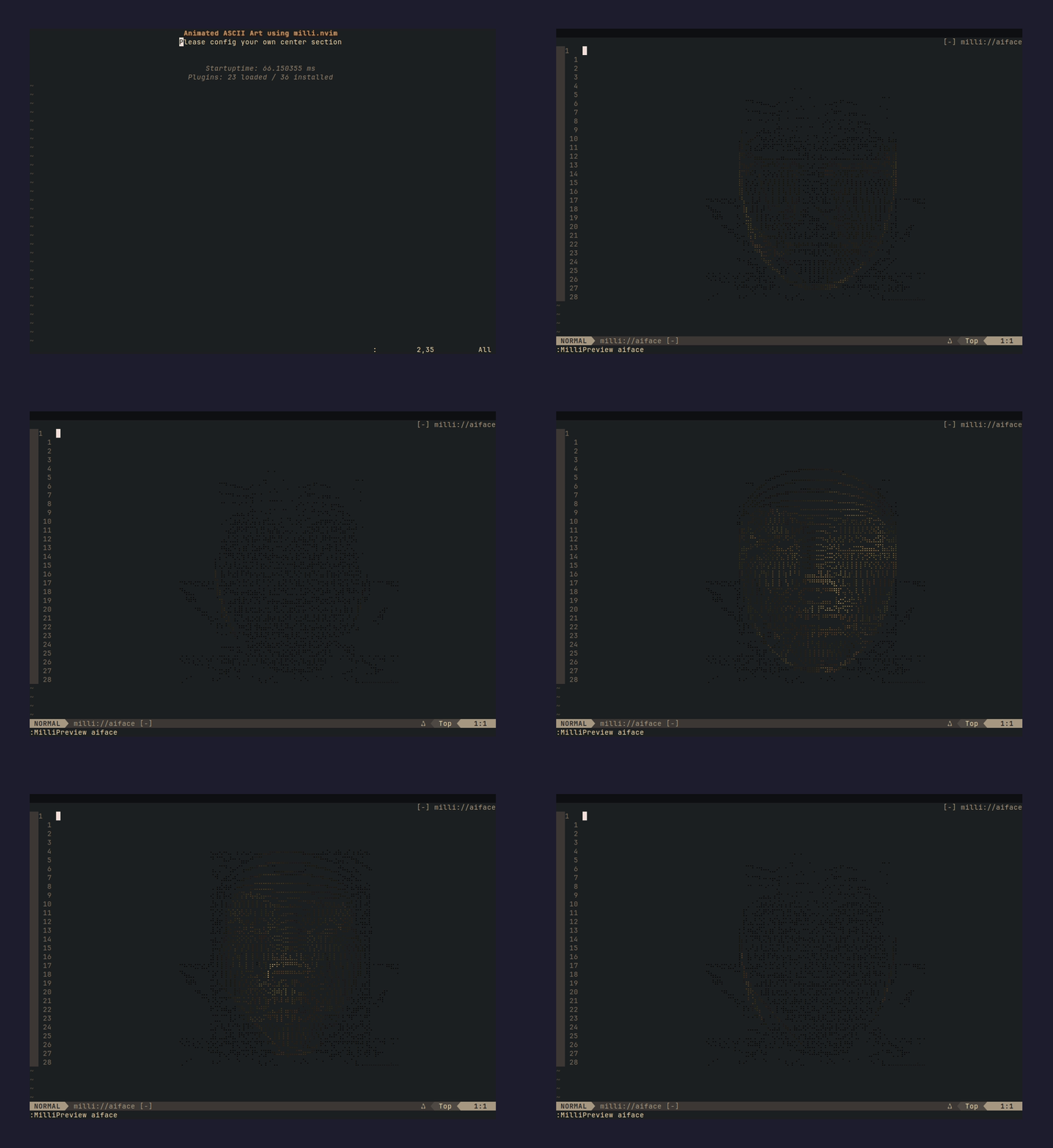 |
attackontitan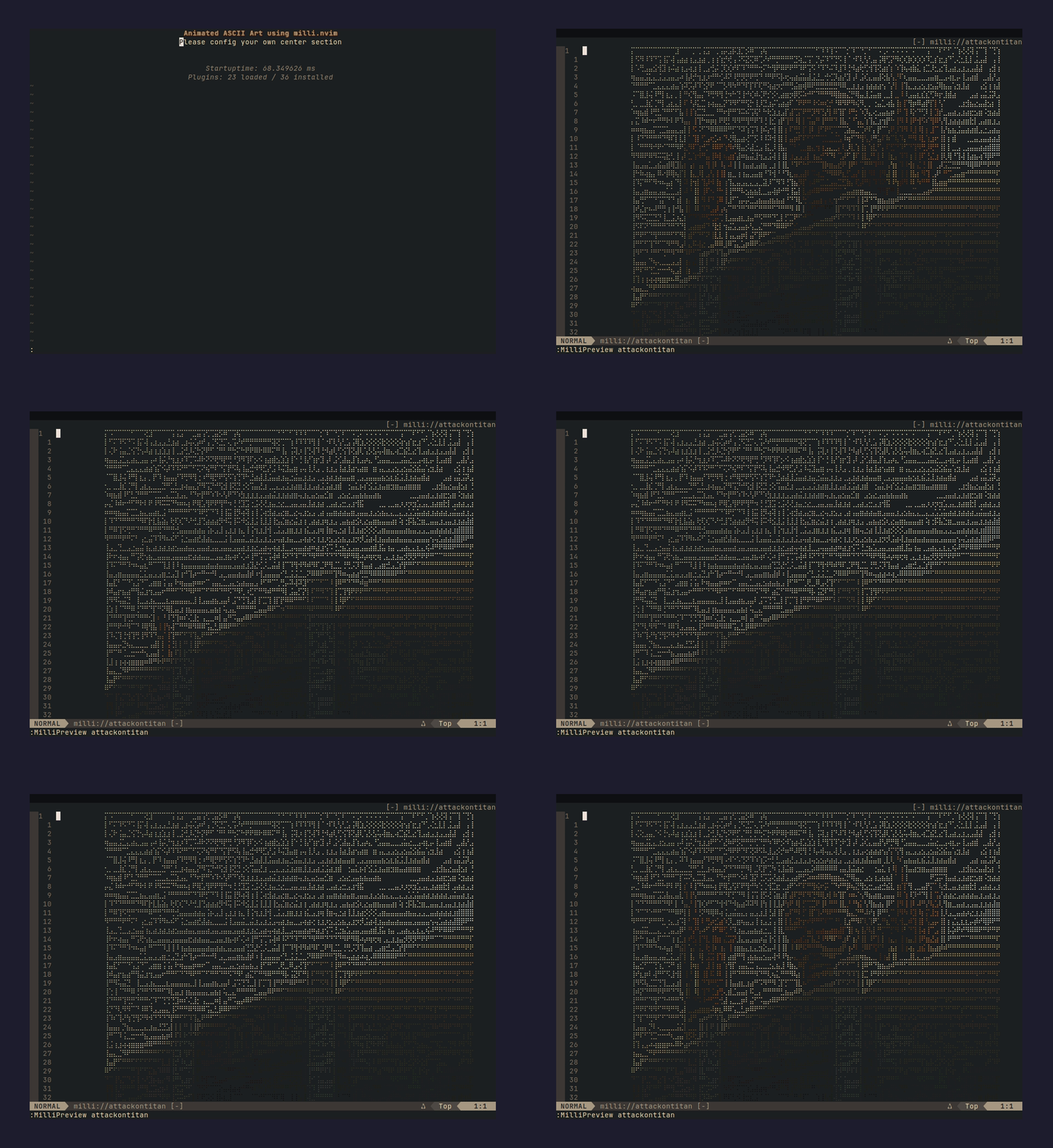 |
aurora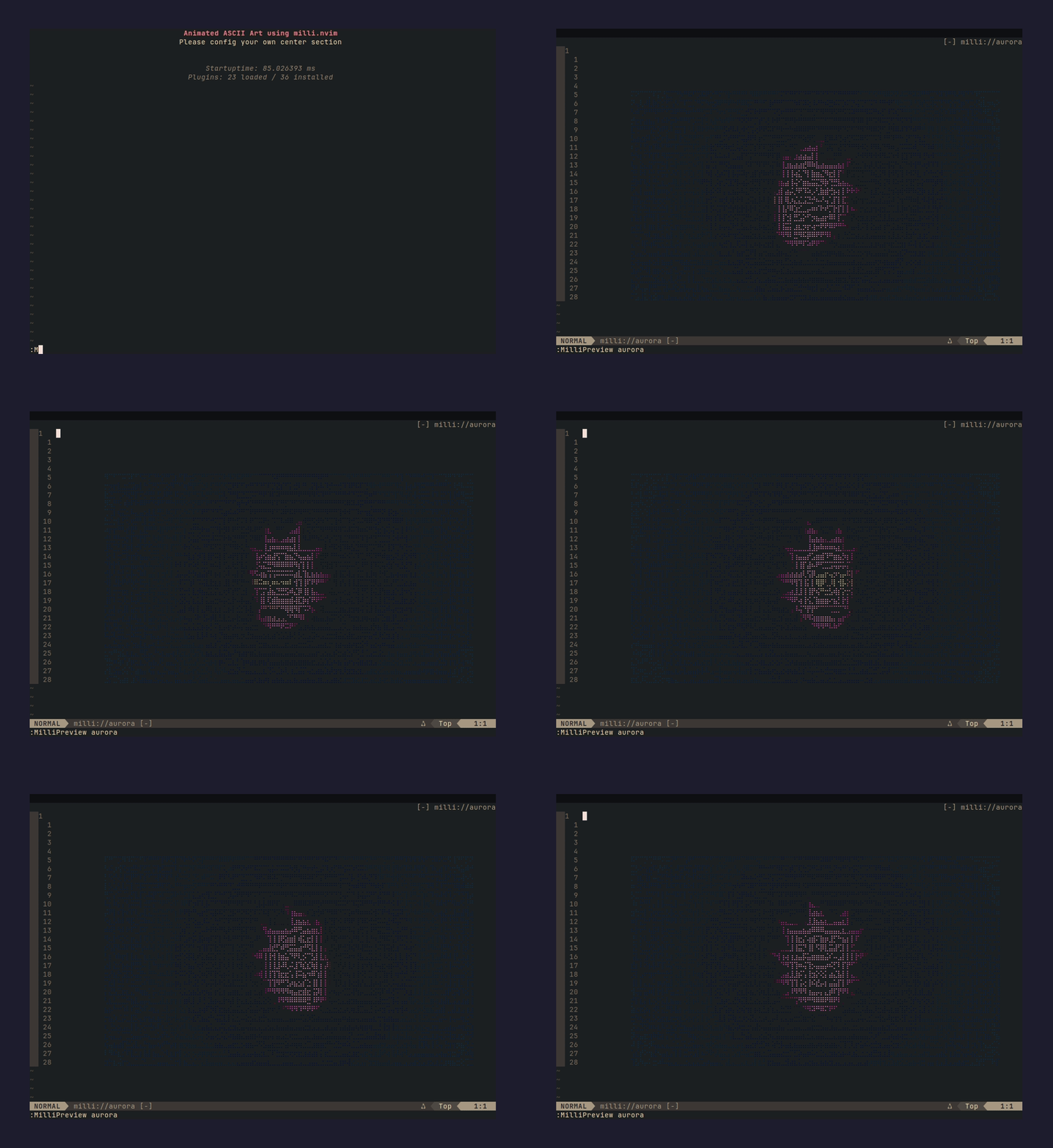 |
badge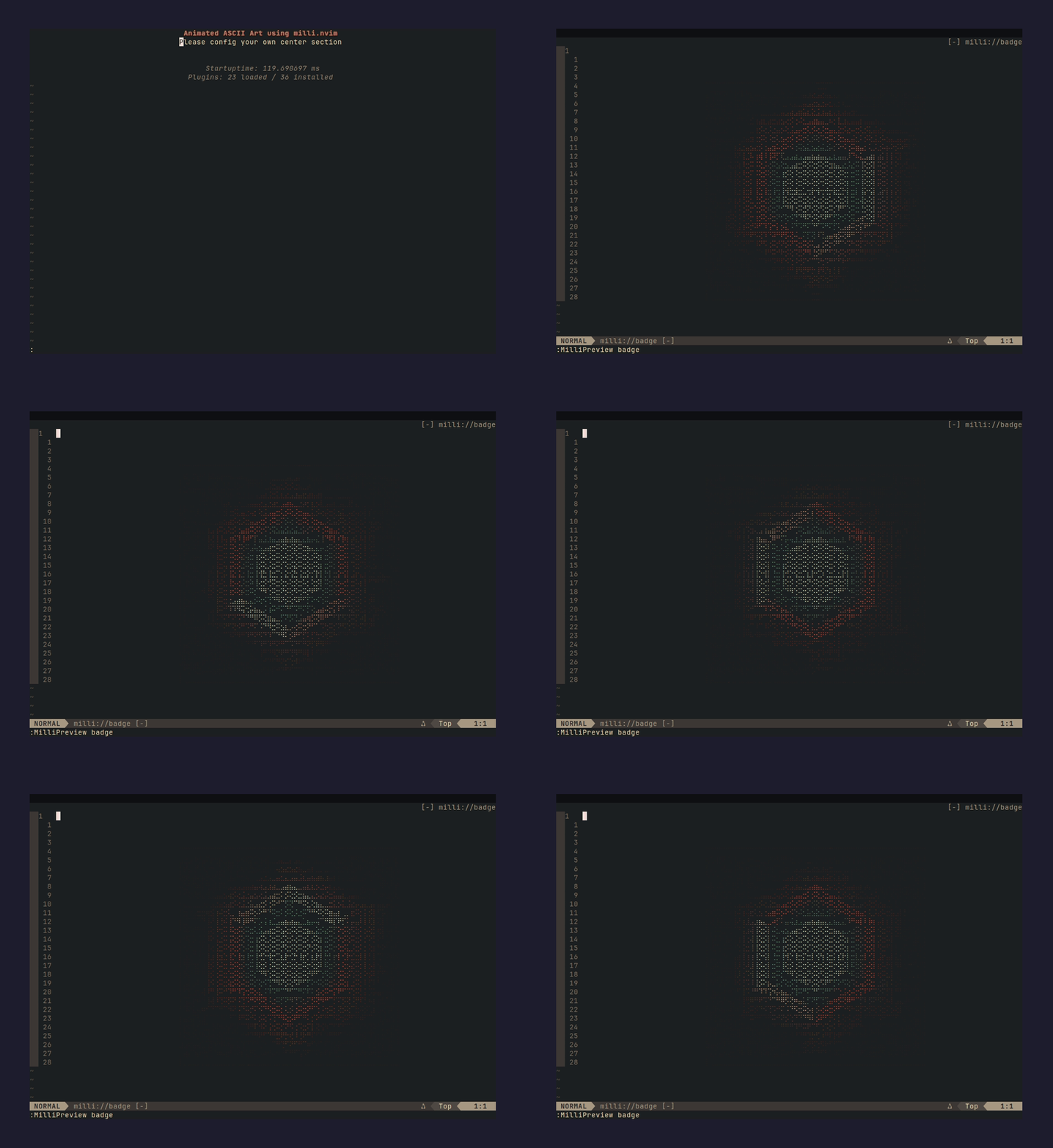 |
blackhole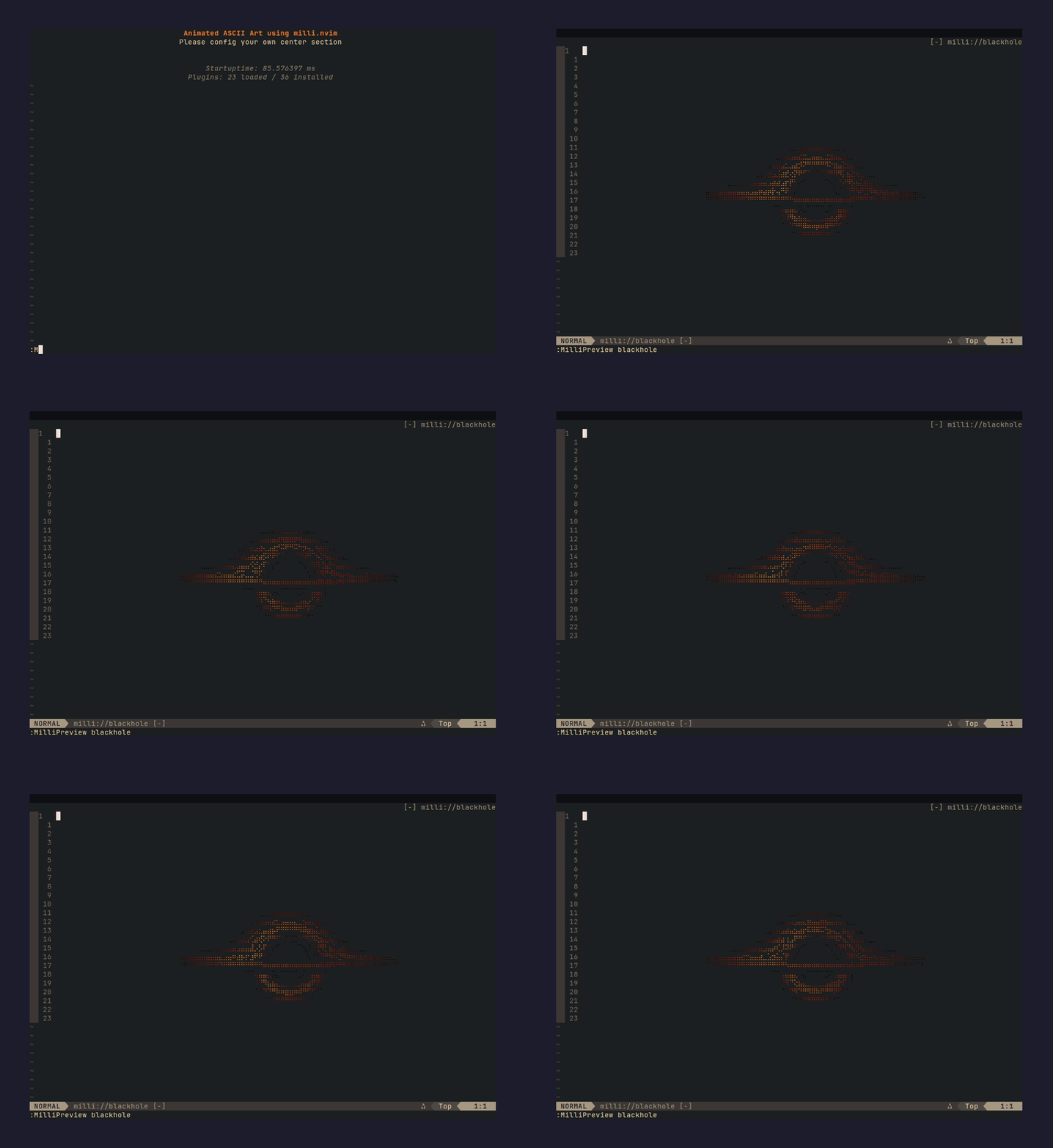 |
cactus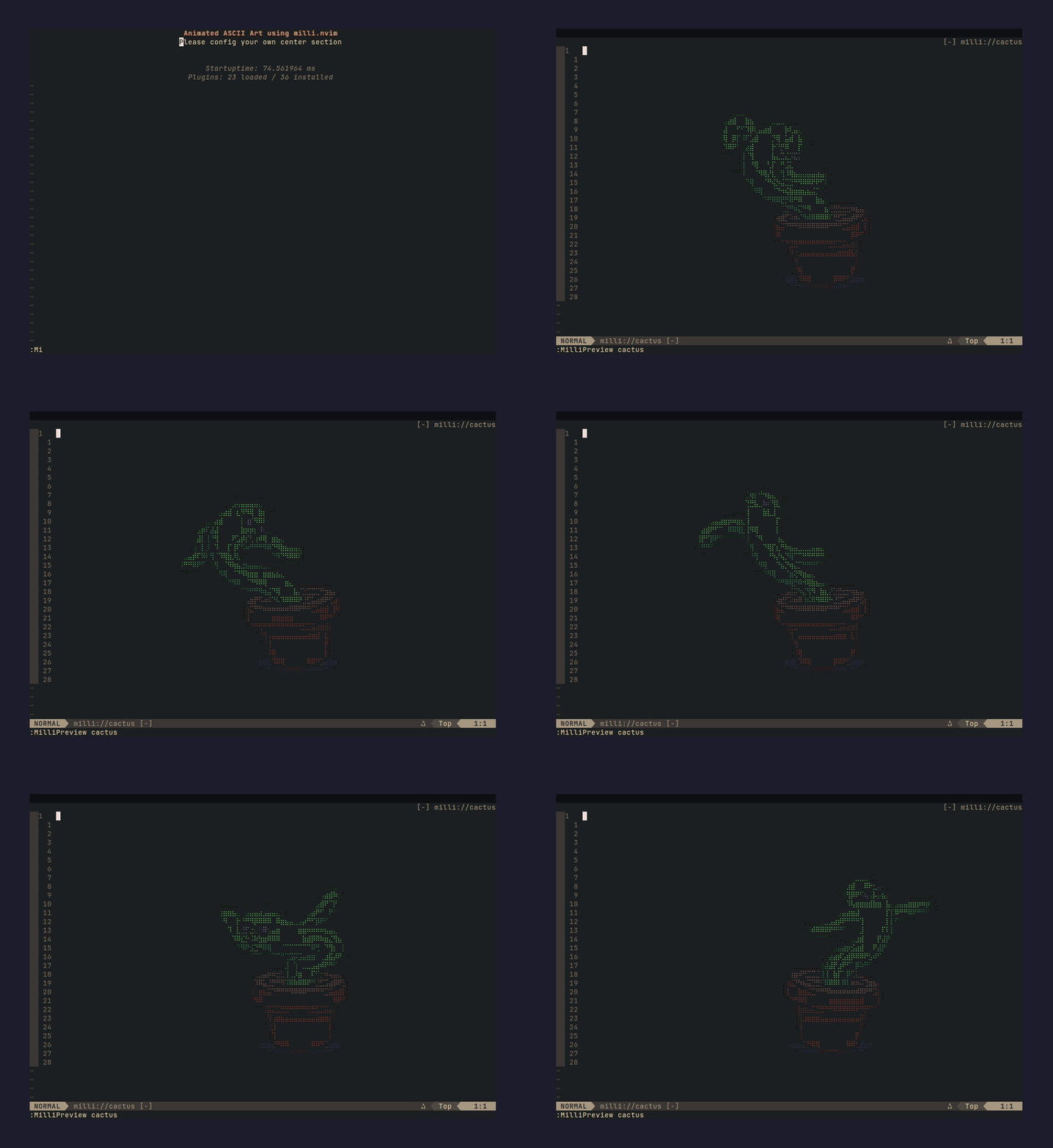 |
catwoman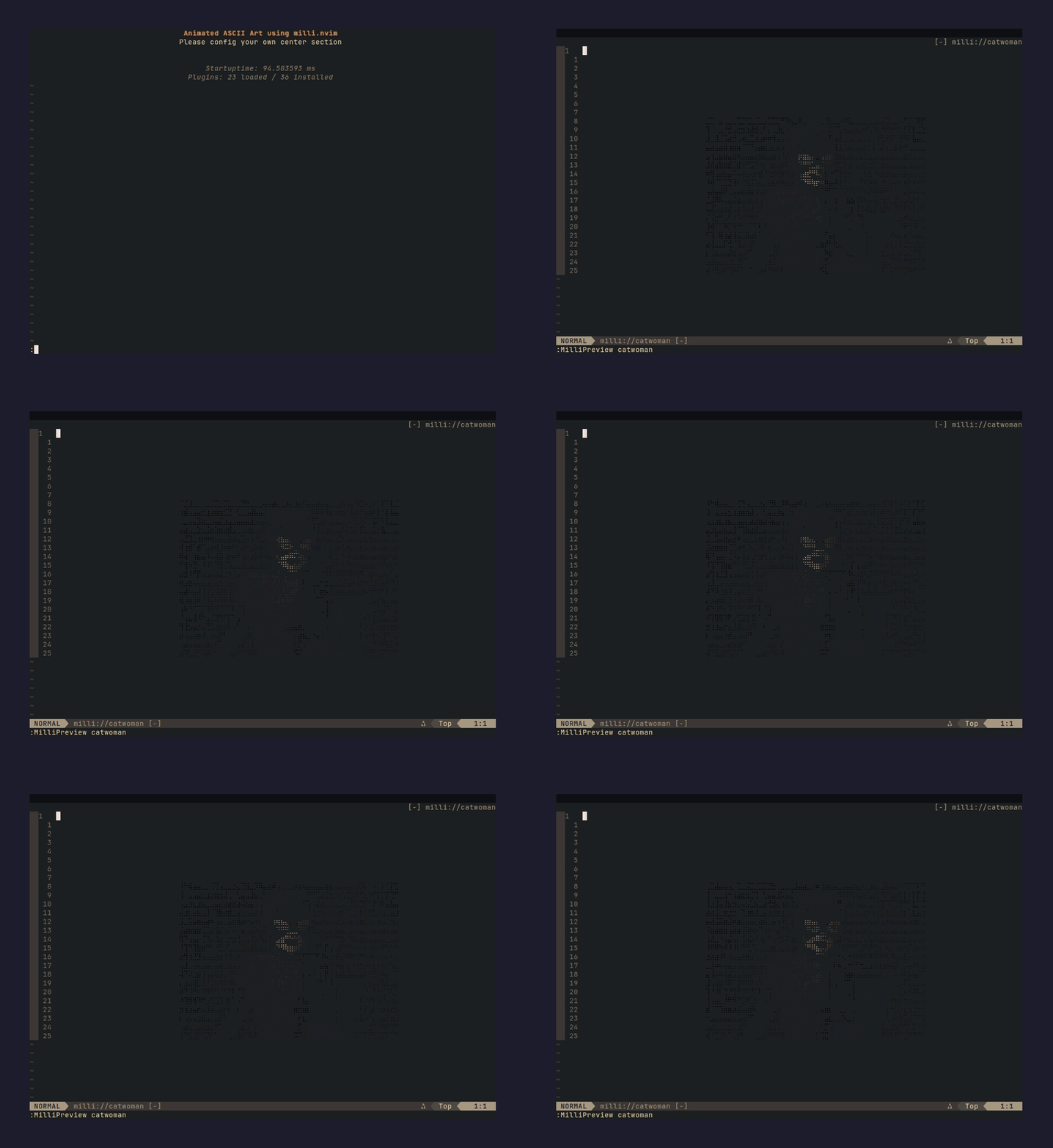 |
chrome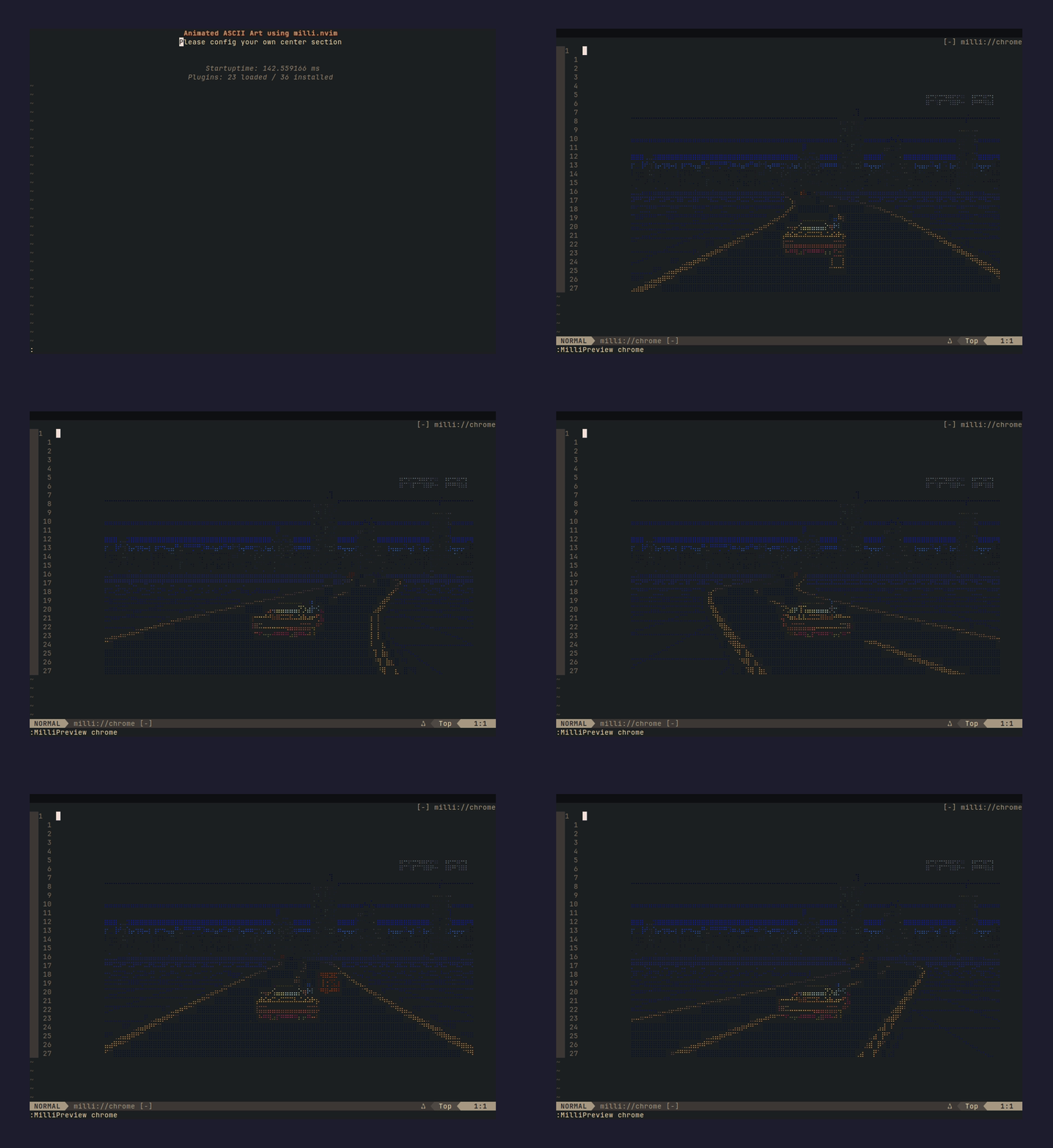 |
dancer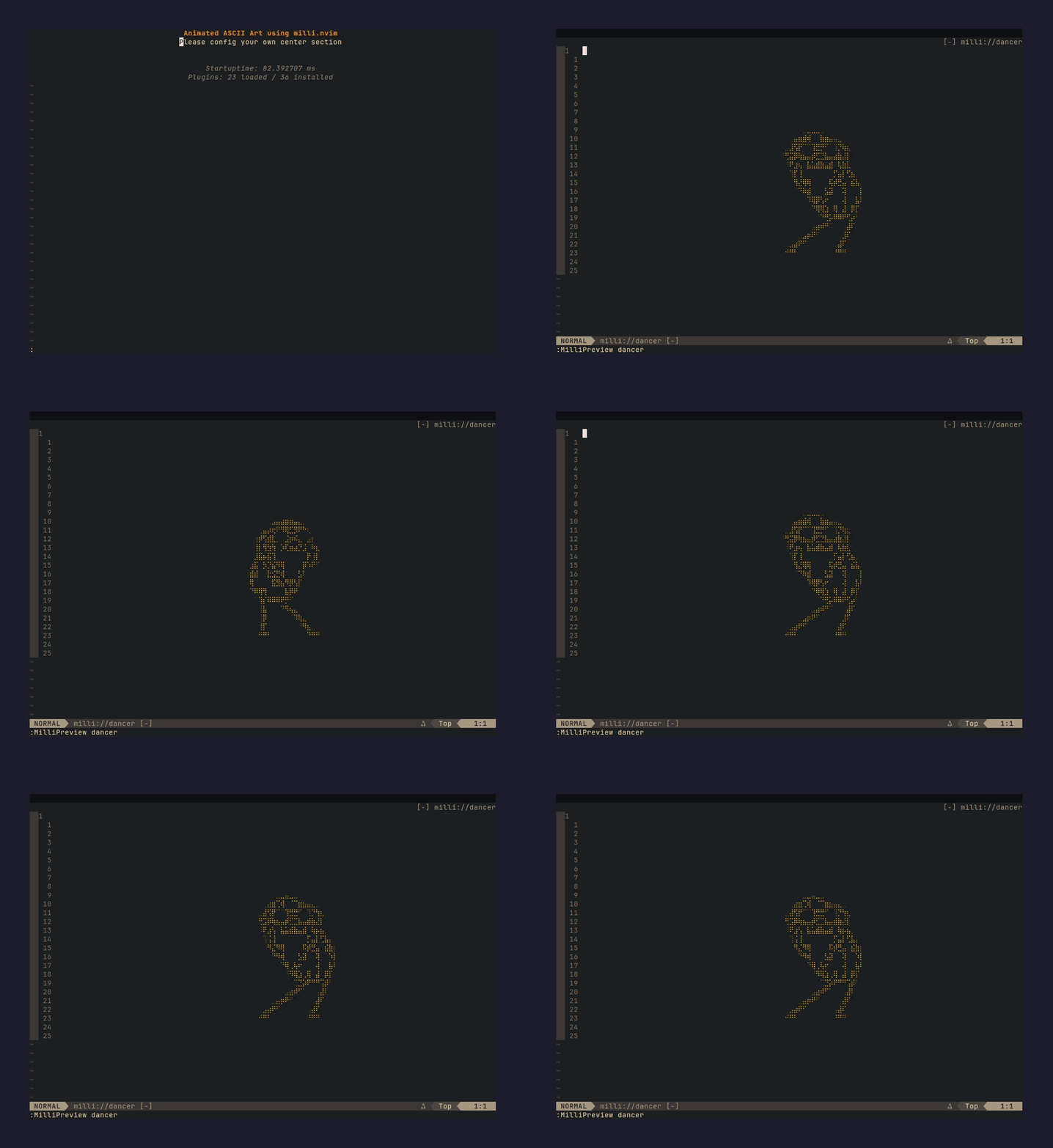 |
dancerramp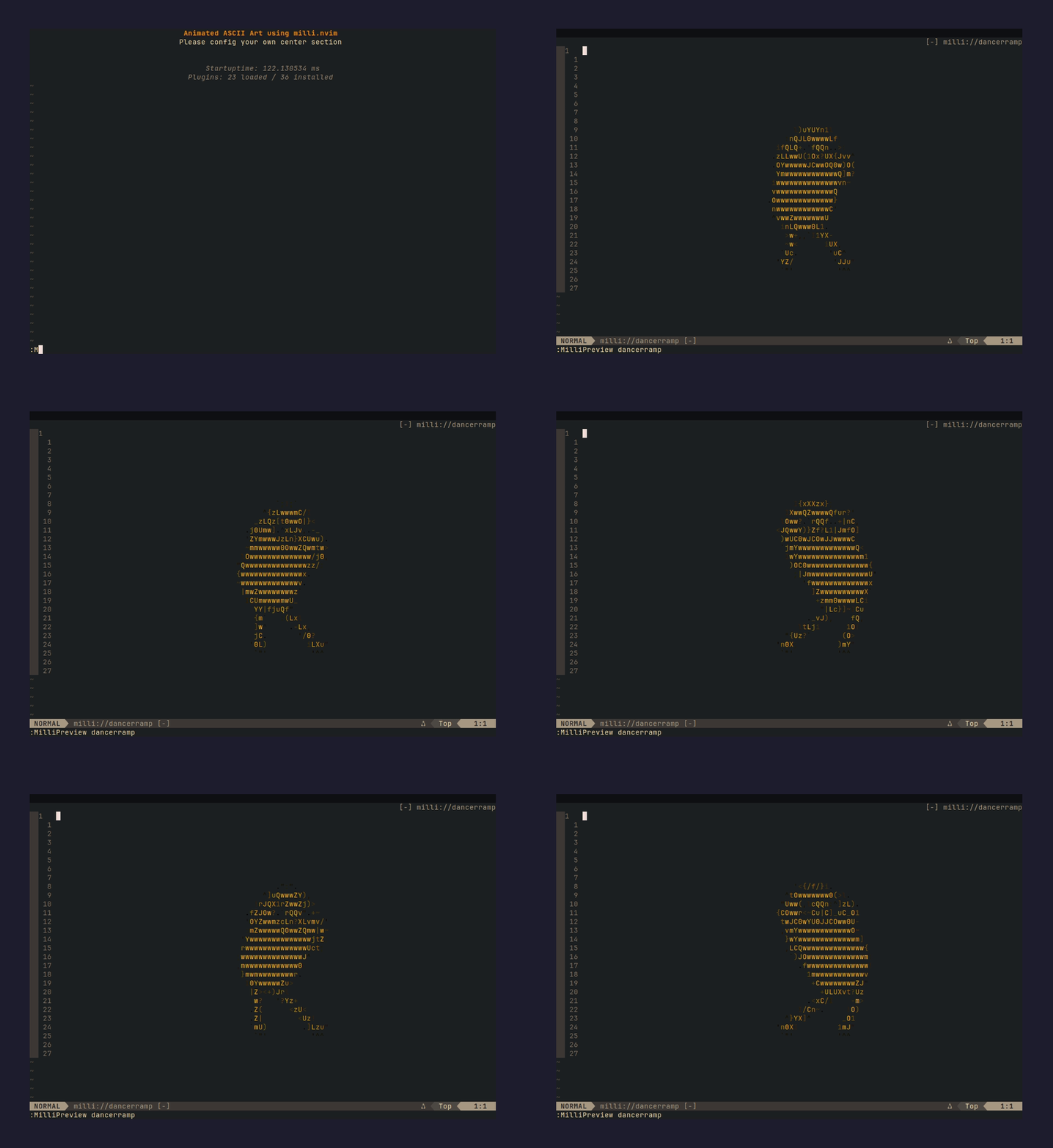 |
finger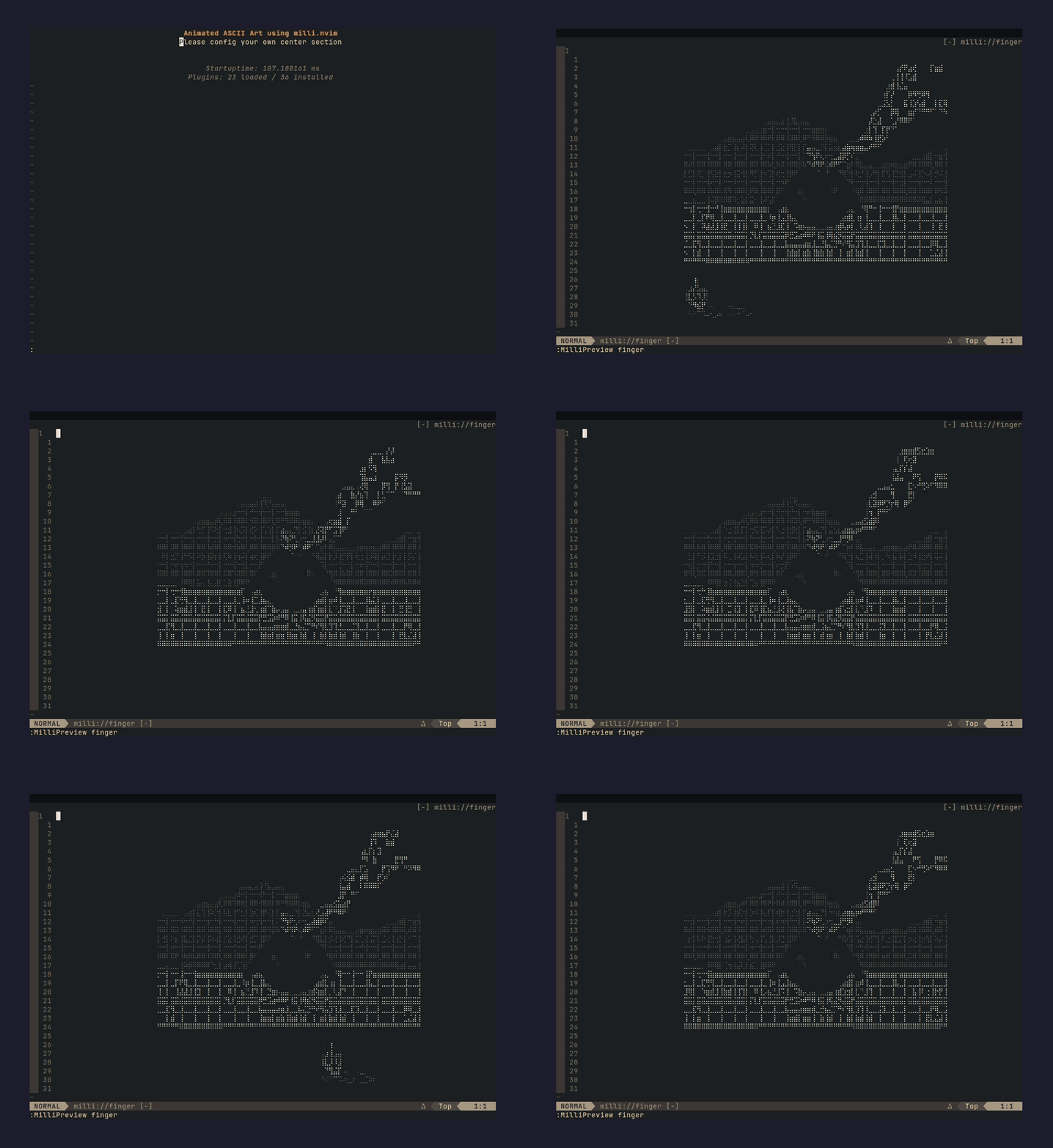 |
fire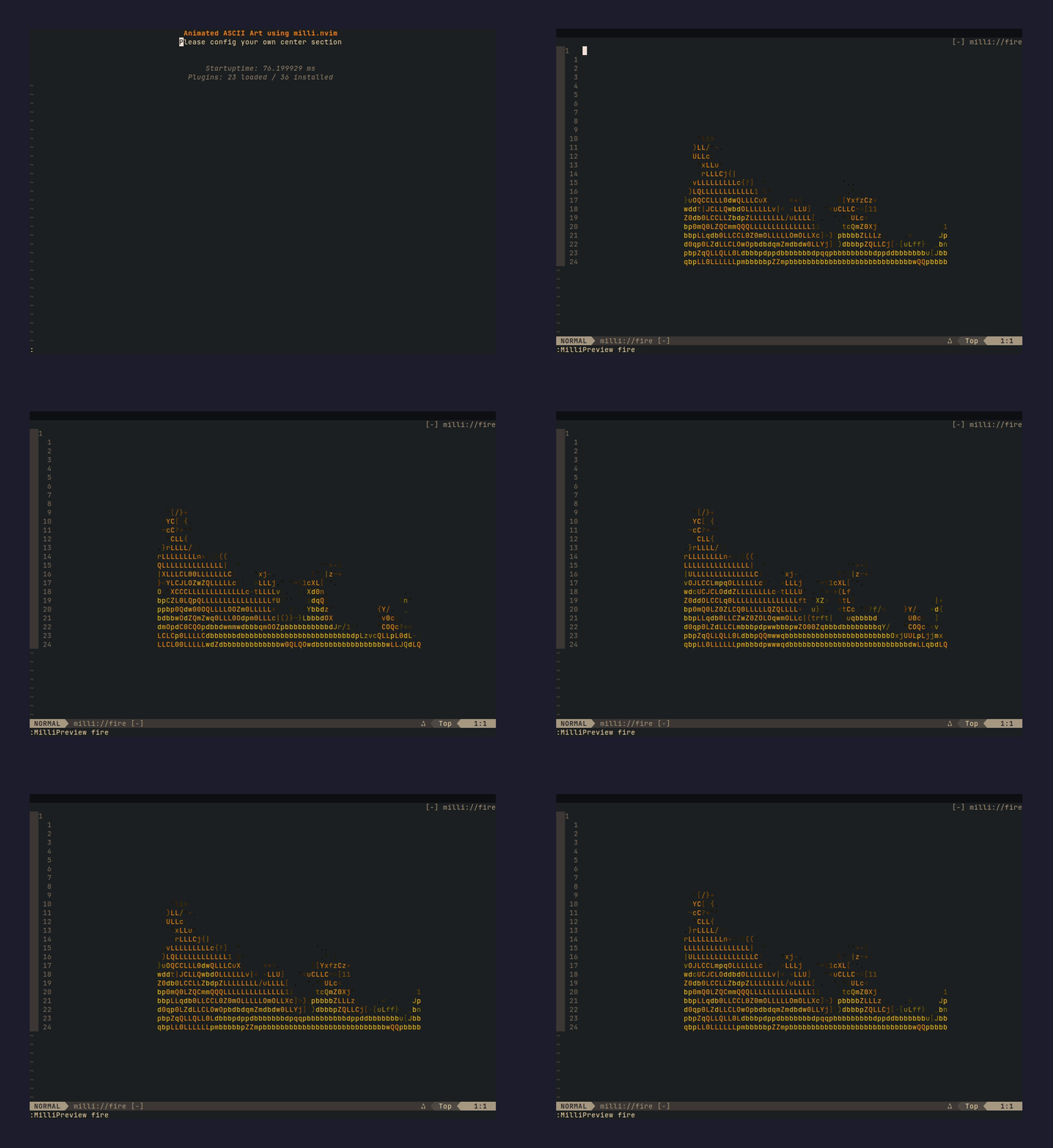 |
flyingcat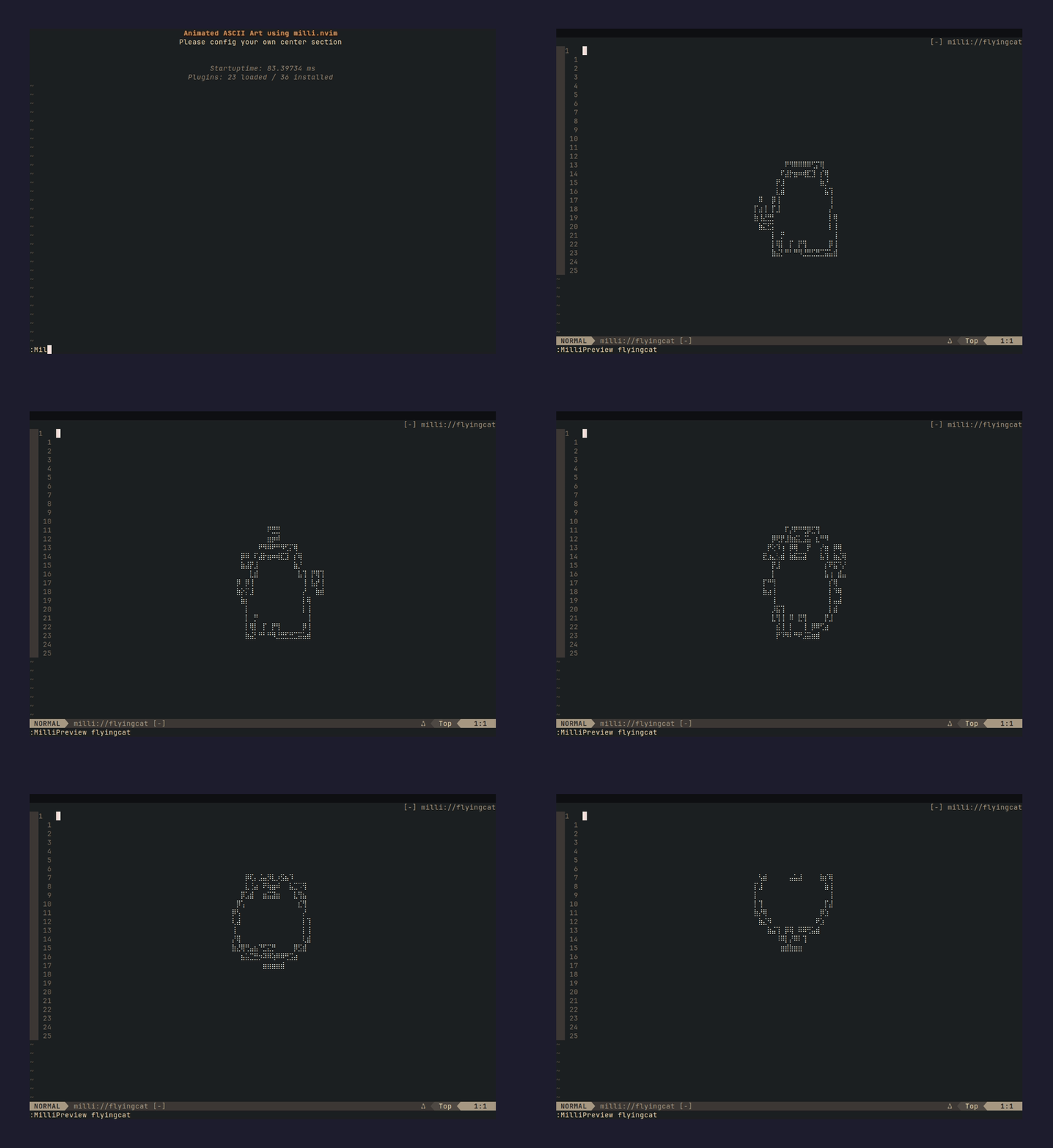 |
flyingdragon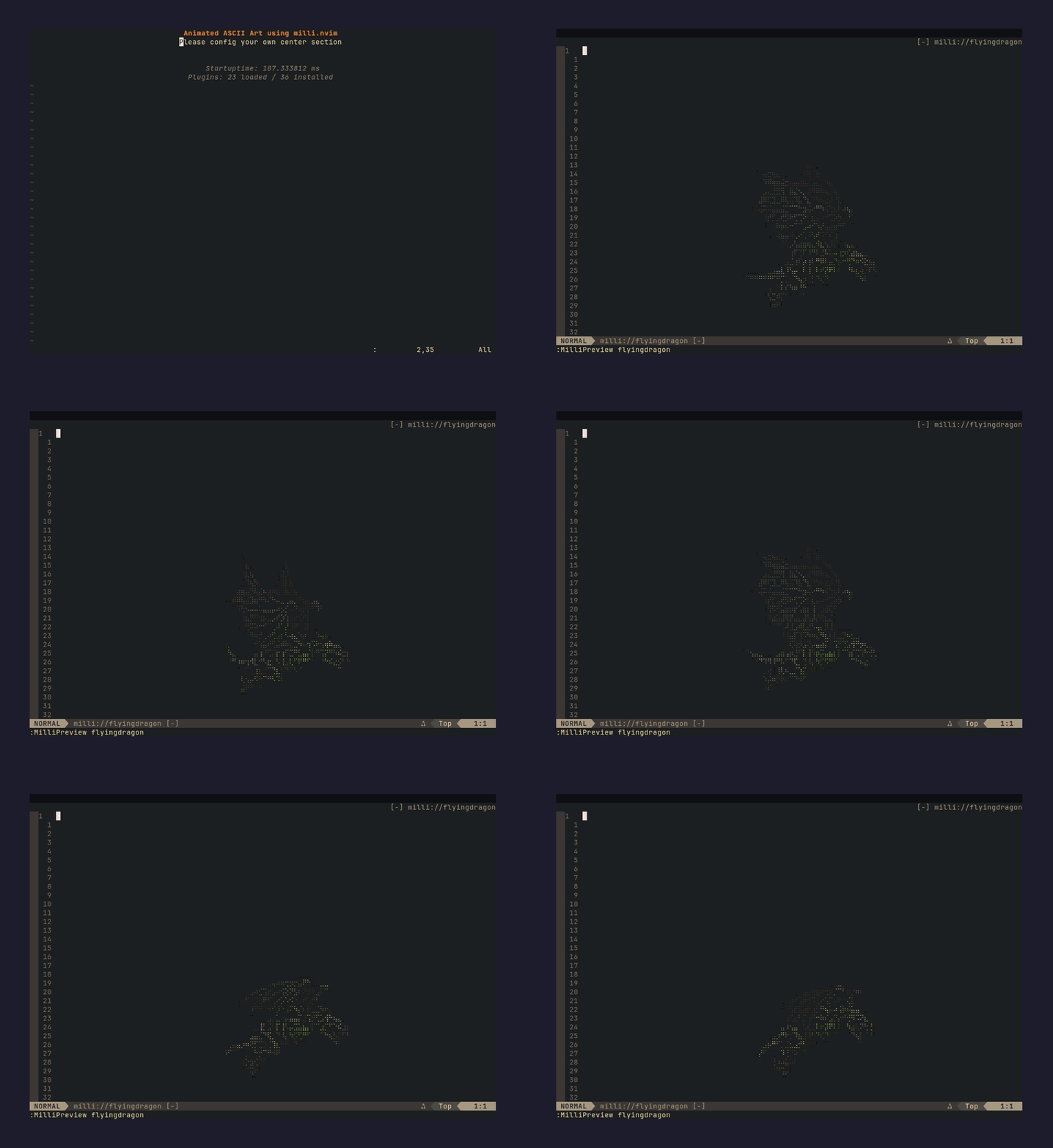 |
ididnot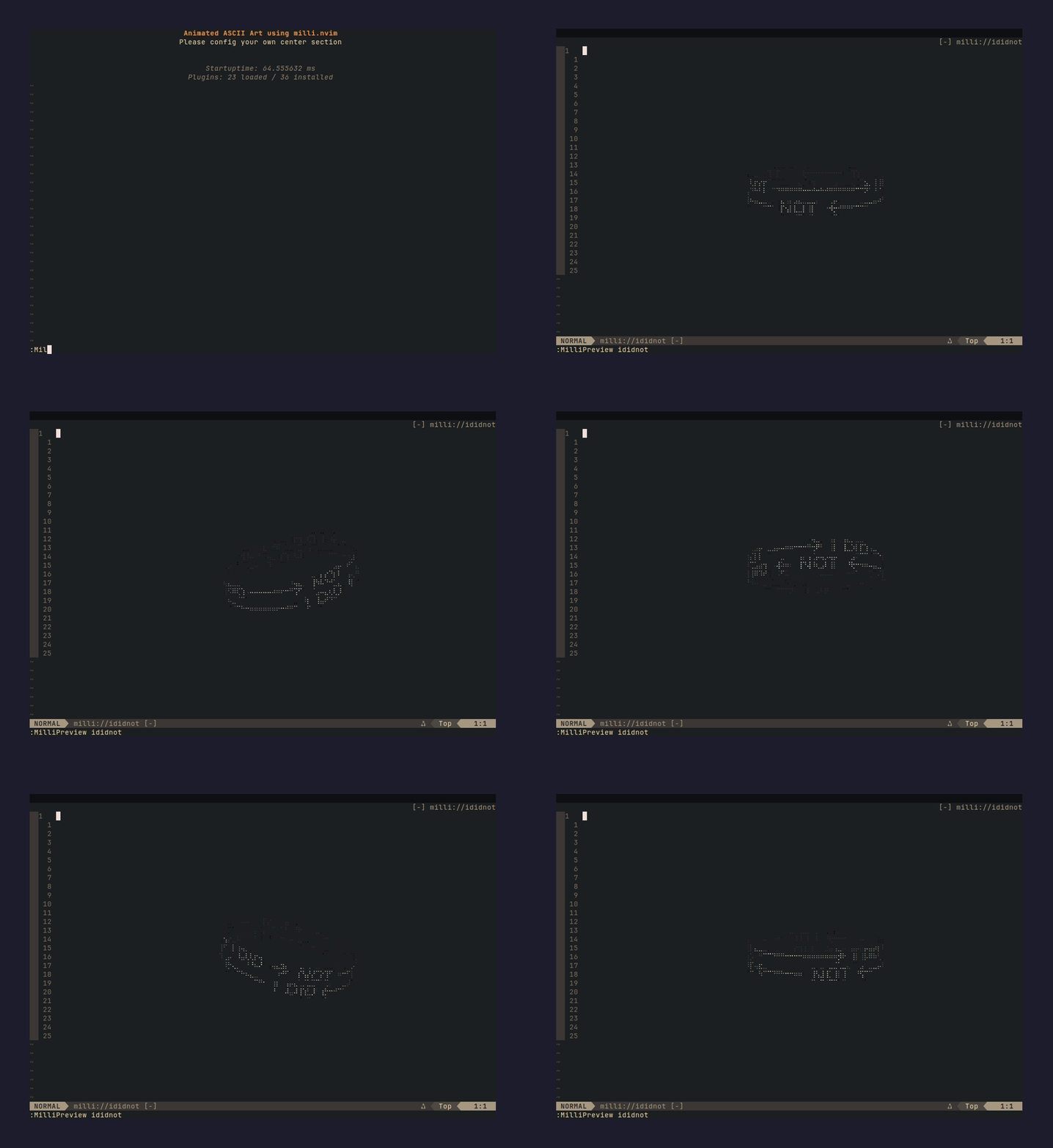 |
lighningtornado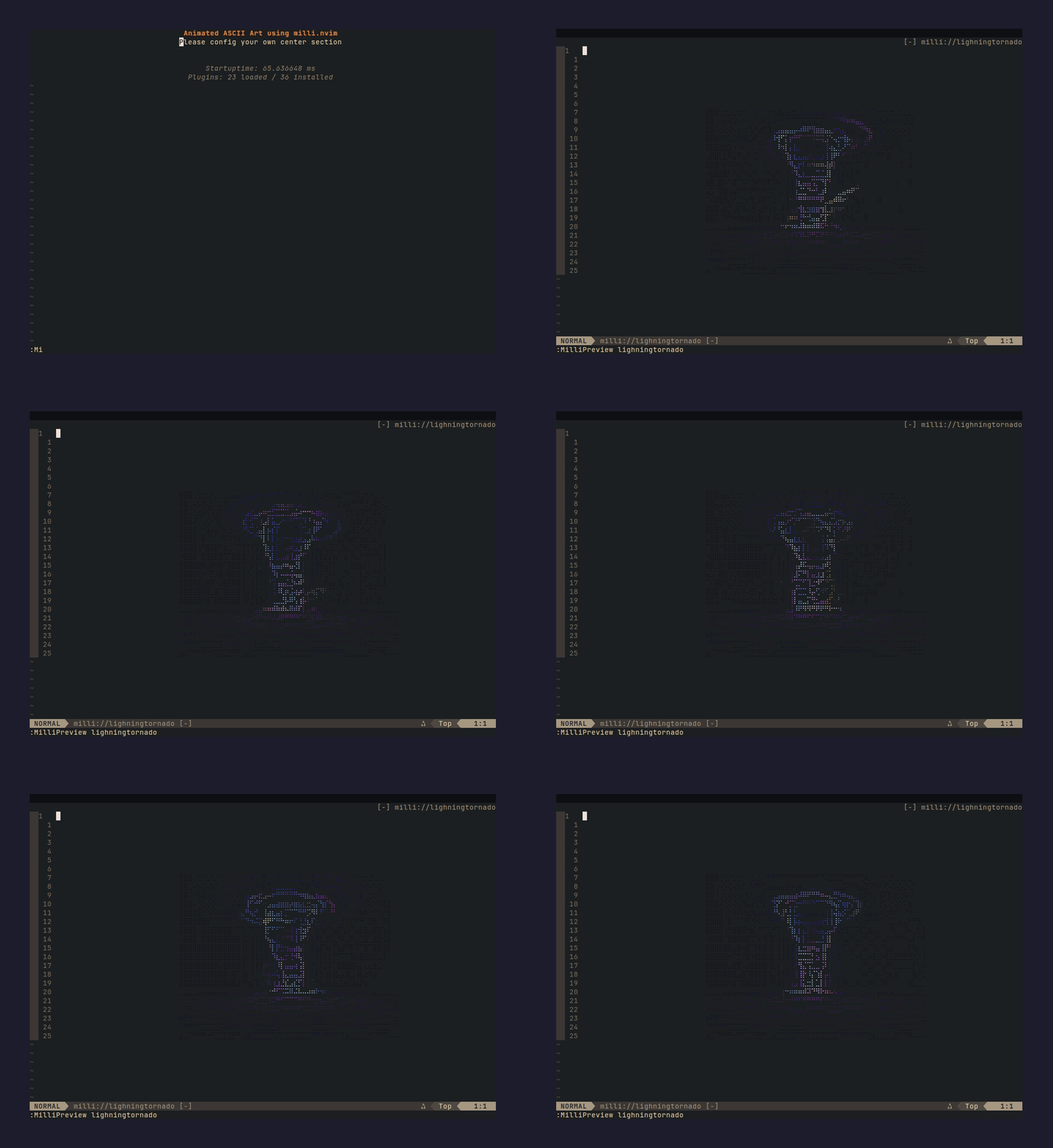 |
lights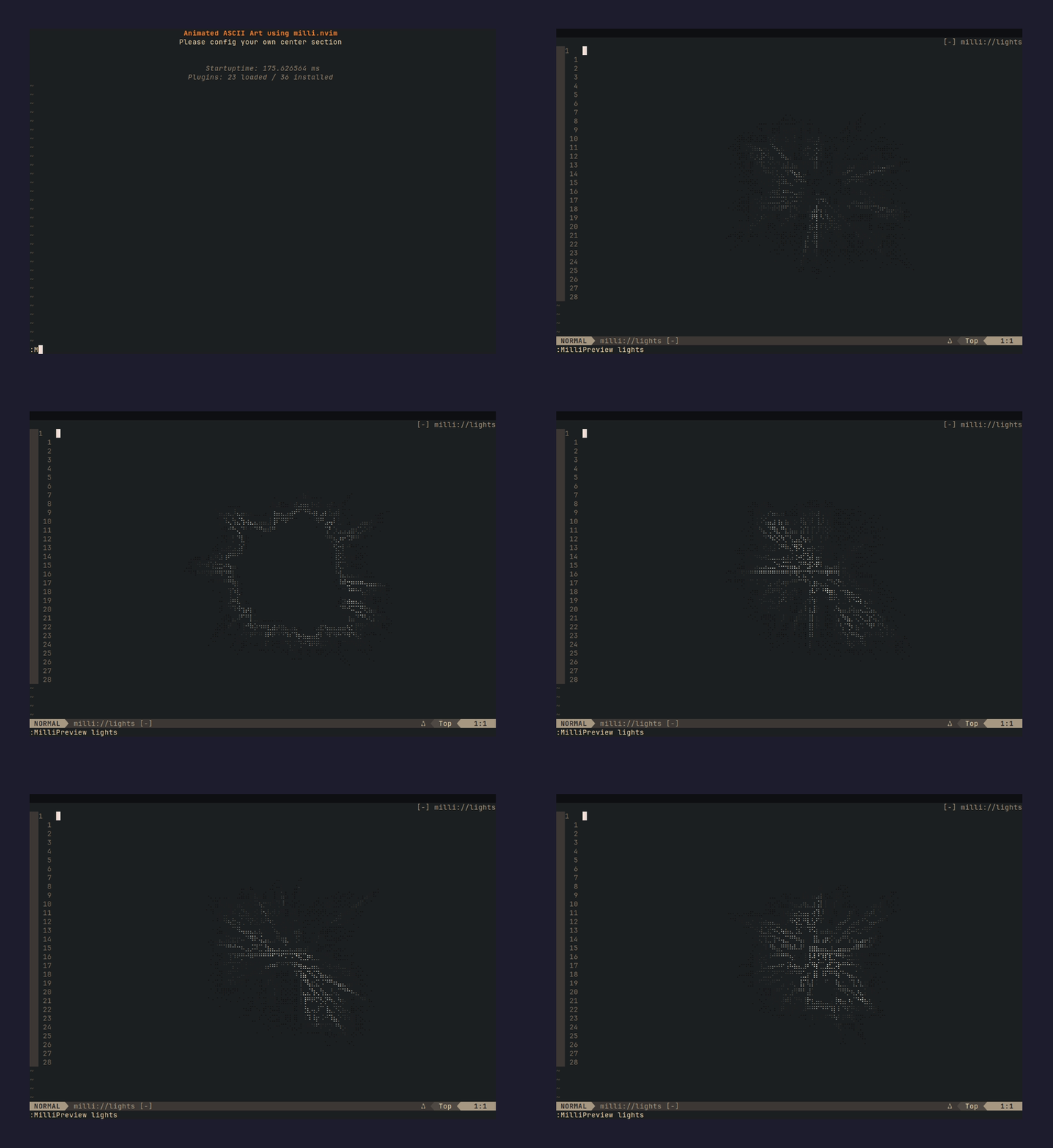 |
retrocircle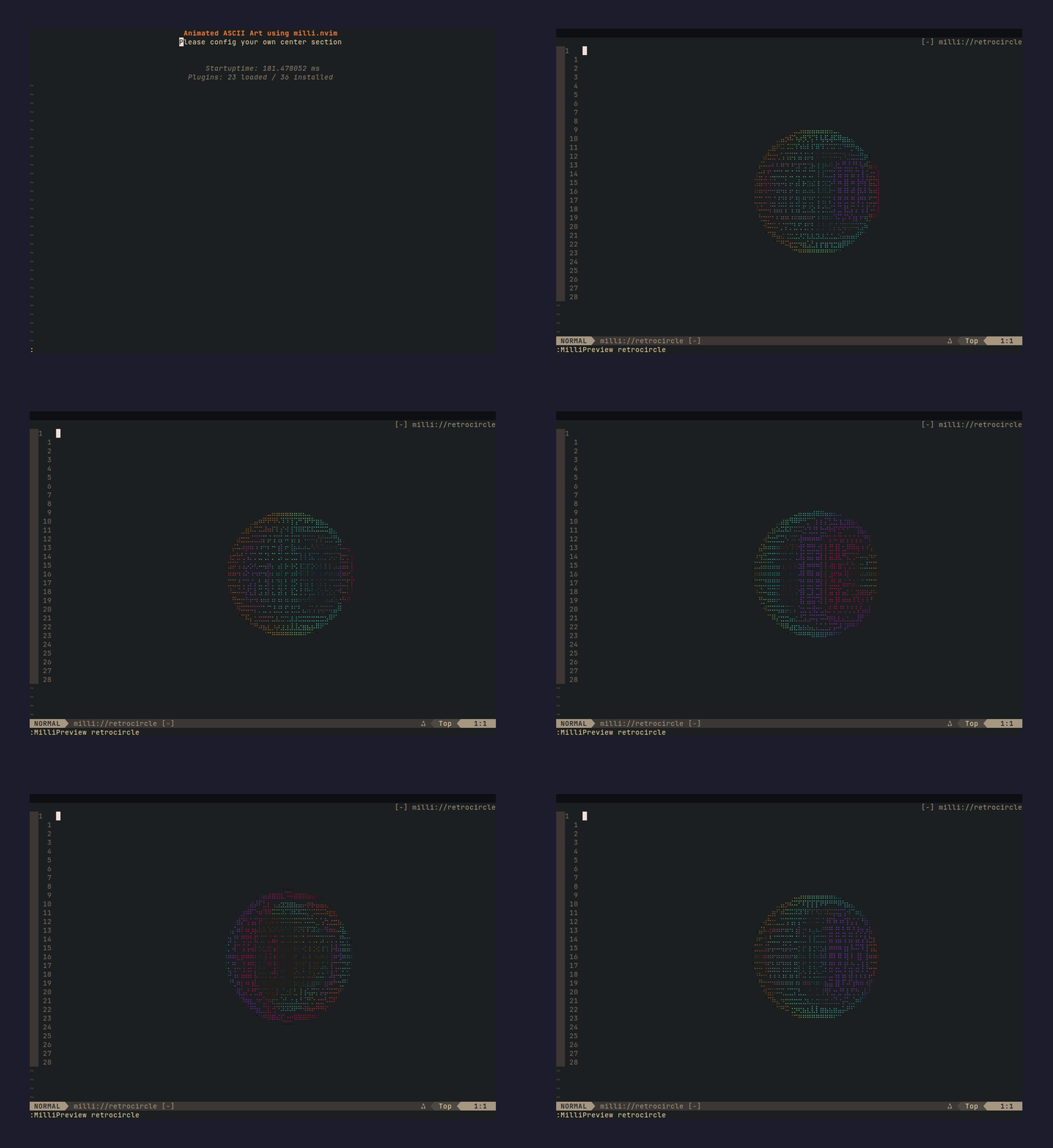 |
robot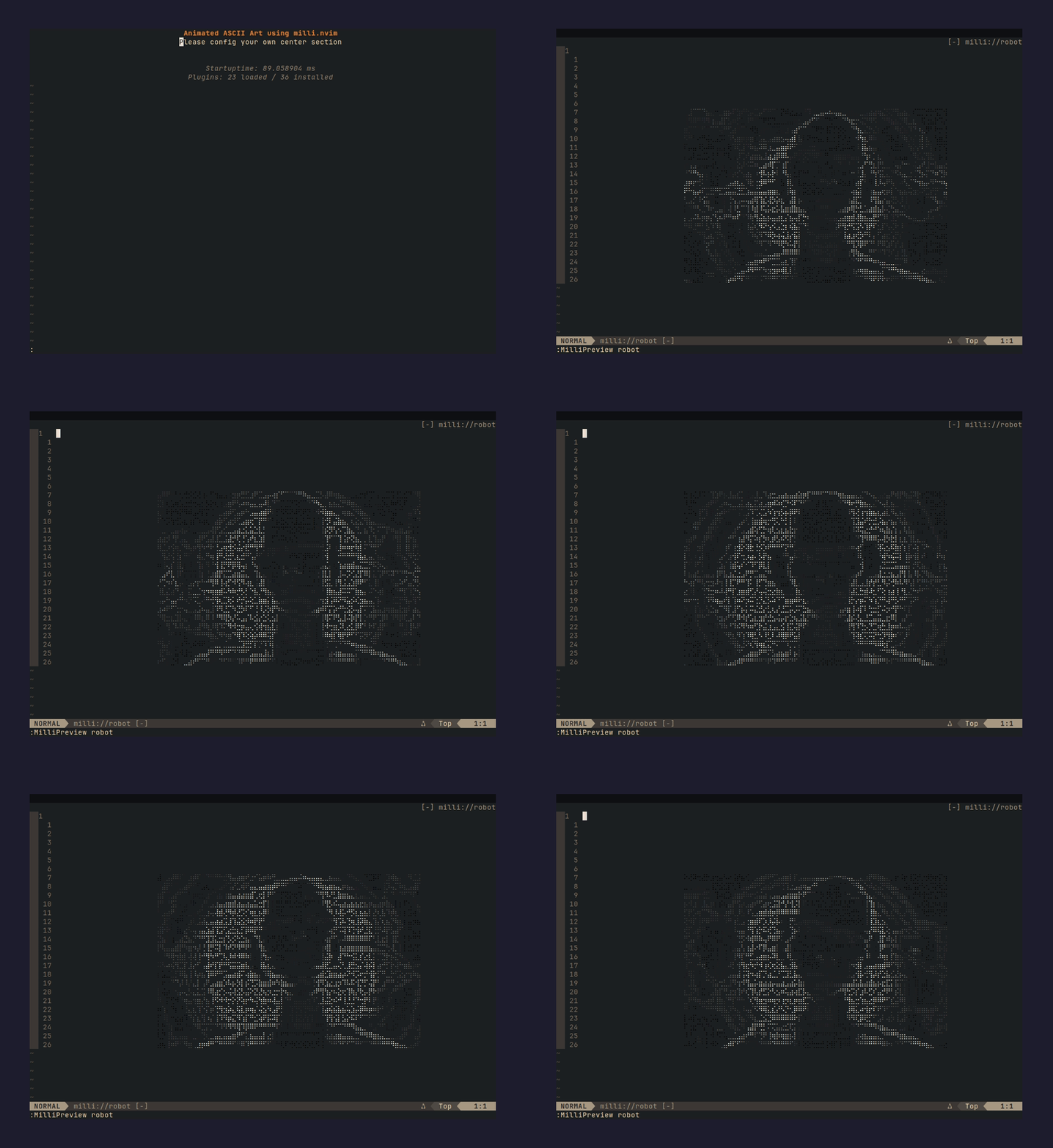 |
shader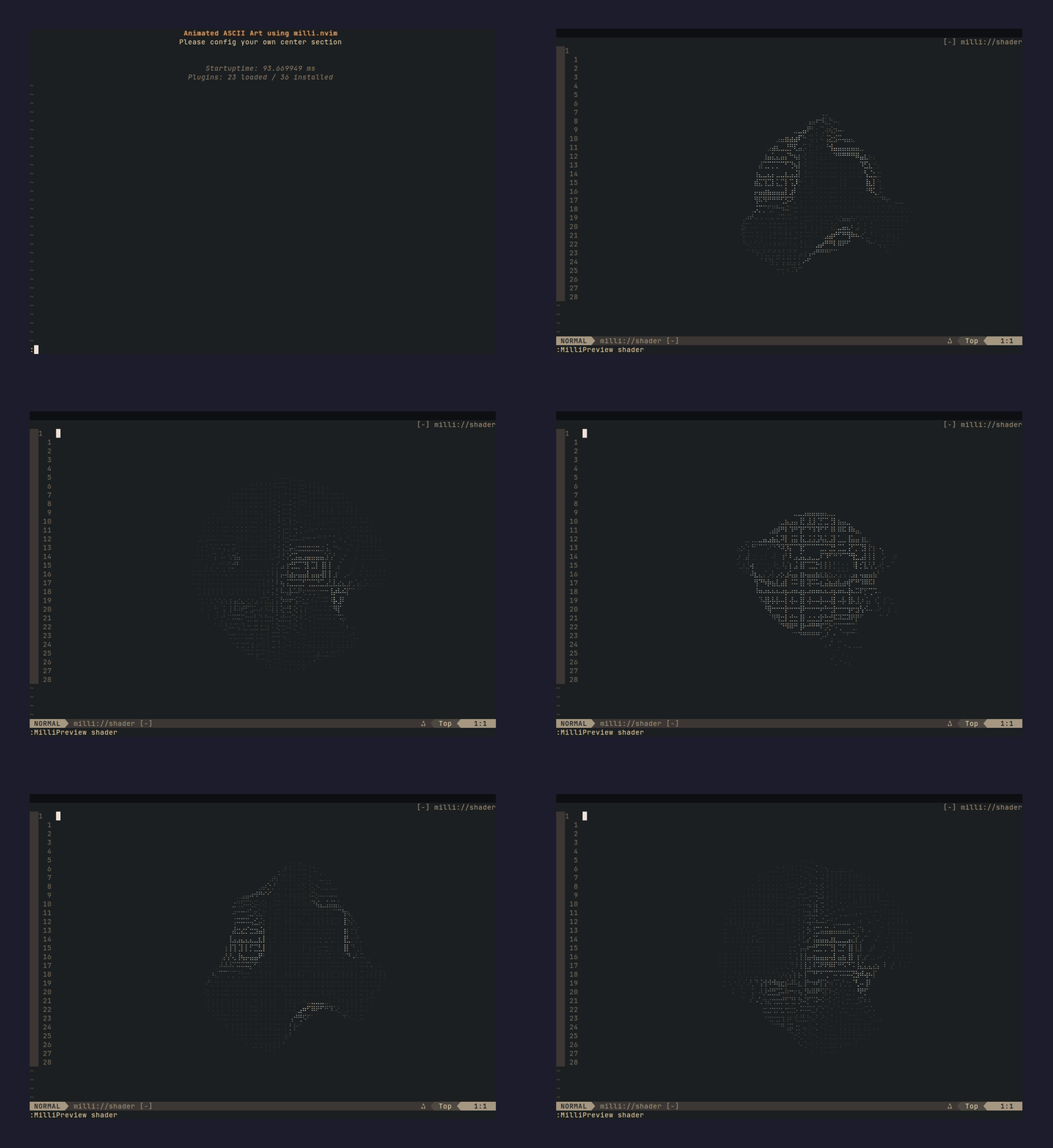 |
shadertwo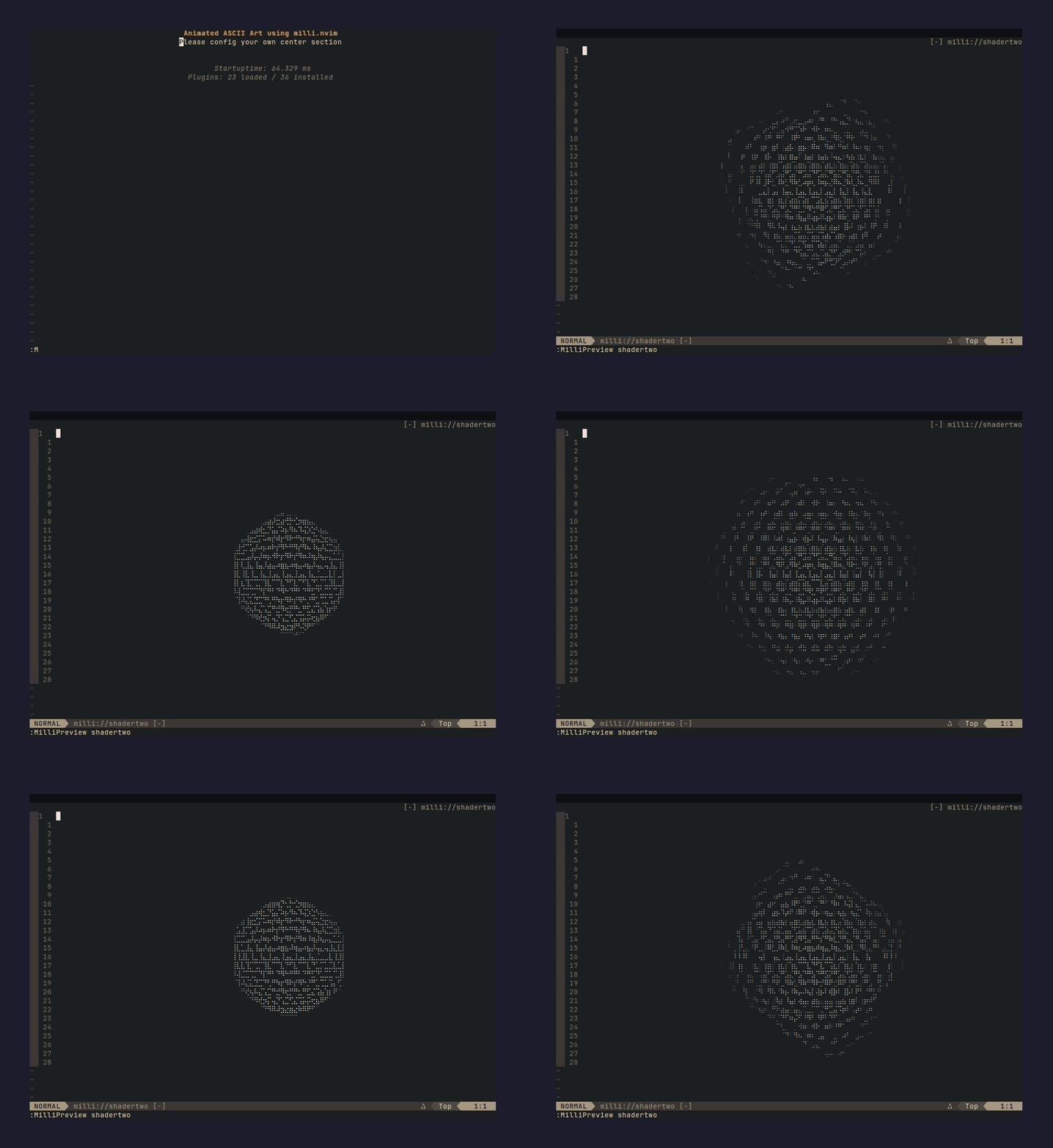 |
skeleton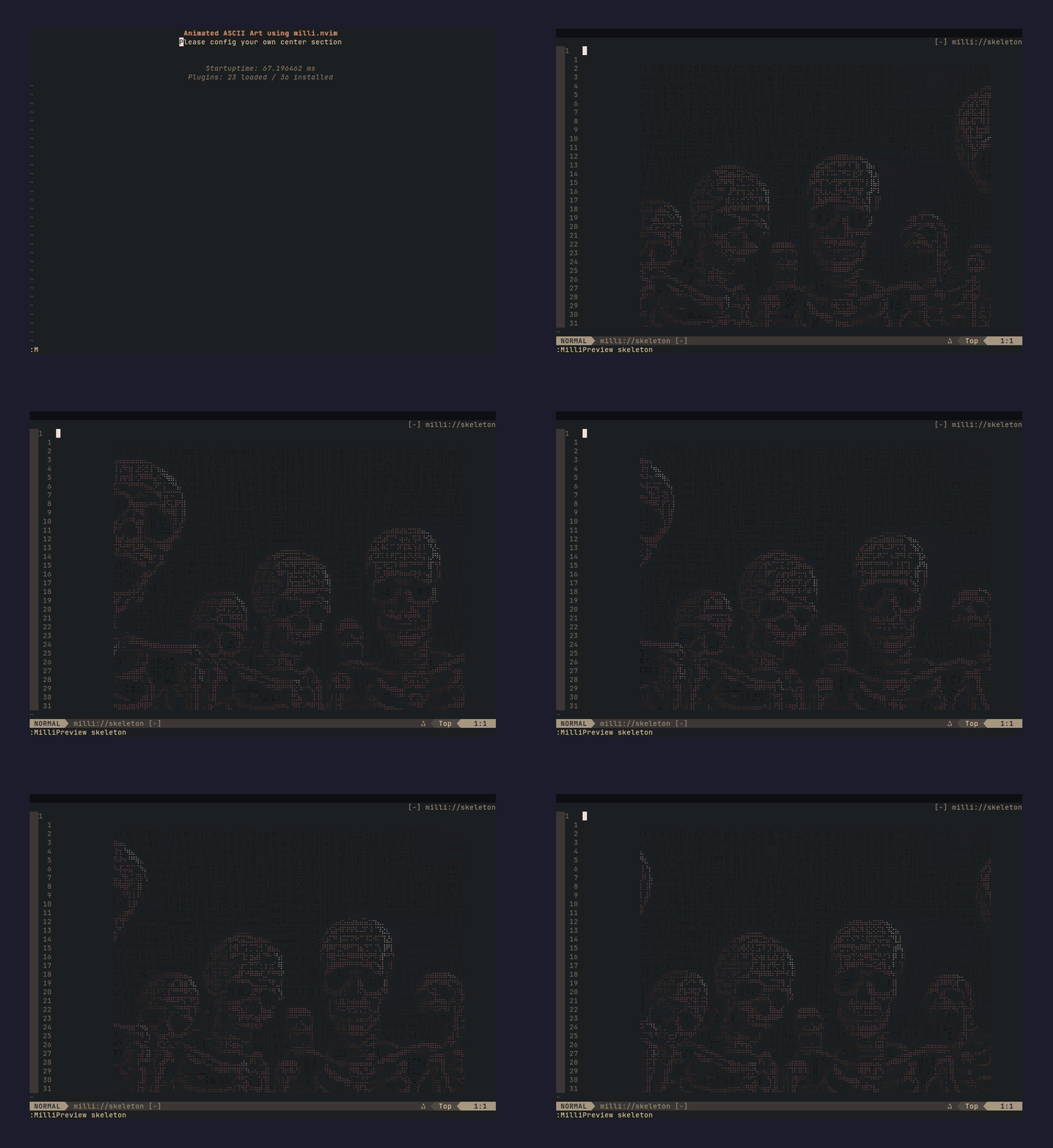 |
skullone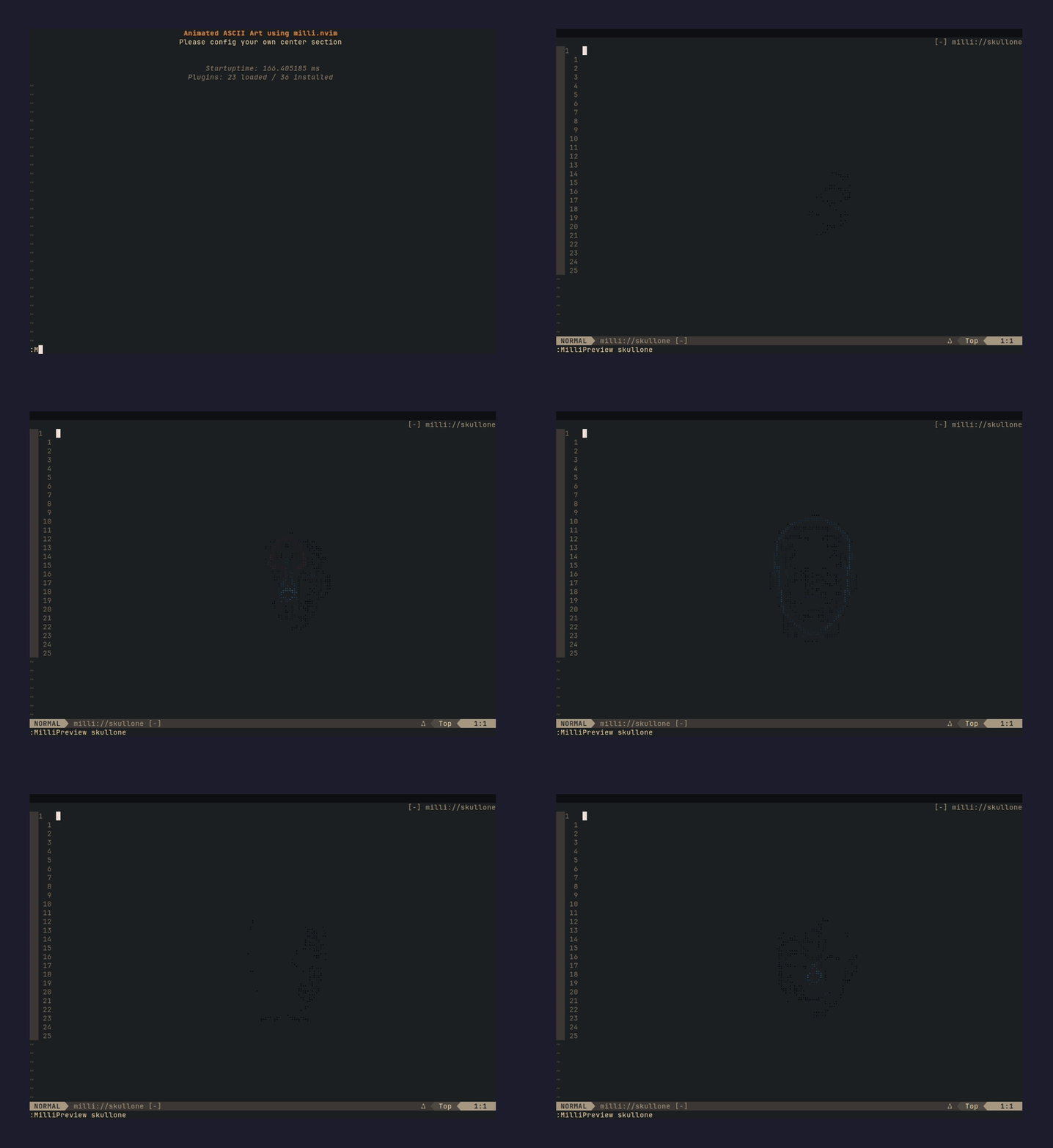 |
skullthree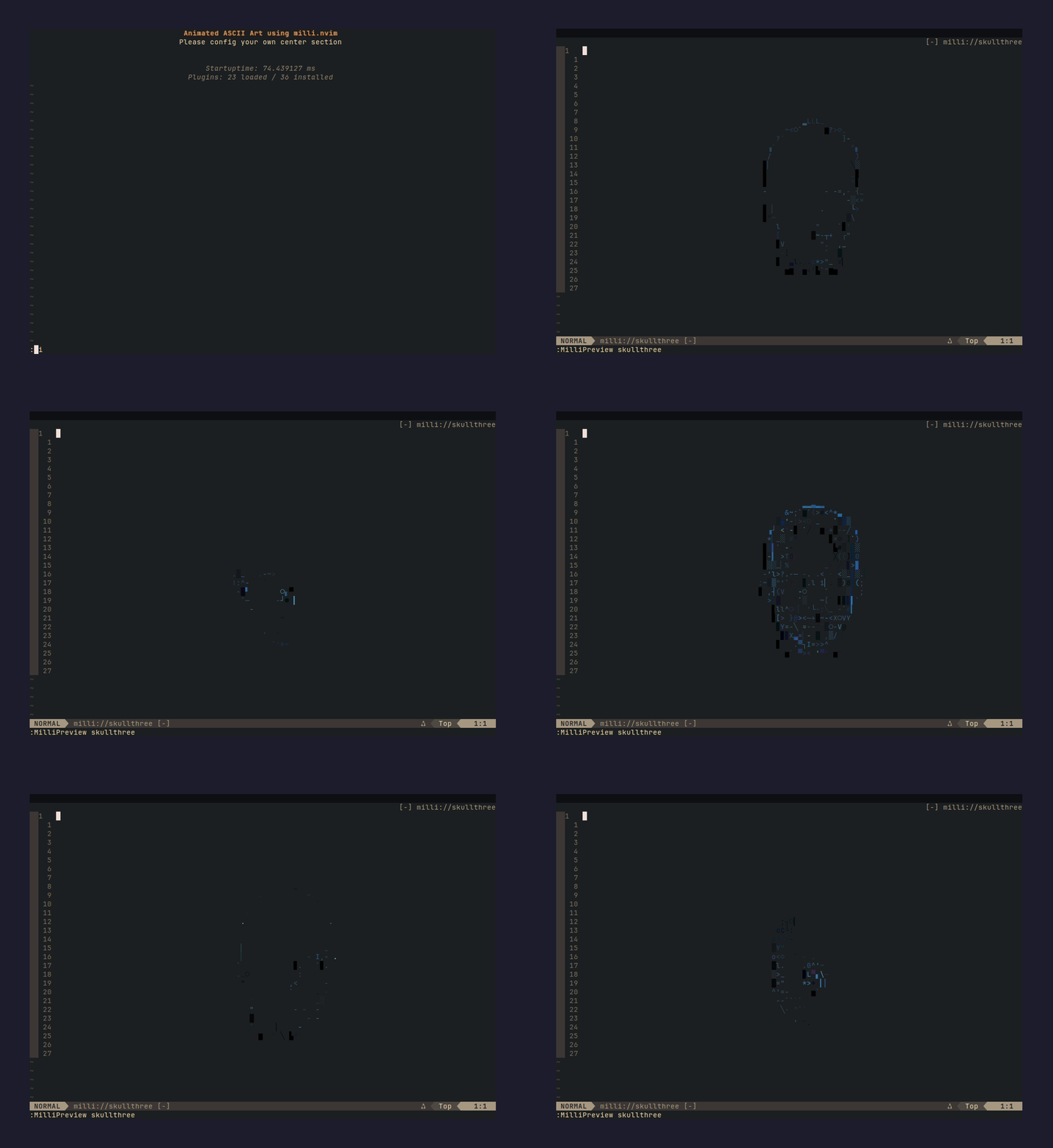 |
skulltwo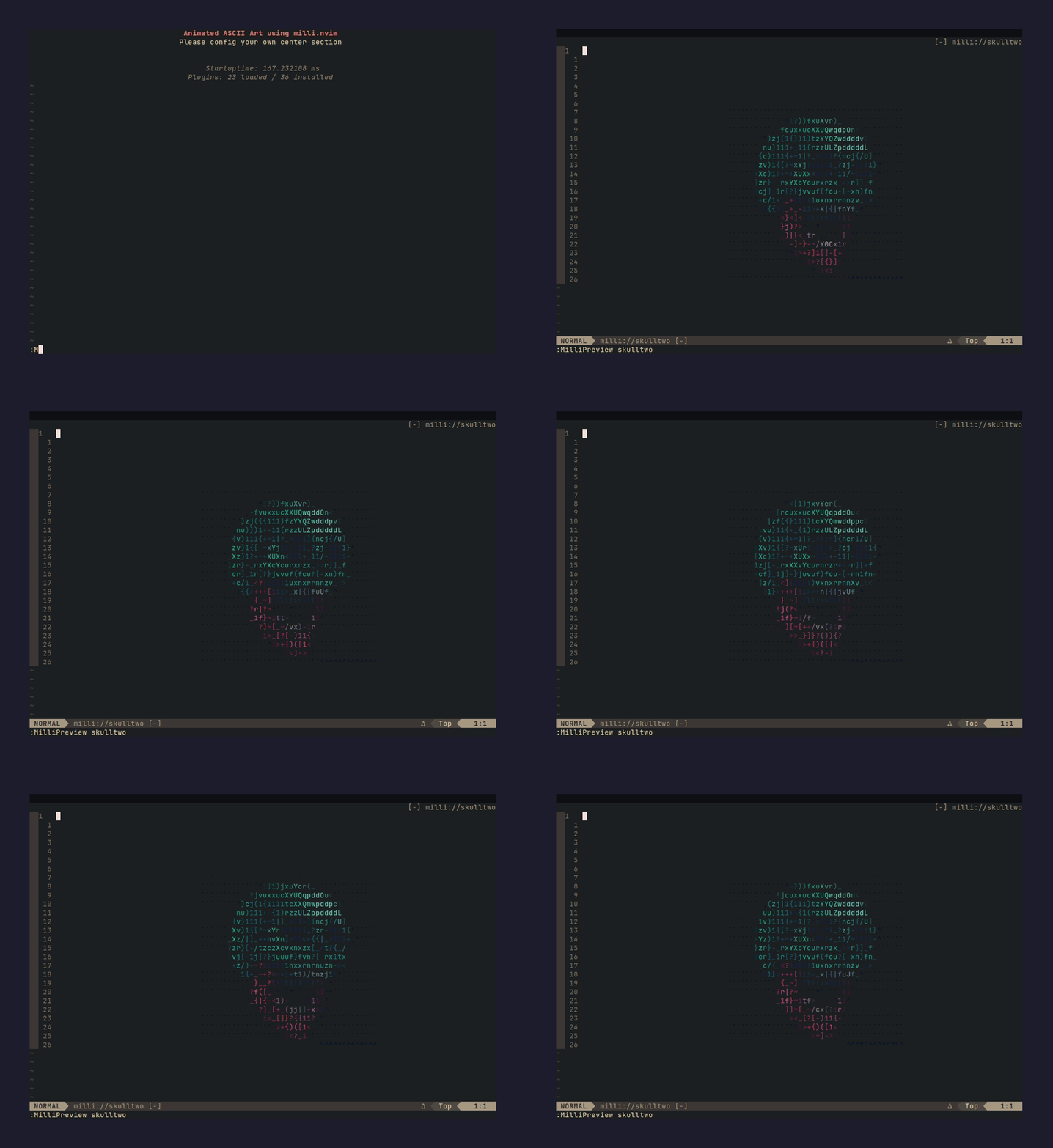 |
spaceship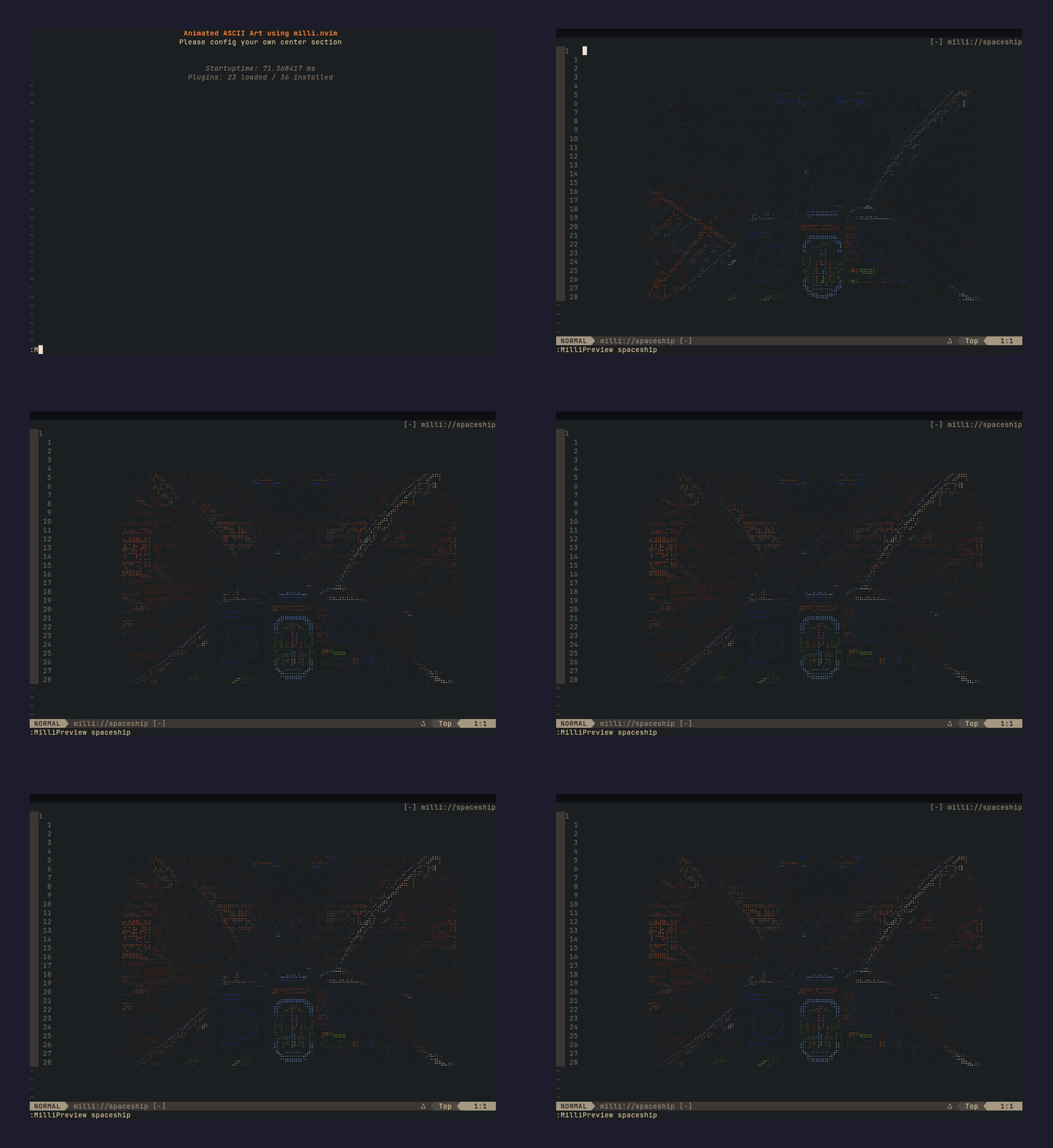 |
spinner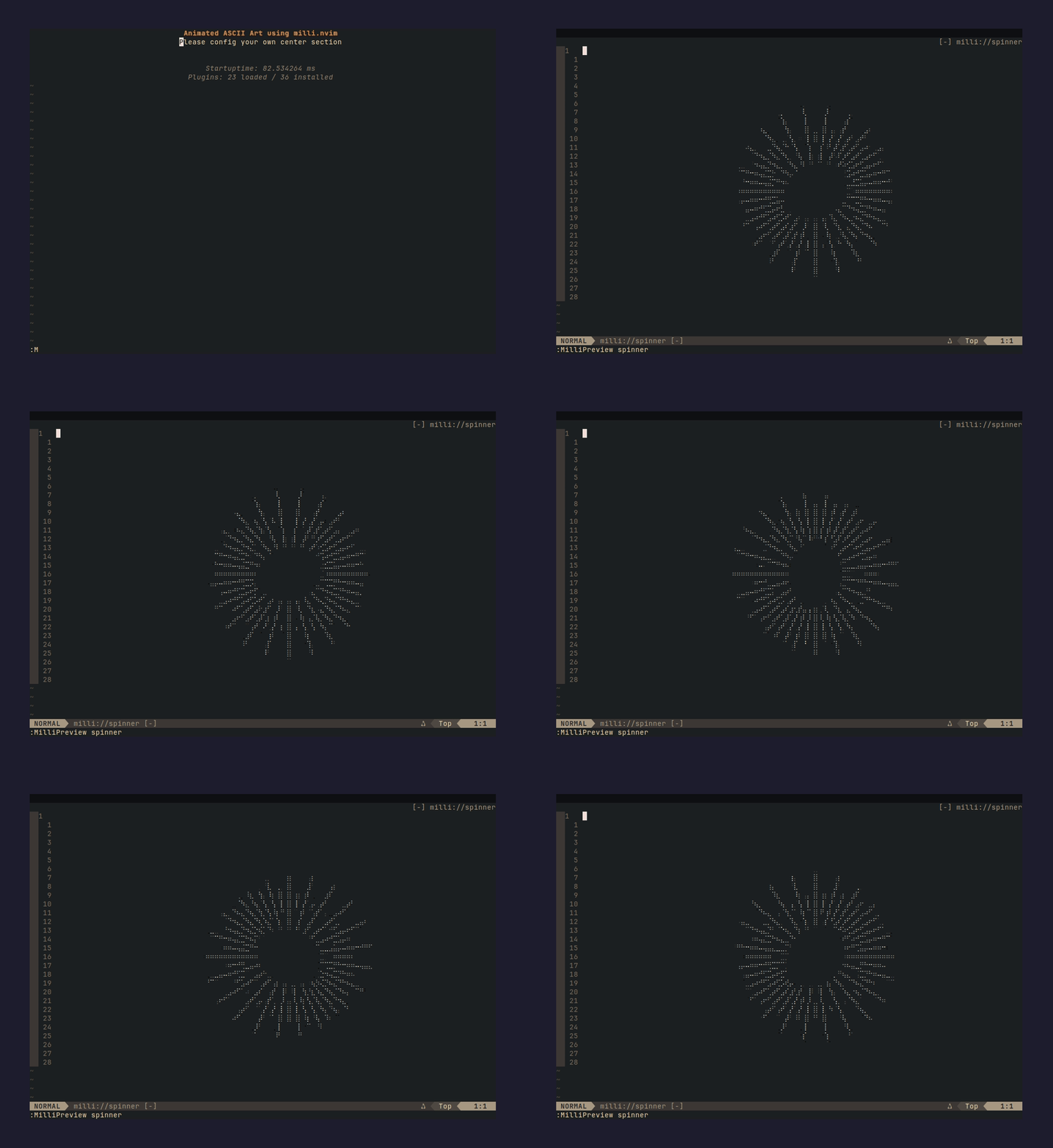 |
vibecat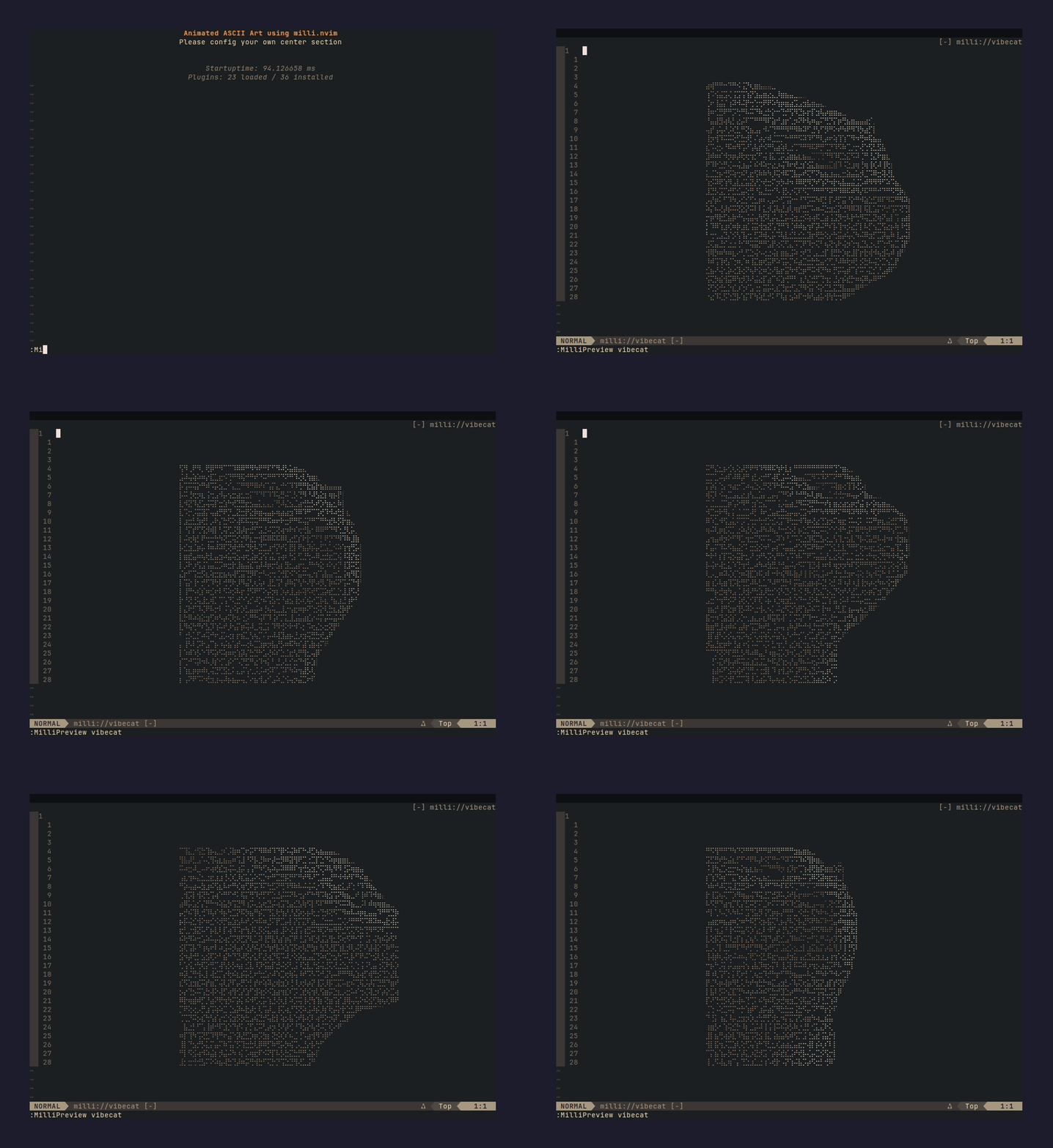 |
vibecattwo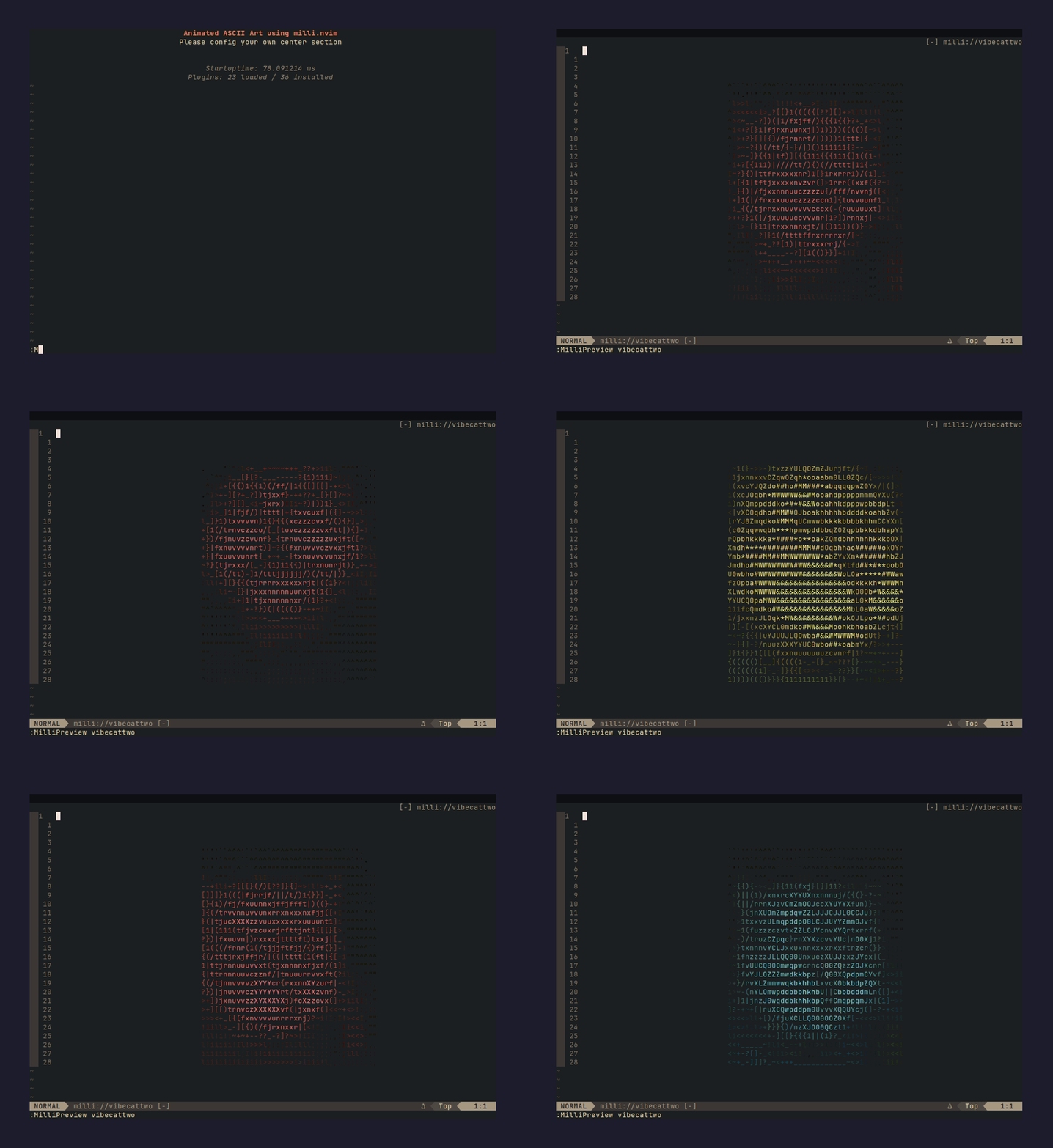 |
Install
lazy.nvim:
{ "amansingh-afk/milli.nvim", lazy = false }
packer.nvim:
use "amansingh-afk/milli.nvim"
Quick start
-- preview any bundled splash in a scratch buffer
:MilliPreview fire

-- or wire into your dashboard
require("milli").dashboard({ splash = "fire", loop = true })
List bundled splash names:
:lua print(vim.inspect(require("milli").list()))
For dashboard-nvim / alpha-nvim / snacks.nvim / mini.starter wiring, see Dashboard integrations.
Using your own splash
Powered by milli - the ASCII engine behind this plugin. ⭐ Star it on GitHub if you find it useful.
The 29 bundled splashes are a starting point. Bring any image or GIF you want - a custom logo, mascot, anything - and it becomes a splash in four steps.
1. Install the CLI (@amansingh-afk/milli):
npm install -g @amansingh-afk/milli
2. Generate frames.lua from any image / GIF:
milli export mycat.gif ./out -t lua -w 60 --no-bg
Useful flags:
-w 60- width in columns; tune to taste--no-bg- drop background color (cleaner on dashboards)-m braille- braille mode for higher-detail line art
3. Copy frames.lua into your Neovim config:
mkdir -p ~/.config/nvim/lua/milli/splashes
cp out/frames.lua ~/.config/nvim/lua/milli/splashes/mycat.lua
Neovim's runtimepath auto-discovers ~/.config/nvim/lua/, so this file becomes a sibling to the plugin's bundled splashes - findable by the same machinery, tab-completable in :MilliPreview.
4. Use it - same API as any bundled splash:
require("milli").dashboard({ splash = "mycat", loop = true })
Preview it first:
:MilliPreview mycat
Custom module path (advanced)
If you don't want to piggyback on the milli.splashes namespace (e.g. you organize splashes under a dotfiles module), drop the file anywhere on runtimepath and reference it by Lua module path:
-- ~/.config/nvim/lua/mydots/splashes/mycat.lua
require("milli").dashboard({ module = "mydots.splashes.mycat", loop = true })
Works with every preset - splash = "name" for bundled/user-local, module = "path.to.mod" for custom namespaces.
Dashboard integrations
Pick your dashboard plugin. Each preset (dashboard, alpha, snacks, starter, vimenter) works identically with bundled or custom splashes.
dashboard-nvim
return {
  "nvimdev/dashboard-nvim",
  event = "VimEnter",
  dependencies = { "amansingh-afk/milli.nvim" },
  opts = function()
    local splash = require("milli").load({ splash = "finger" })
    return {
      theme = "doom",
      config = {
        header = splash.frames[1],         -- seed header with frame 0
        center = {
          { icon = "  ", desc = "Find File", key = "f", action = "Telescope find_files" },
          { icon = "  ", desc = "Quit",      key = "q", action = "qa" },
        },
      },
    }
  end,
  config = function(_, opts)
    require("dashboard").setup(opts)
    require("milli").dashboard({ splash = "finger", loop = true })
  end,
}
alpha-nvim
require("milli").alpha({ splash = "fire", loop = true })
snacks.nvim
return {
  "folke/snacks.nvim",
  priority = 1000,
  lazy = false,
  dependencies = { "amansingh-afk/milli.nvim" },
  opts = function()
    local splash = require("milli").load({ splash = "fire" })
    return {
      dashboard = {
        enabled = true,
        preset = {
          header = table.concat(splash.frames[1], "\n"),
        },
        sections = {
          { section = "header", padding = 1 },
          { section = "keys",   gap = 1, padding = 1 },
          { section = "startup" },
        },
      },
    }
  end,
  config = function(_, opts)
    require("snacks").setup(opts)
    require("milli").snacks({ splash = "fire", loop = true })
  end,
}
preset.header seeds frame 0 of the splash as snacks's default header so milli's anchor-search can locate the buffer position to animate over. The splash name in preset.header and in require("milli").snacks({ splash = ... }) must match.
mini.starter
require("milli").starter({ splash = "fire", loop = true })
No plugin (raw VimEnter)
require("milli").vimenter({ splash = "fire", loop = true })
Previewing
:MilliPreview <name>
Opens a scratch buffer, plays the splash in a loop. q or <Esc> dismisses. Tab-completes against bundled splashes and any you've dropped into ~/.config/nvim/lua/milli/splashes/. Run :MilliPreview with no arg to list what's available.
API
require("milli").play(buf, opts)       -- paint/animate into buf
require("milli").load(opts)            -- return the data table
require("milli").list()                -- array of all discovered splash names

require("milli").dashboard(opts)       -- autocmd preset for dashboard-nvim
require("milli").alpha(opts)           -- alpha-nvim
require("milli").snacks(opts)          -- snacks.nvim
require("milli").starter(opts)         -- mini.starter
require("milli").vimenter(opts)        -- raw VimEnter
opts
{
  splash = "fire",     -- bundled or user-local splash name, OR
  module = "mysplash", -- require path to an external splash module, OR
  data = { ... },      -- the data table directly
  loop = true,         -- repeat forever (default: false - play once)
}
A plain string is sugar for { splash = <string> }. So require("milli").dashboard("fire") works.
Requirements
- Neovim 0.10+ (extmarks, namespaces)
termguicolorsenabled (vim.opt.termguicolors = true)
Why extmarks, not ANSI escapes?
Neovim buffers strip ANSI. Colors are applied via extmarks + per-color highlight groups generated on demand. The groups are keyed on quantized fg/bg so a truecolor splash doesn't blow through Neovim's highlight-group cap (E849).
License
MIT.