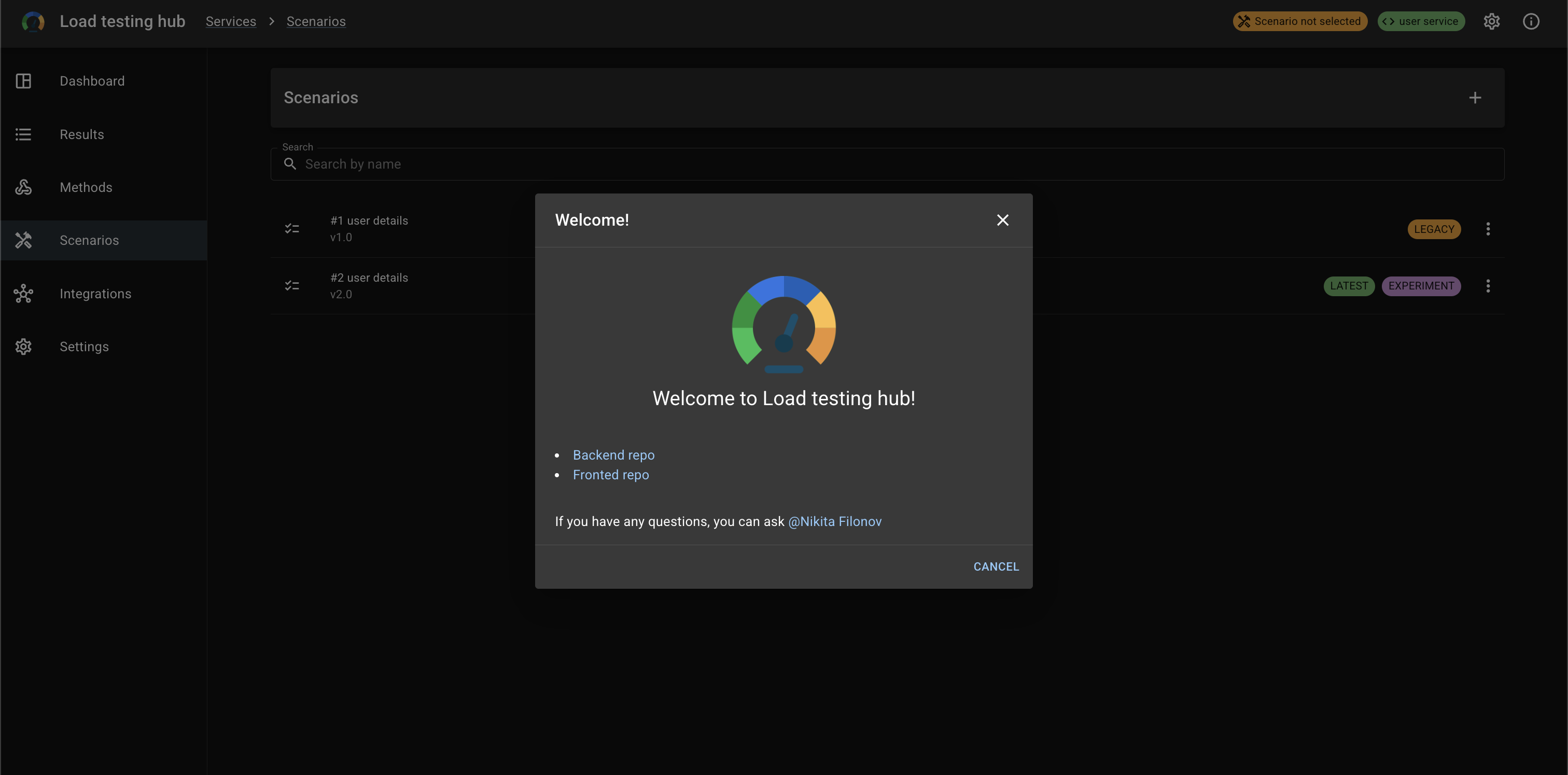
Performance & Load Testing > Load Testing Hub Panel
Ultimate web UI for visualizing load test results
Load testing hub panel
If you have any questions, you can ask @Nikita Filonov
Table of content
- 🚀 Quick Start
- Project setup
- Services
- Dashboard
- Results
- Methods
- Scenarios
- Integrations
- Settings
- App info
🚀 Quick Start
Run Load Testing Hub locally in just a couple of commands.
1. Create .env.load-testing-hub in the project root
# API
POSTGRES.PORT=5432
POSTGRES.HOST=postgres
POSTGRES.DATABASE=load_testing_metrics_db
POSTGRES.USERNAME=load_testing_metrics_user
POSTGRES.PASSWORD=load_testing_metrics_password

KIBANA_URL=http://localhost:3001
GRAFANA_URL=http://localhost:3001
KUBERNETES_URL=http://localhost:3001

# Panel
SERVER_URL=http://localhost:13000
API_VERSION=/api/v1
DURATION_FORMAT=m[m]s[s]
API_DATE_FORMAT=YYYY-MM-DD
API_TIME_FORMAT=HH:mm:ss
PICKER_DATE_FORMAT=dd.MM.yyyy
PICKER_TIME_FORMAT=HH:mm
2. Create docker-compose.yaml
version: "3.9"

services:
  api:
    image: nikitafilonov/load-testing-hub-api:latest
    ports: [ "13000:13000" ]
    env_file: [ .env.load-testing-hub ]
    depends_on:
      migrator:
        condition: service_completed_successfully
    container_name: api

  panel:
    image: nikitafilonov/load-testing-hub-panel:latest
    ports: [ "13100:13100" ]
    env_file: [ .env.load-testing-hub ]
    container_name: panel

  migrator:
    image: nikitafilonov/load-testing-hub-api:latest
    command: alembic upgrade head
    env_file: [ .env.load-testing-hub ]
    depends_on:
      postgres:
        condition: service_healthy
    container_name: migrator

  postgres:
    image: postgres:16-alpine
    ports: [ "5432:5432" ]
    volumes: [ postgres_data:/var/lib/postgresql/data ]
    environment:
      POSTGRES_DB: load_testing_metrics_db
      POSTGRES_USER: load_testing_metrics_user
      POSTGRES_PASSWORD: load_testing_metrics_password
    healthcheck:
      test: [ "CMD-SHELL", "pg_isready -U $${POSTGRES_USER} -d $${POSTGRES_DB}" ]
      retries: 5
      timeout: 3s
      interval: 5s
    container_name: postgres

volumes:
  postgres_data:
3. Run the project
docker compose up -d
4. Open in your browser
- API: http://localhost:13000/docs
- Panel: http://localhost:13100
Project setup
yarn install
yarn start
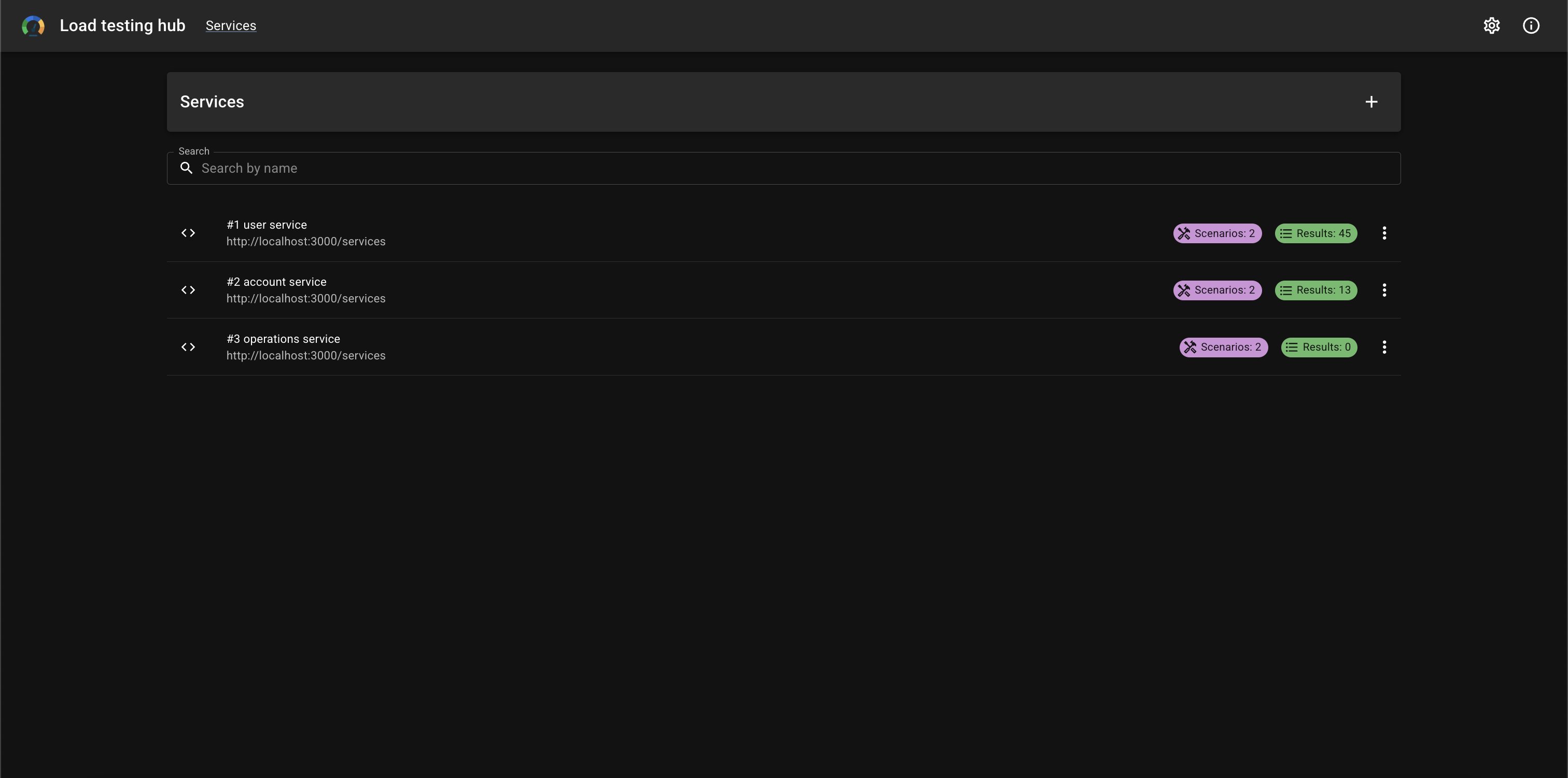
Services
Services list
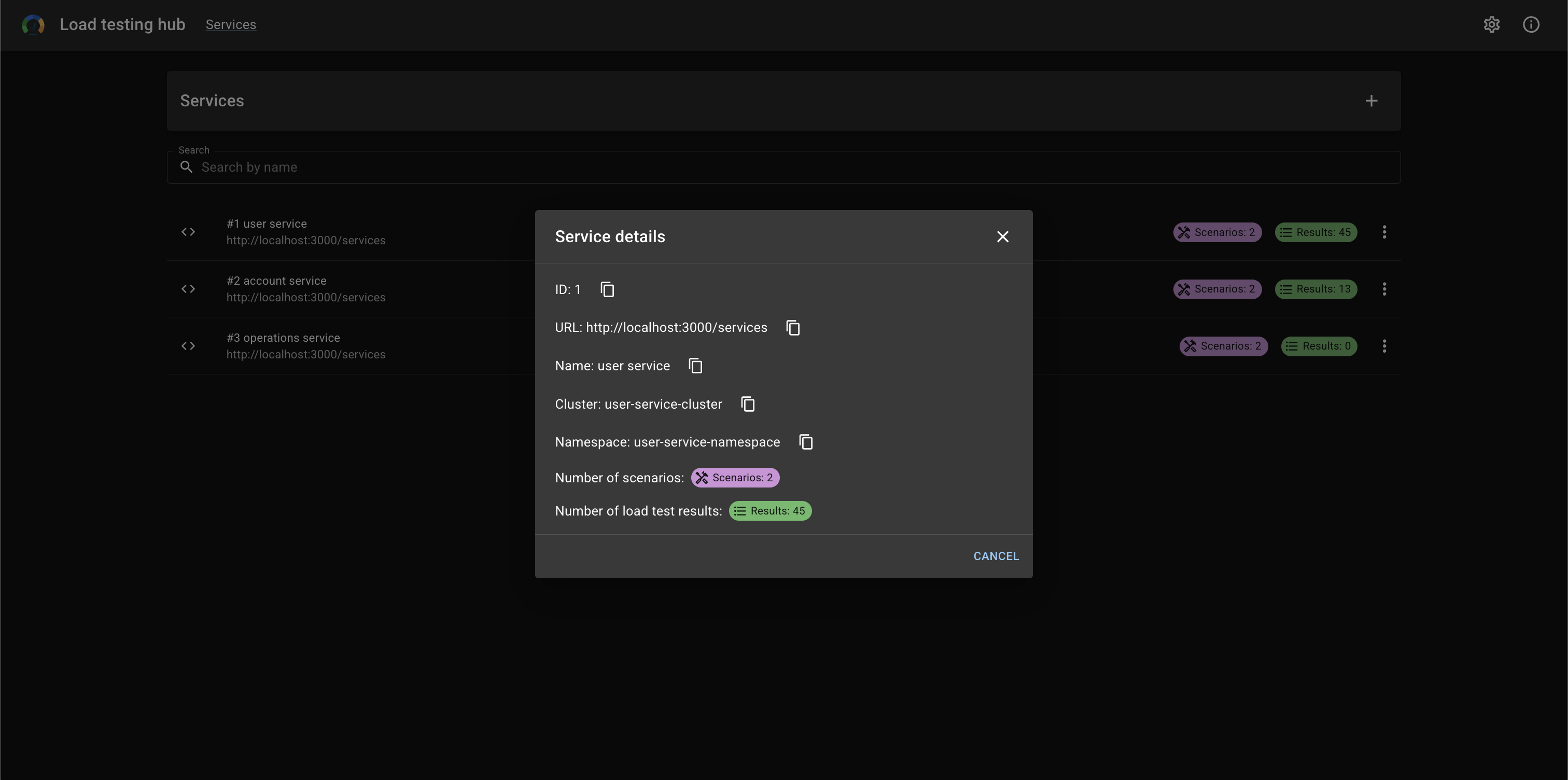
Service details
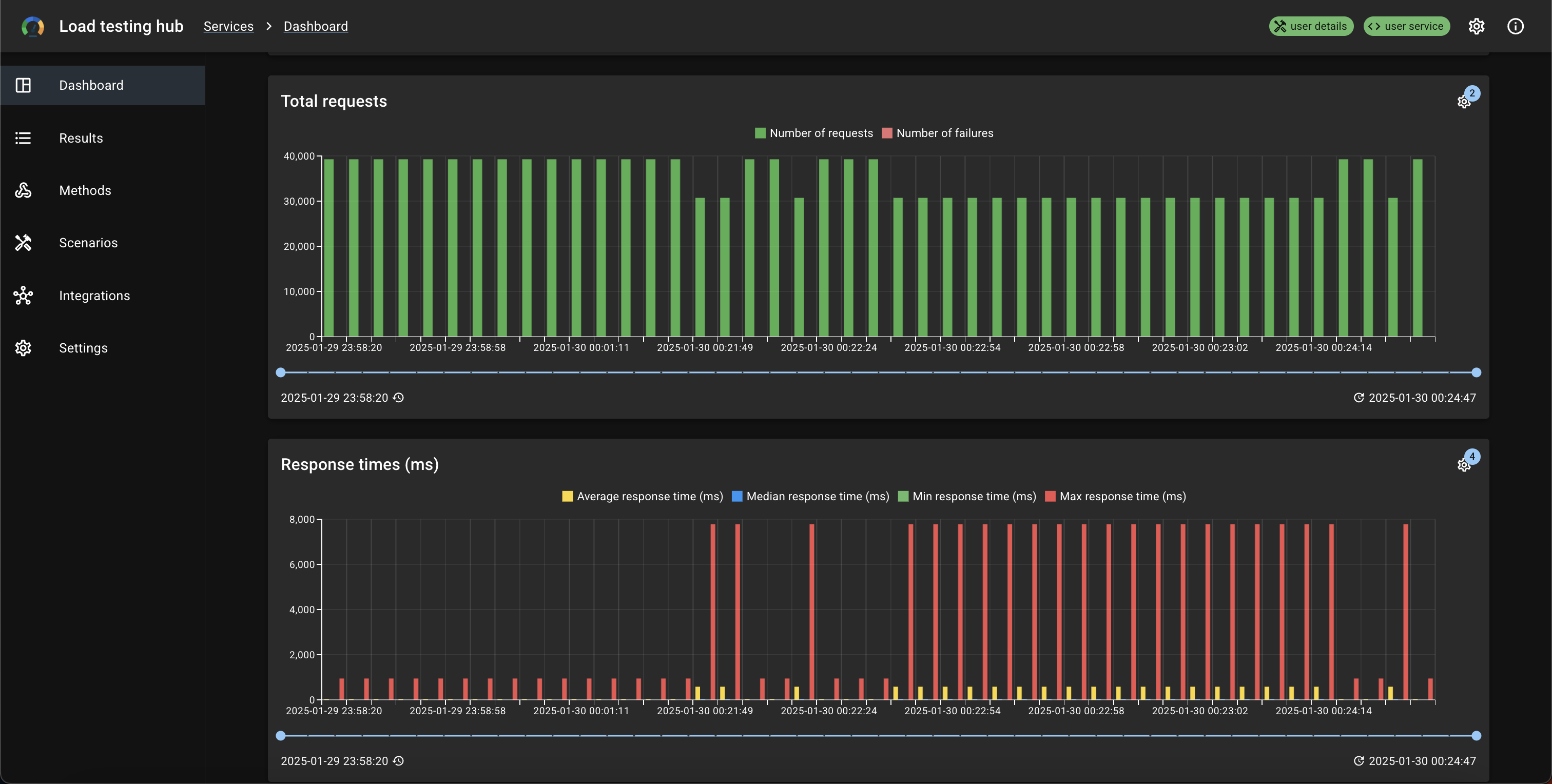
Dashboard
Charts
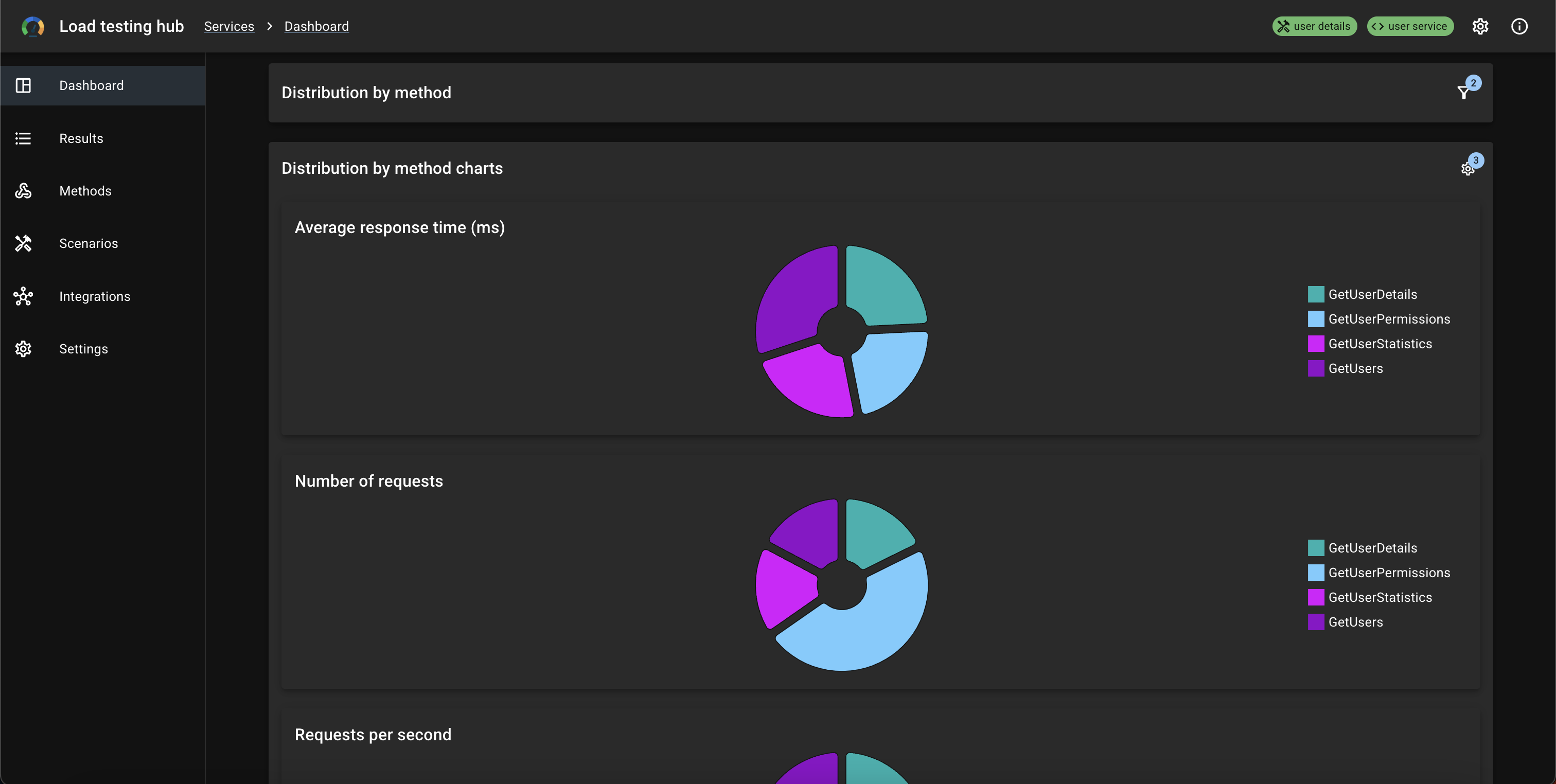
Results
Results list
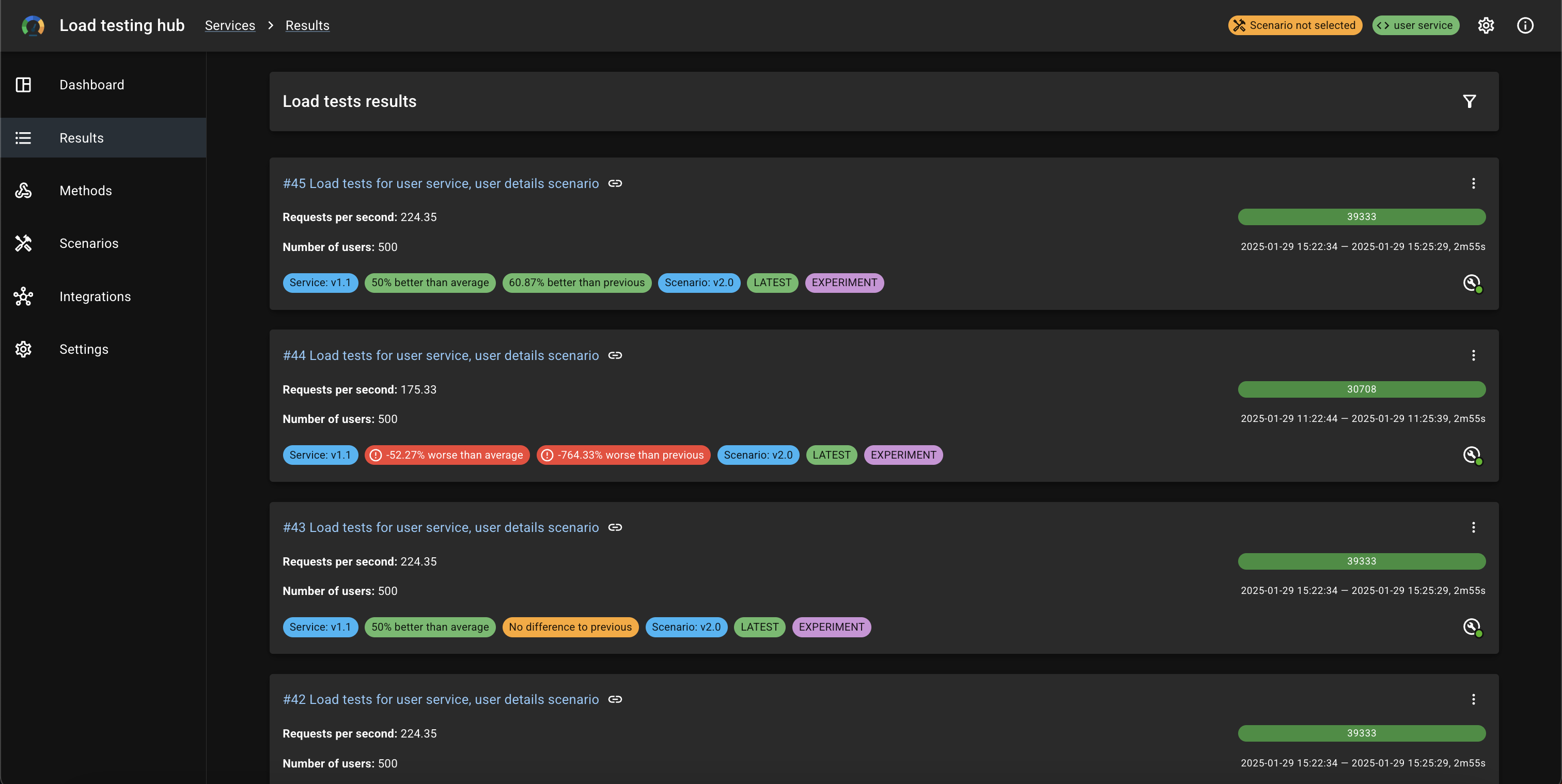
Result details
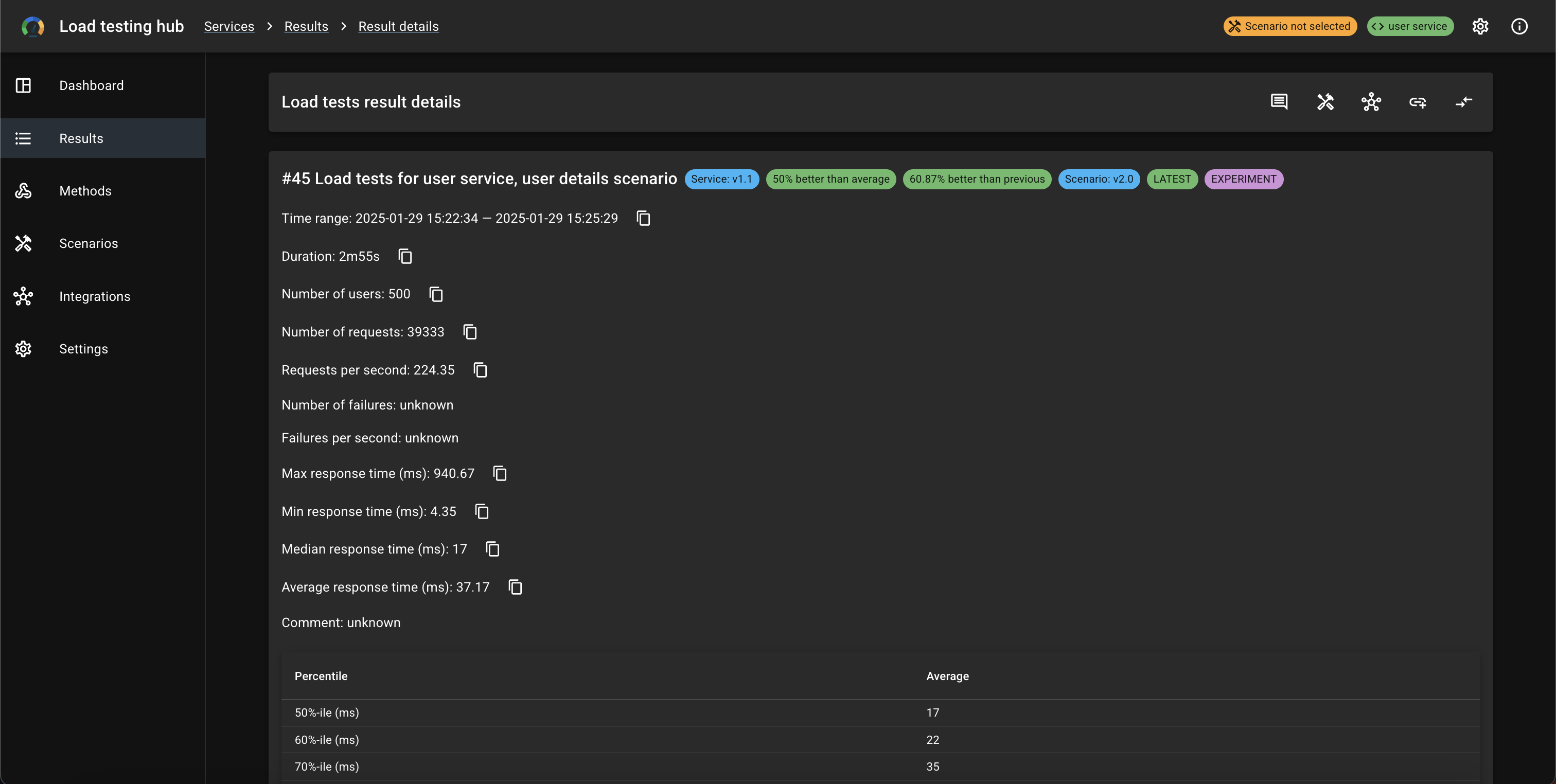
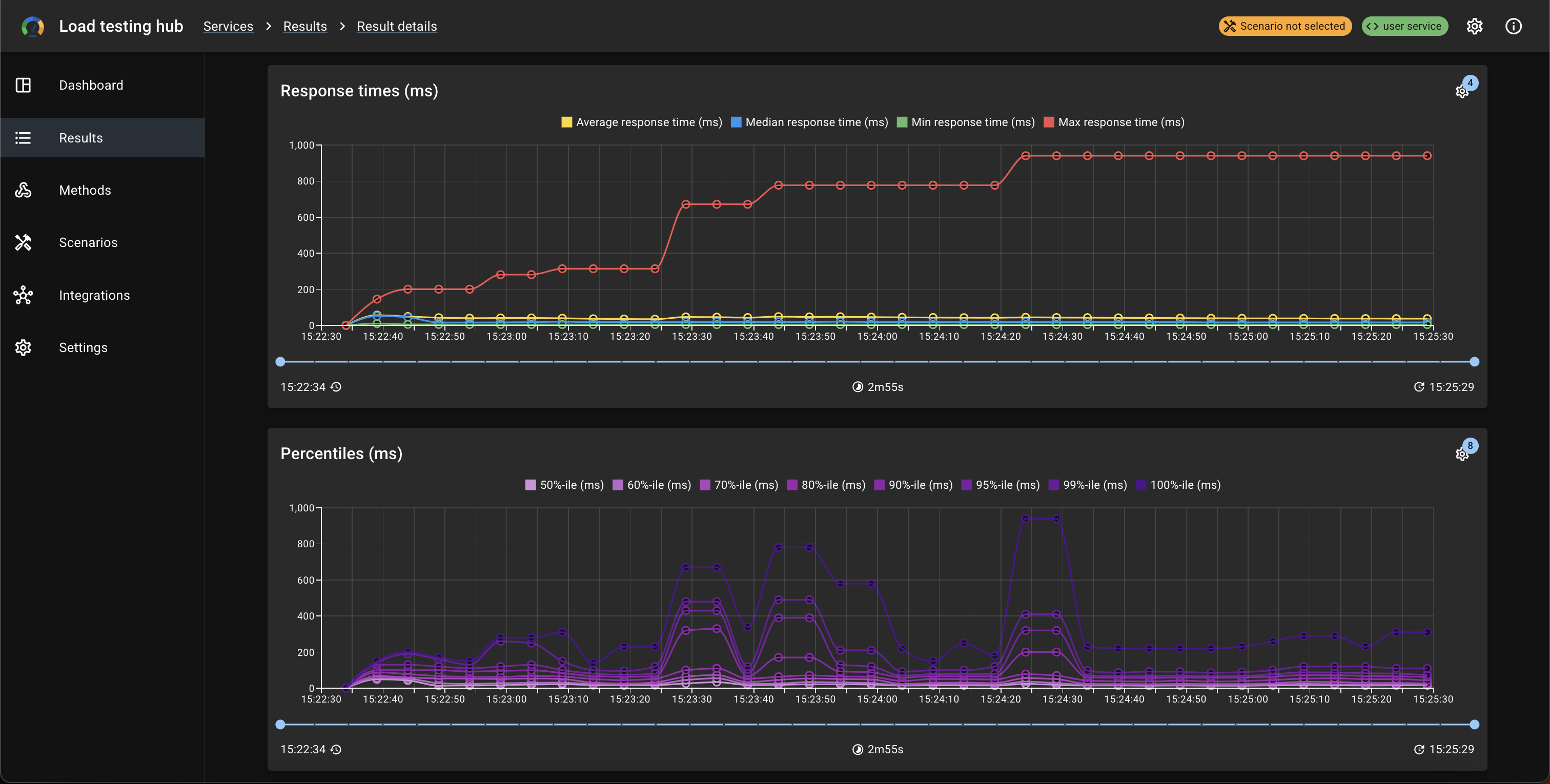
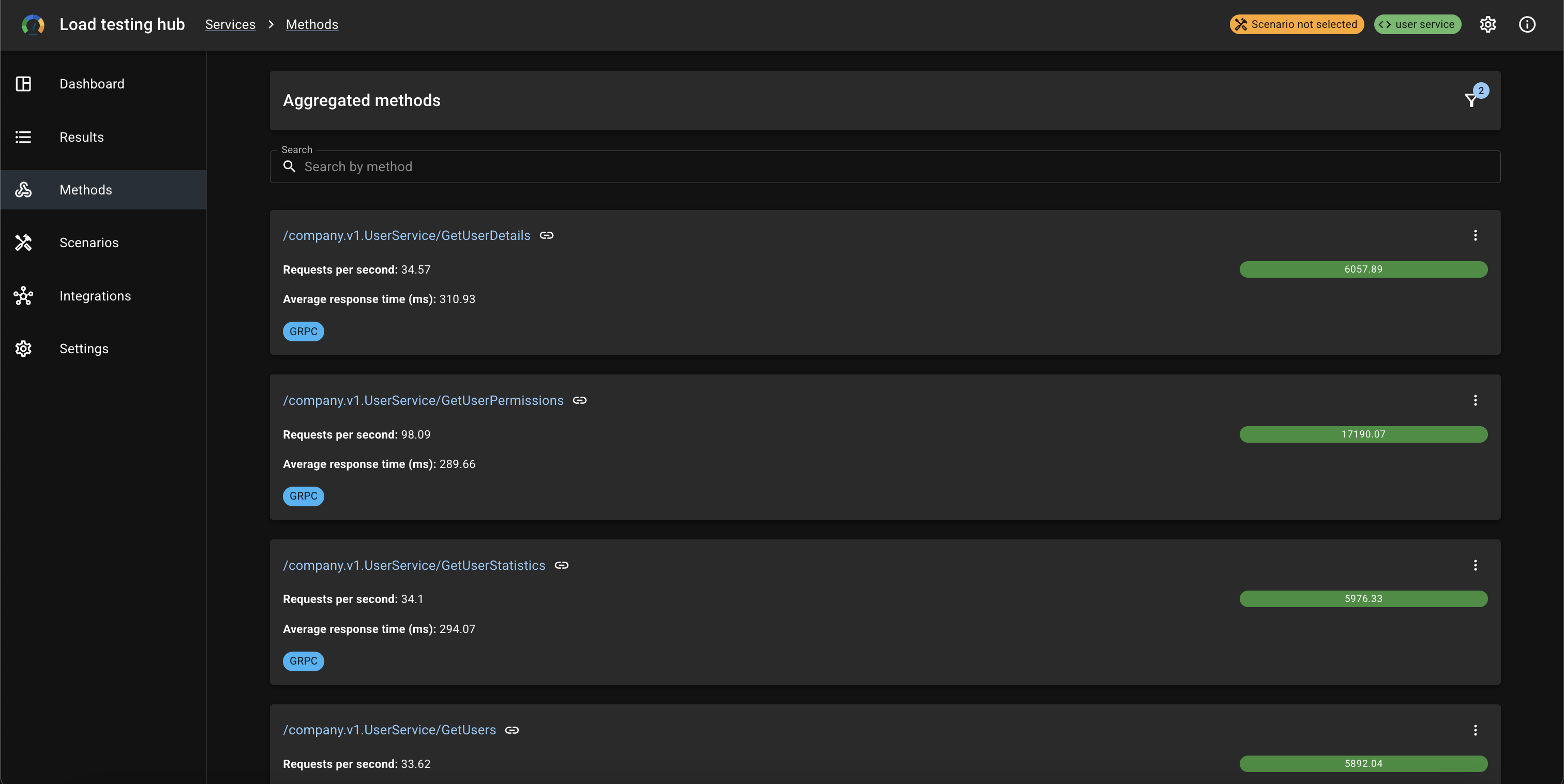
Methods
Methods list
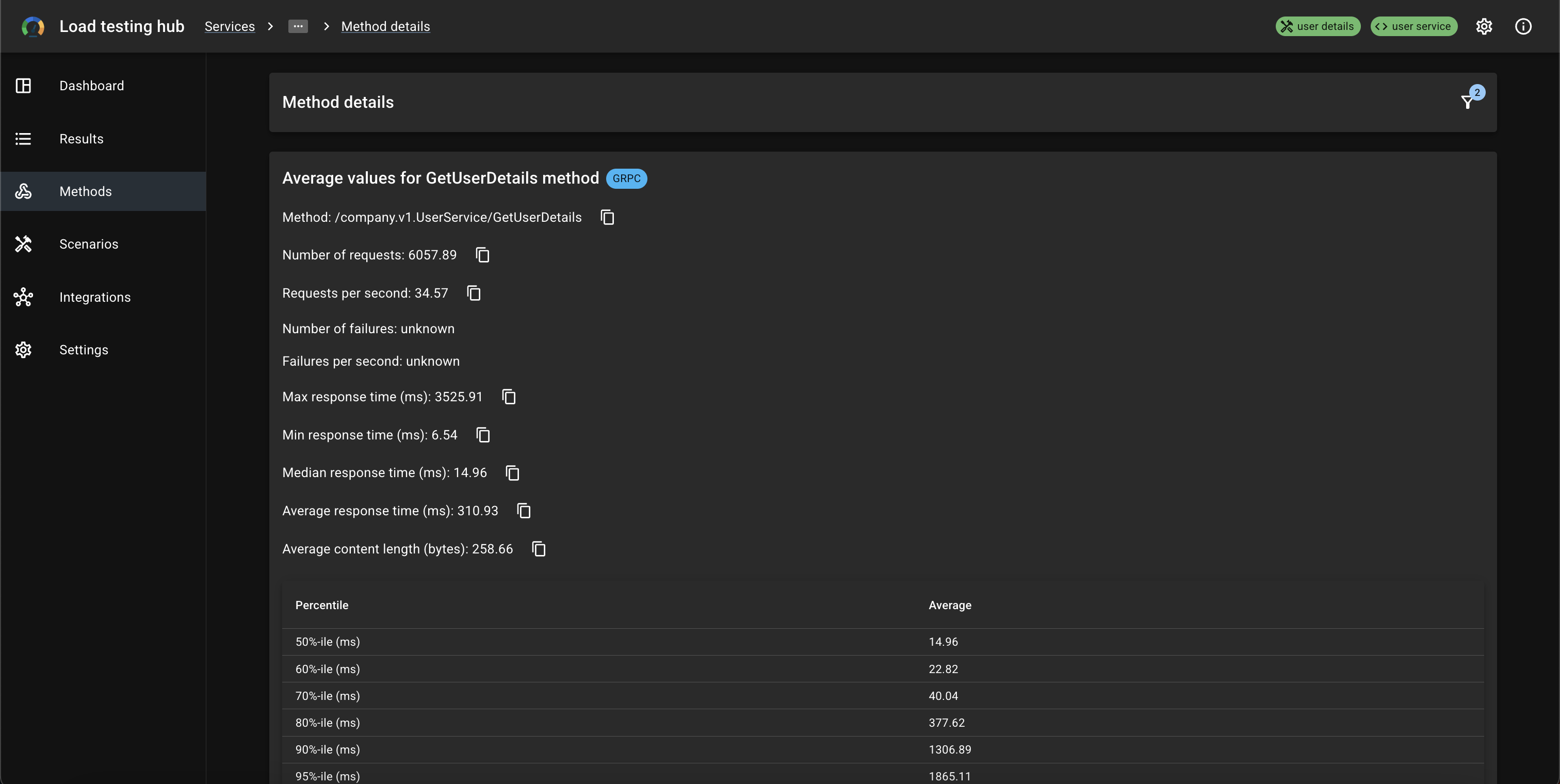
Method details
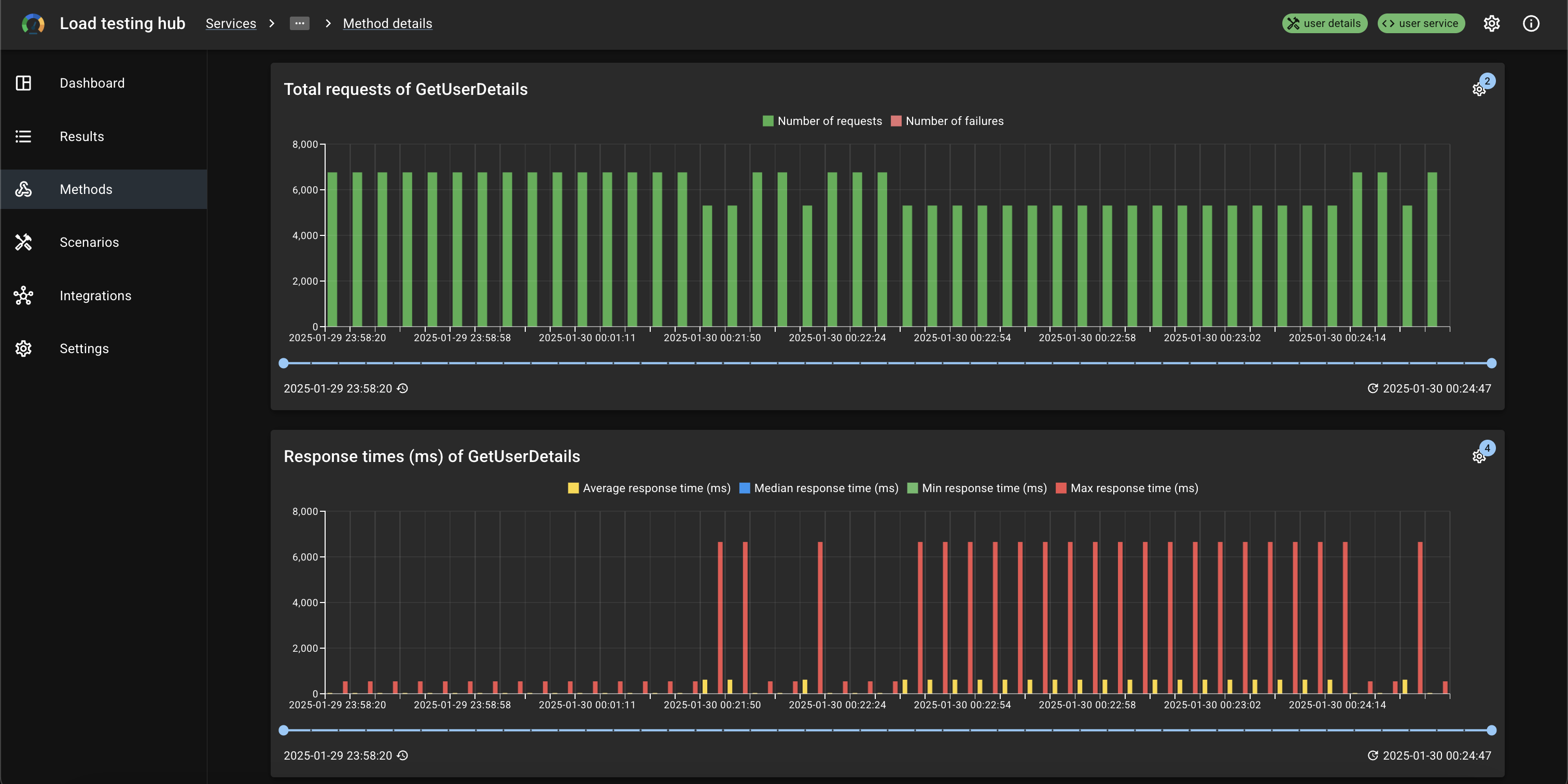
Scenarios
Scenarios list
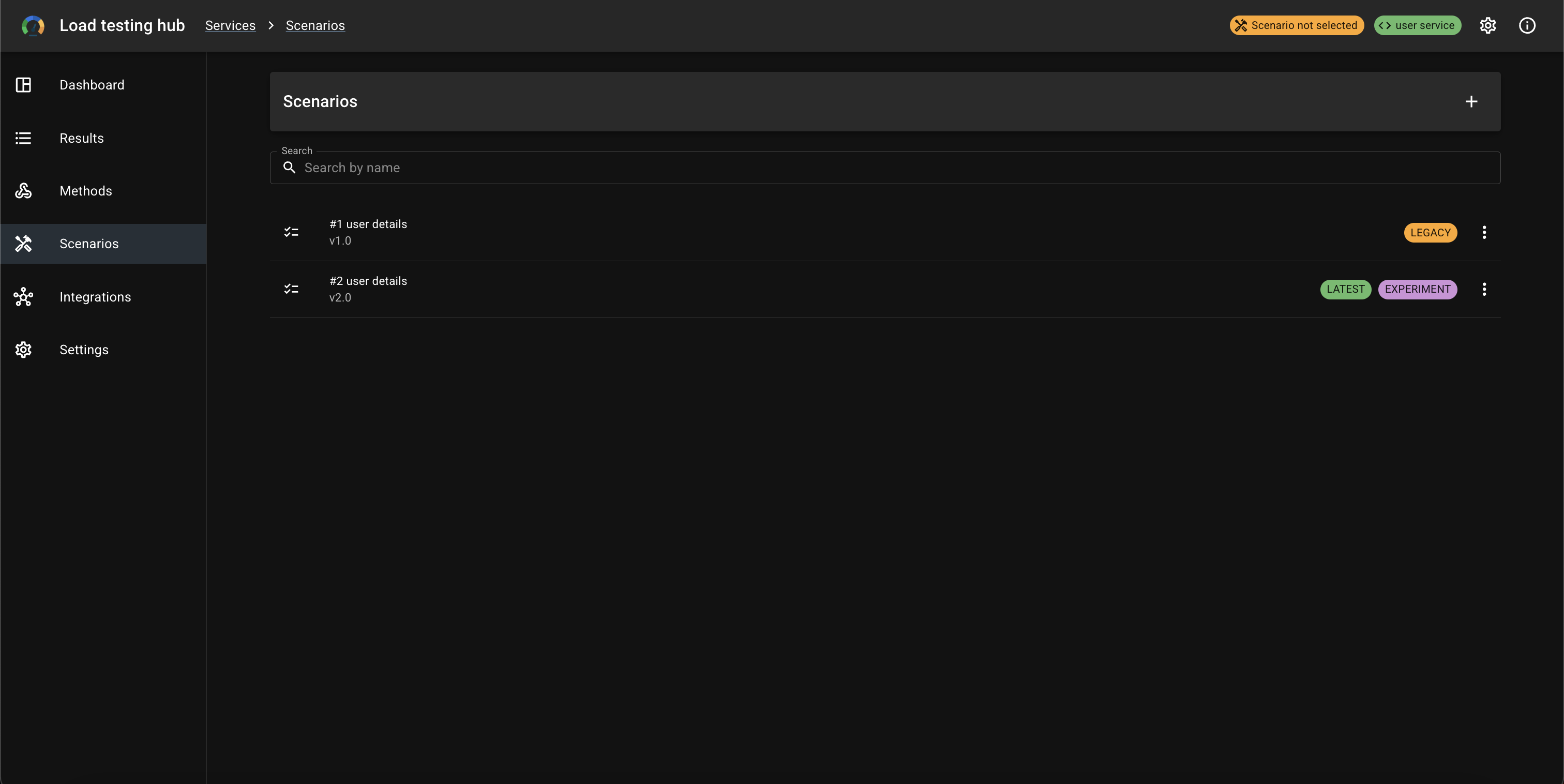
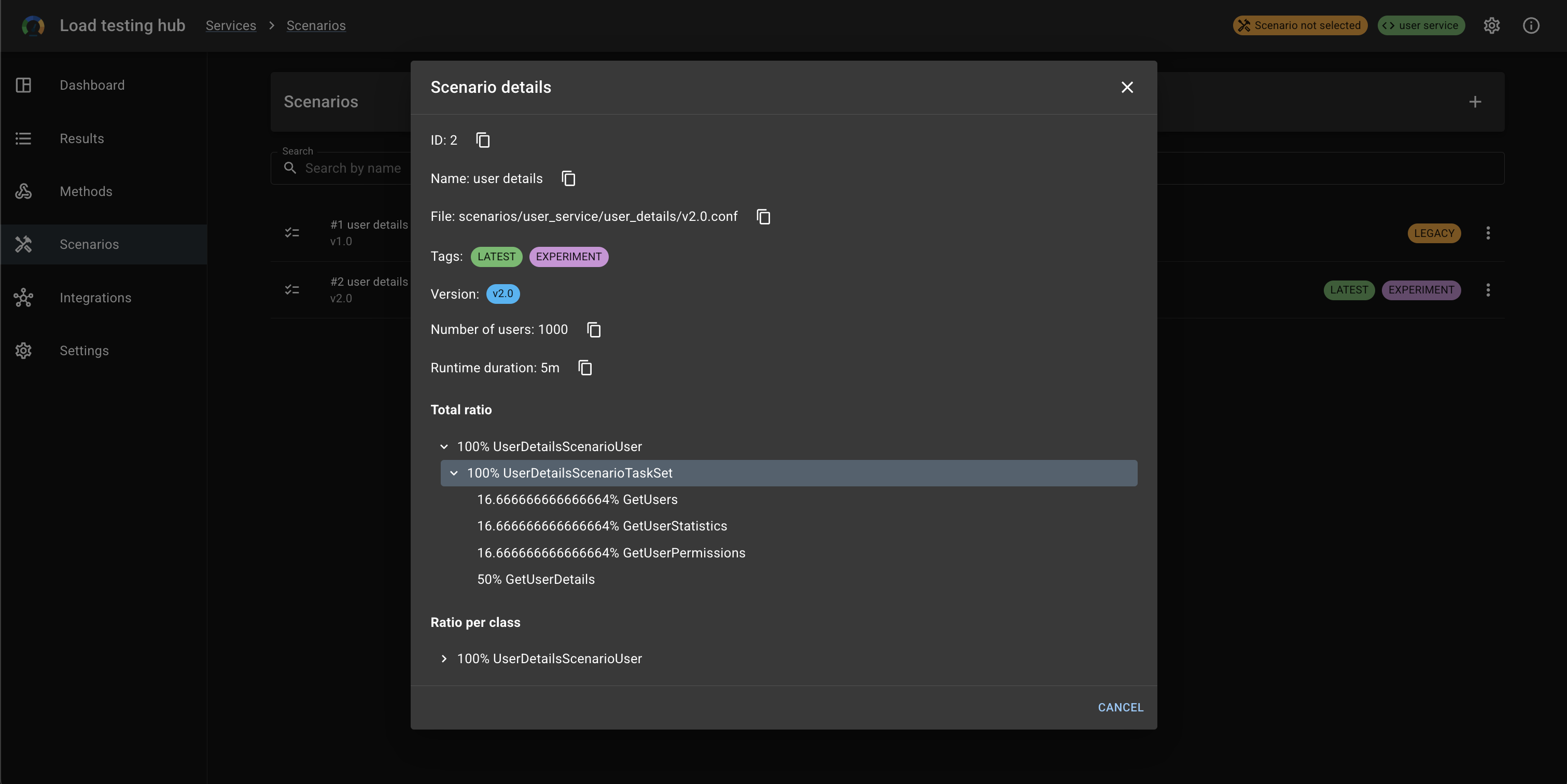
Scenario details
Integrations
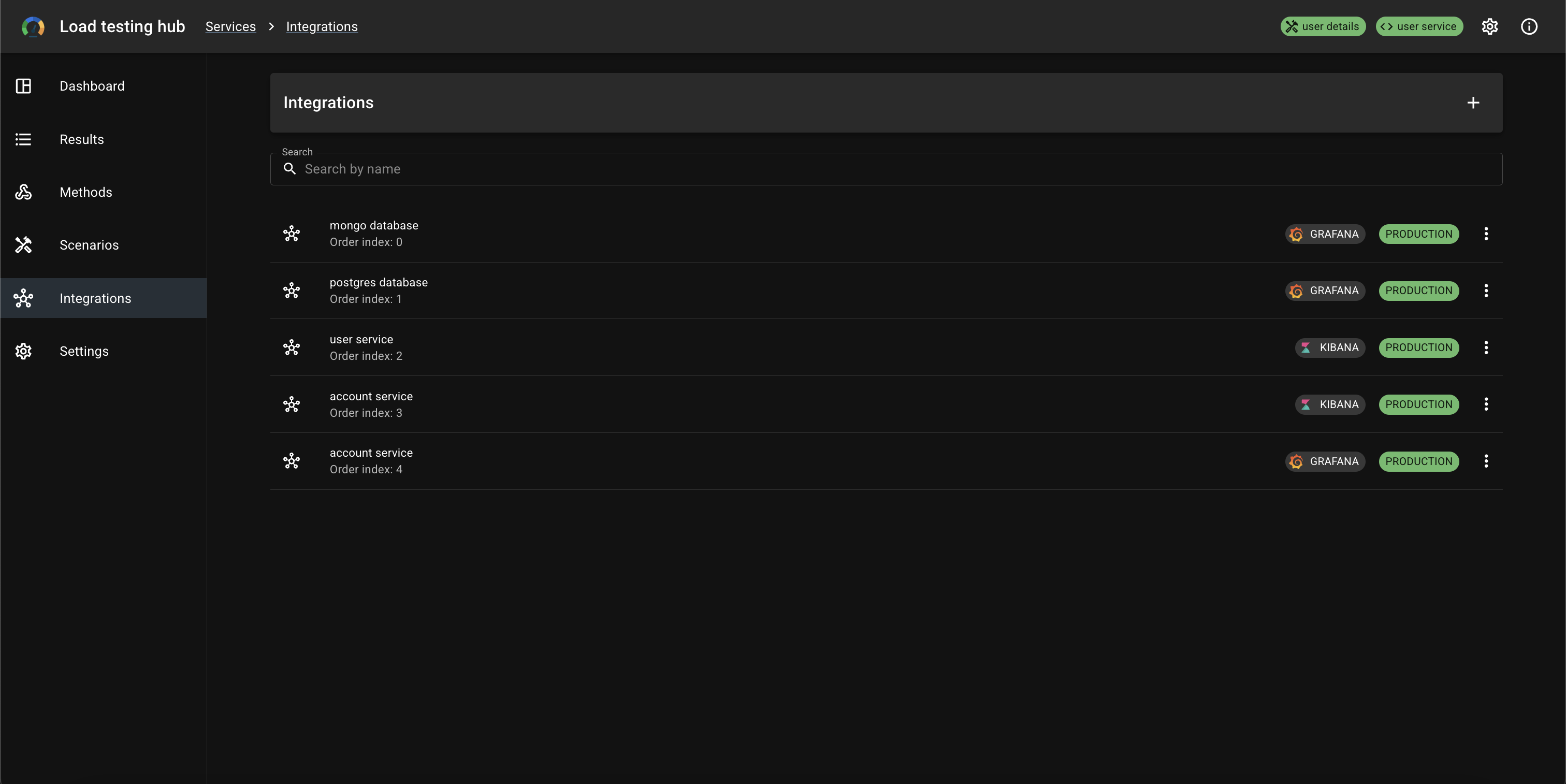
Integrations list
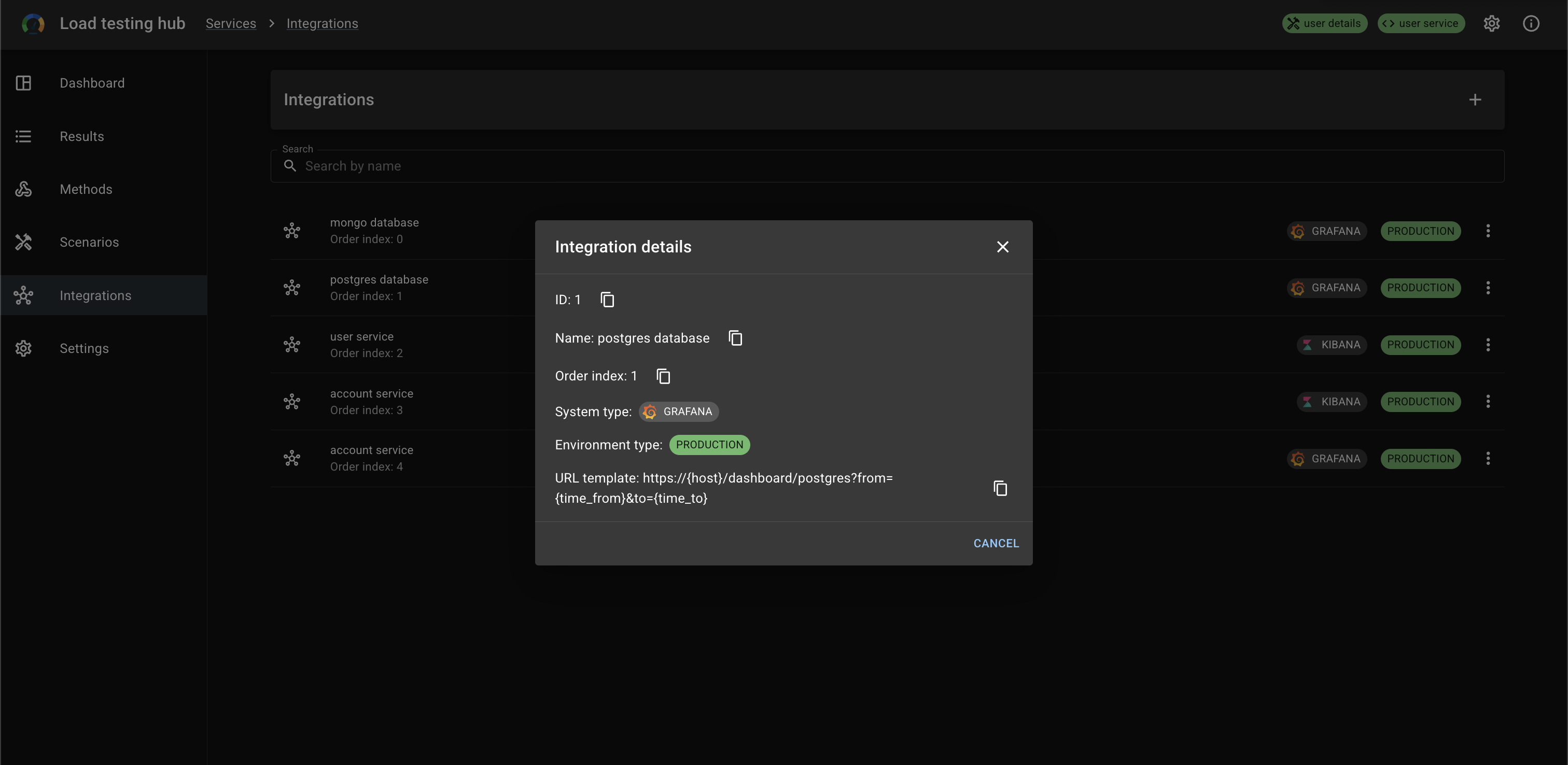
Integration details
Settings
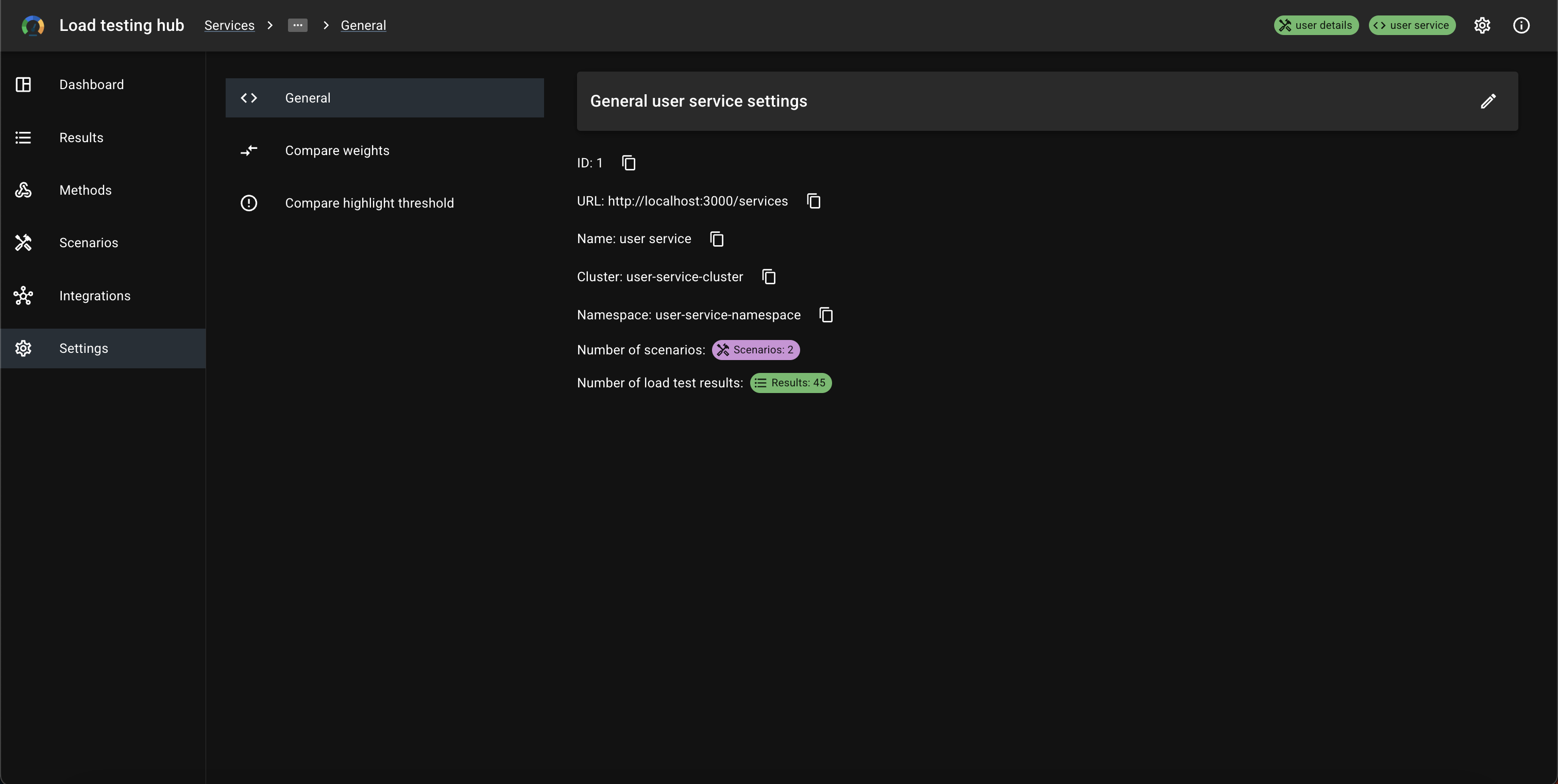
General settings
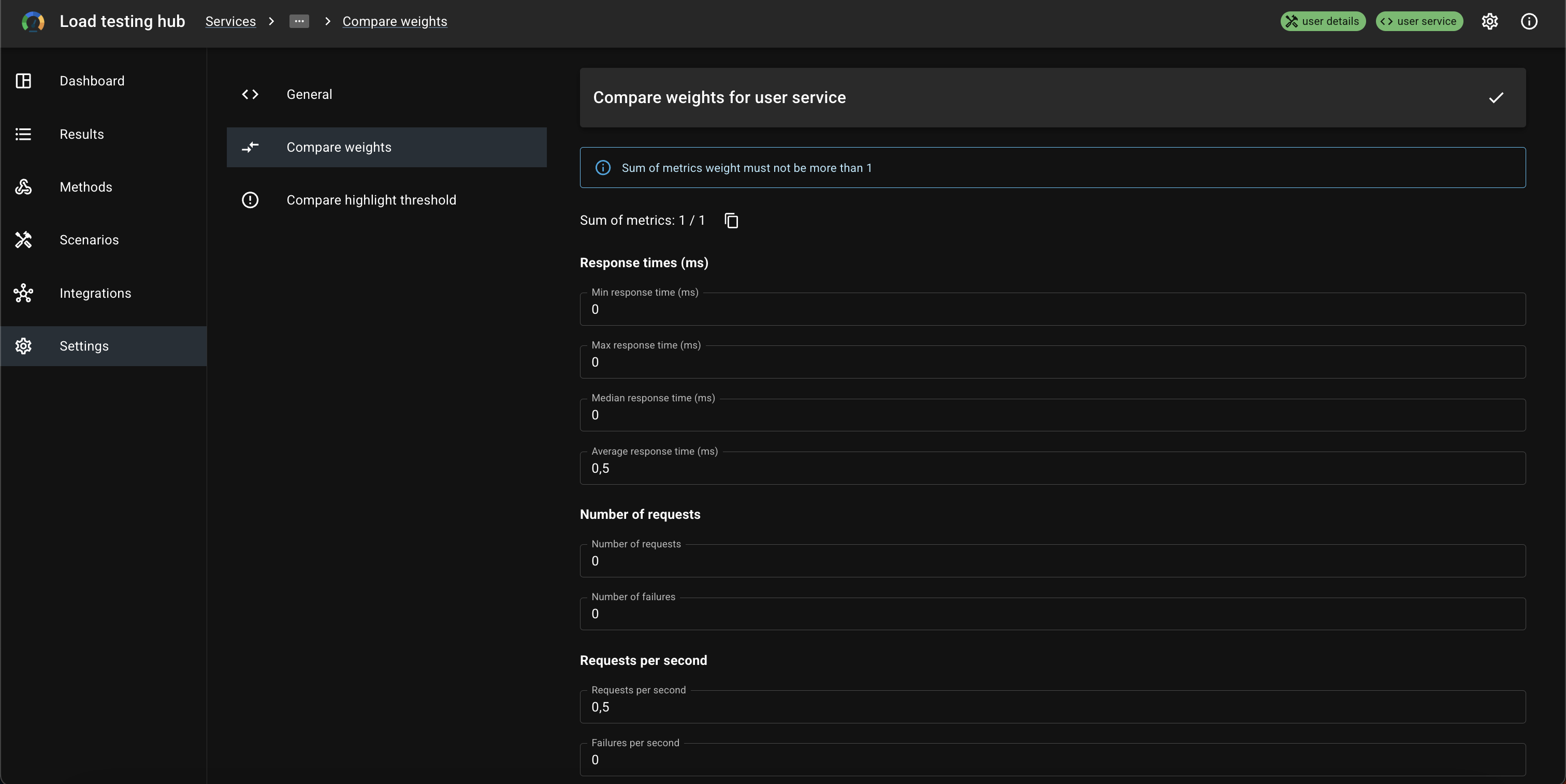
Compare weights settings
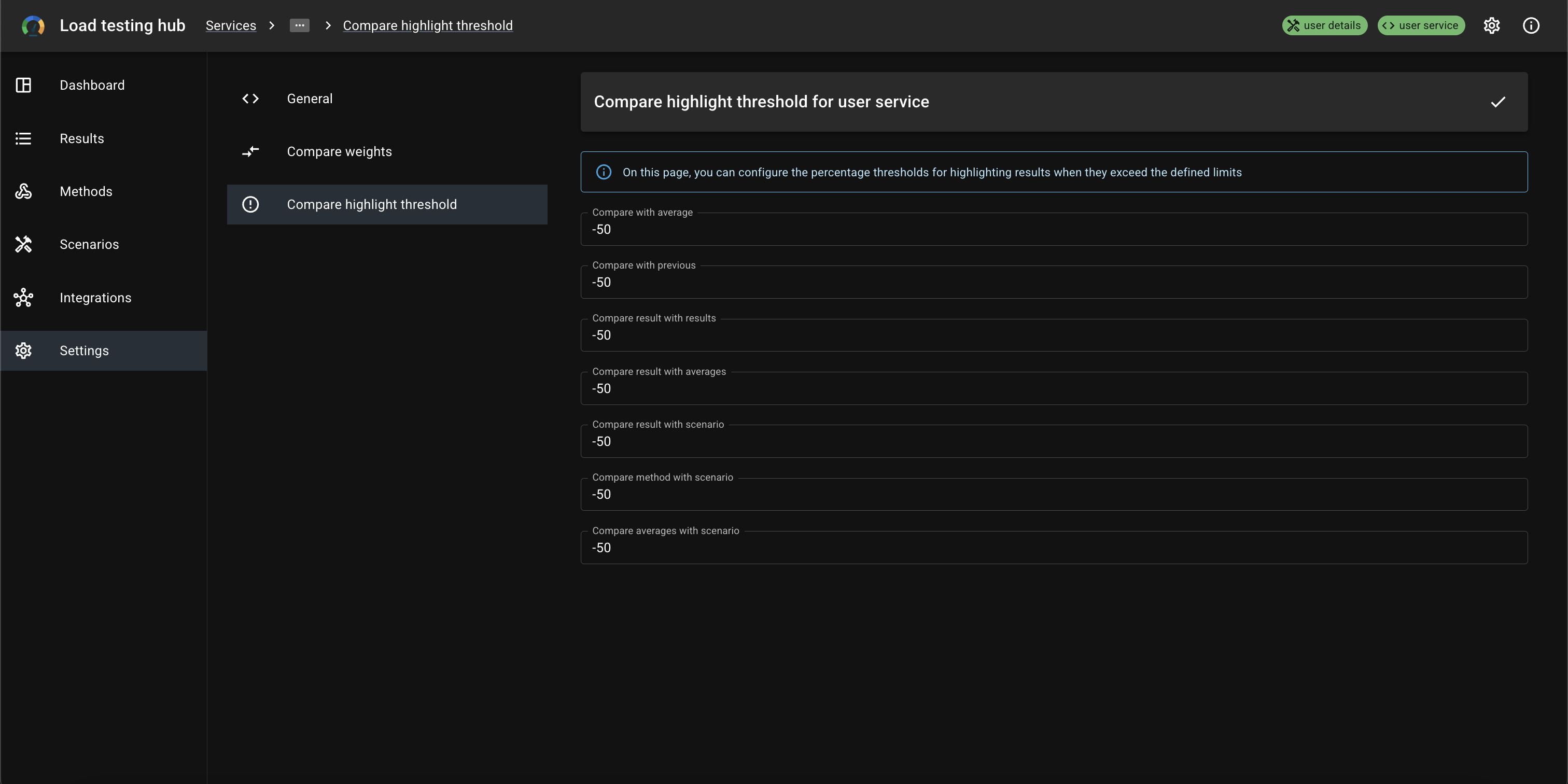
Compare highlight threshold settings
App info