
OpenCrystalCaves
OCC is an unofficial open source engine reimplementation of the game trilogy Crystal Caves.



OpenCrystalCaves
OCC is an unofficial open source engine reimplementation of the game trilogy Crystal Caves.
Download binaries and project info at itch.io
This repository includes the shareware version of Crystal Caves. To play the full, retail version, you can copy over the data files or purchase them at Steam or GoG.
Current state of OCC:
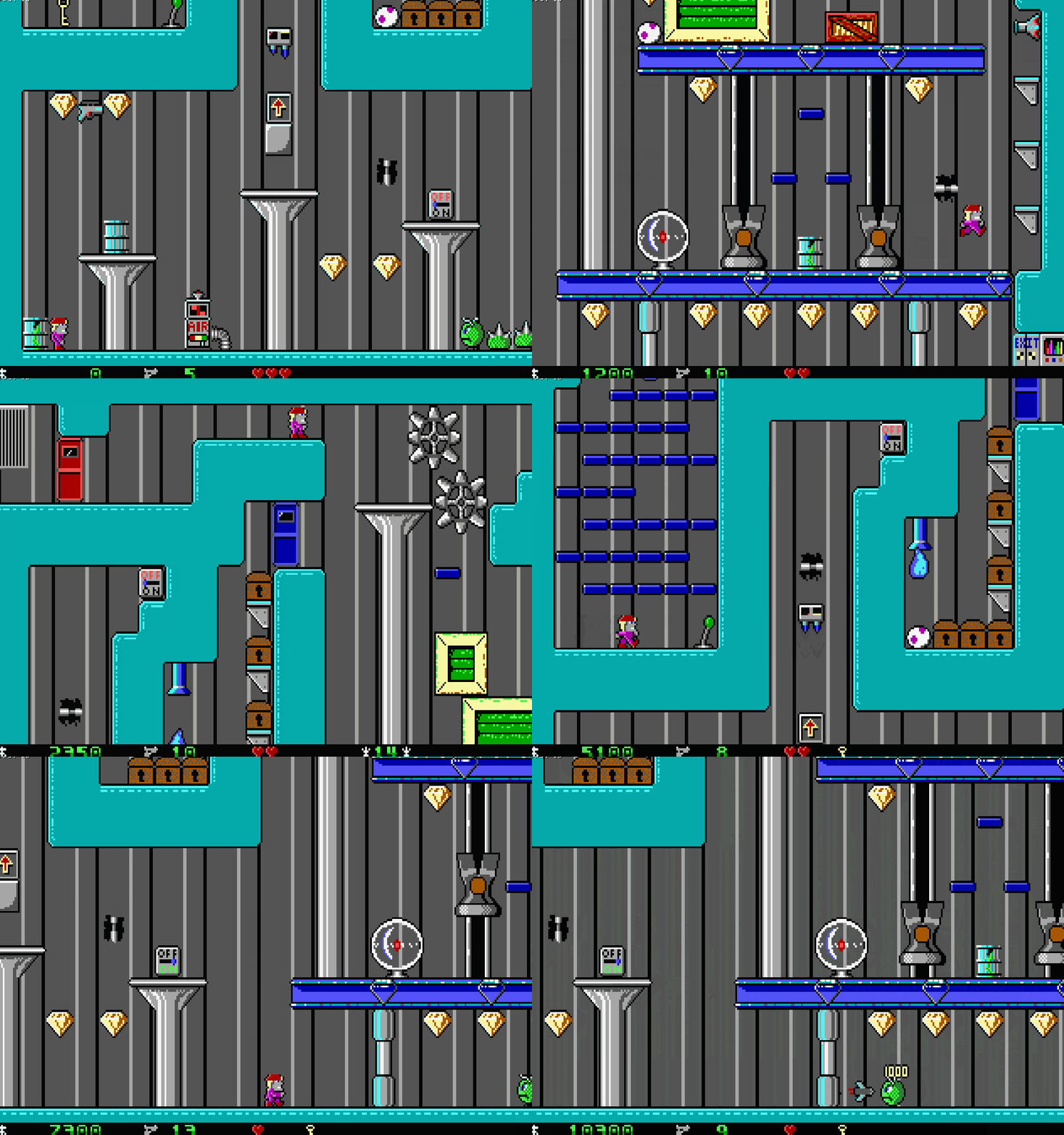
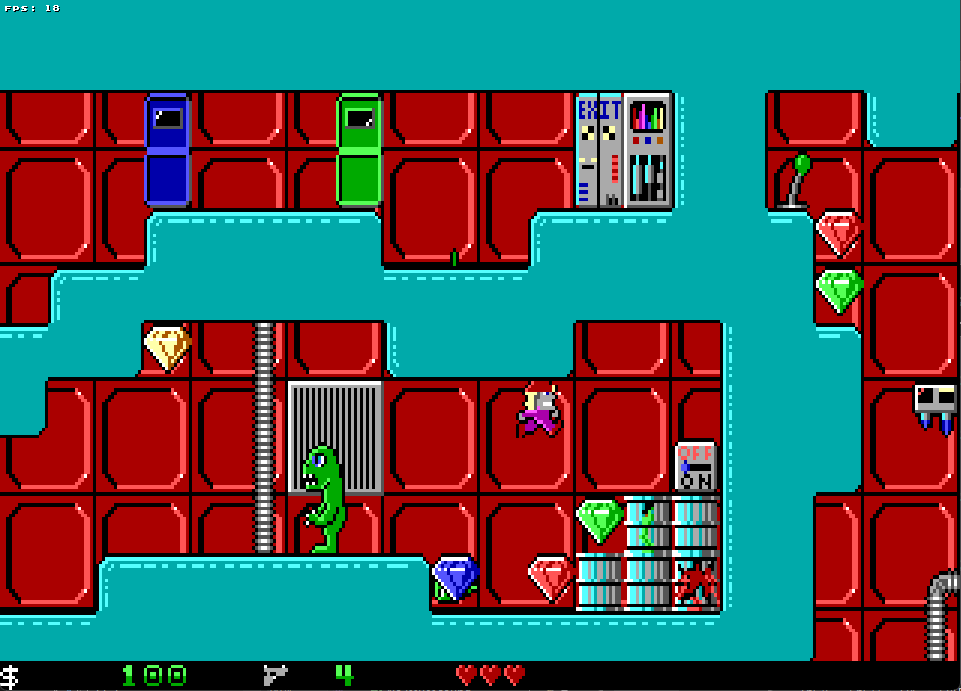
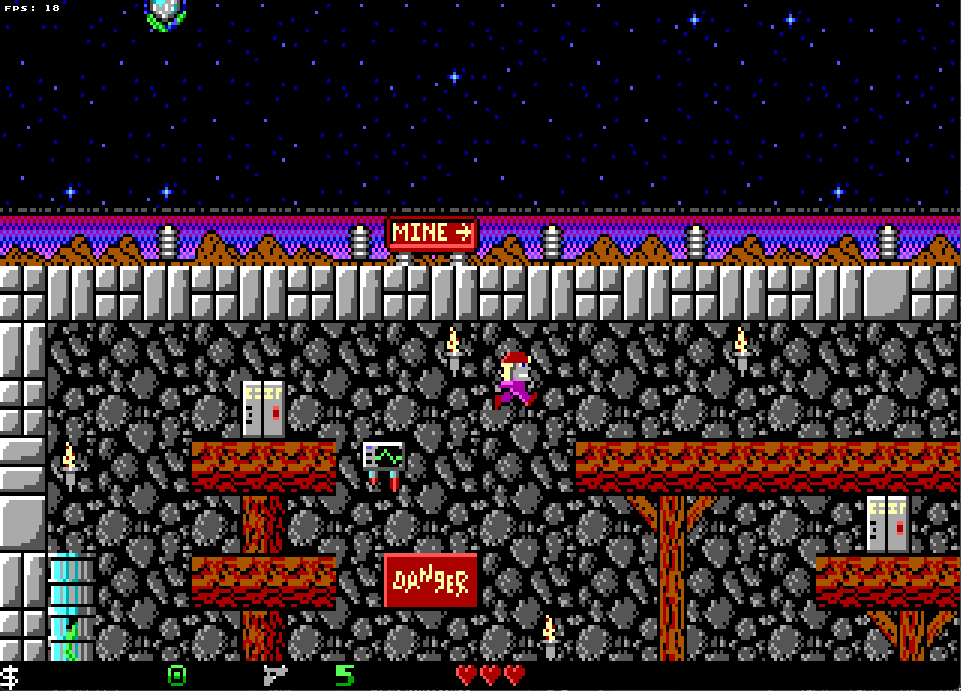
Currently the engine can:
- Load sprite, item and level data.
- Play through a few levels.
- Some enemies, hazards and items.
Features that are missing:
- Loading and saving games.
- Some items.
- Some enemies.
- (and much more).
Differences with Crystal Caves
OCC aims to be a better, modern remake of Crystal Caves while preserving the same gameplay experience. Therefore there are some changes and improvements made where they make sense. Below is a list of differences:
| Feature | Crystal Caves | OpenCrystalCaves |
|---|---|---|
| BBS menu item |  "Call our BBS" menu item which shows BBS phone numbers "Call our BBS" menu item which shows BBS phone numbers |
 "Visit our Website" which opens the browser to the OCC game page "Visit our Website" which opens the browser to the OCC game page |
| Earth and moon orbits |  Earth and Moon move at constant speed Earth and Moon move at constant speed |
 Earth and Moon move in a circular arc Earth and Moon move in a circular arc |
| Enemy and hazard detection | 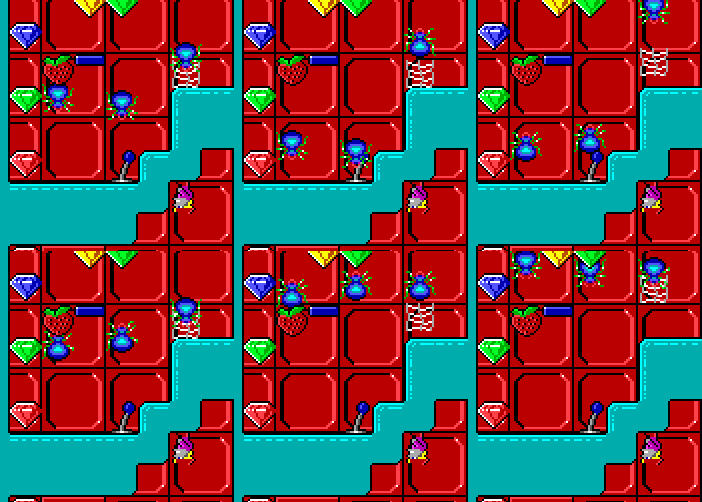 Detection can go through walls Detection can go through walls |
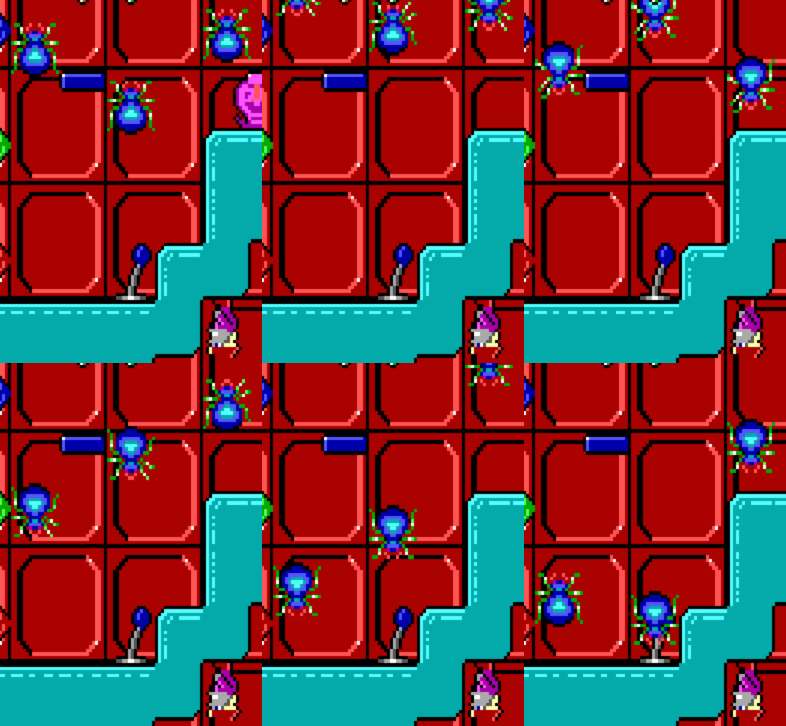 Detection is blocked by walls Detection is blocked by walls |
| Head bump momentum | 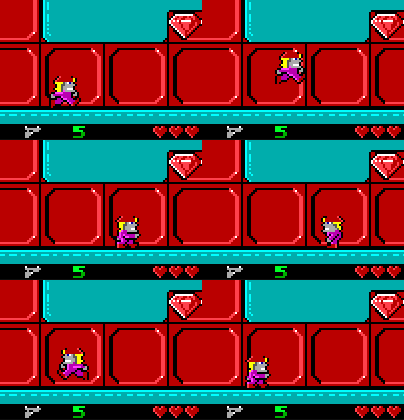 Horizontal momentum is lost when player bumps their head Horizontal momentum is lost when player bumps their head |
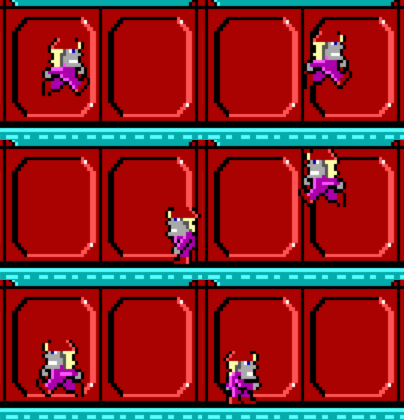 Horizontal momentum is preserved when player bumps their head Horizontal momentum is preserved when player bumps their head |
| Instructions | 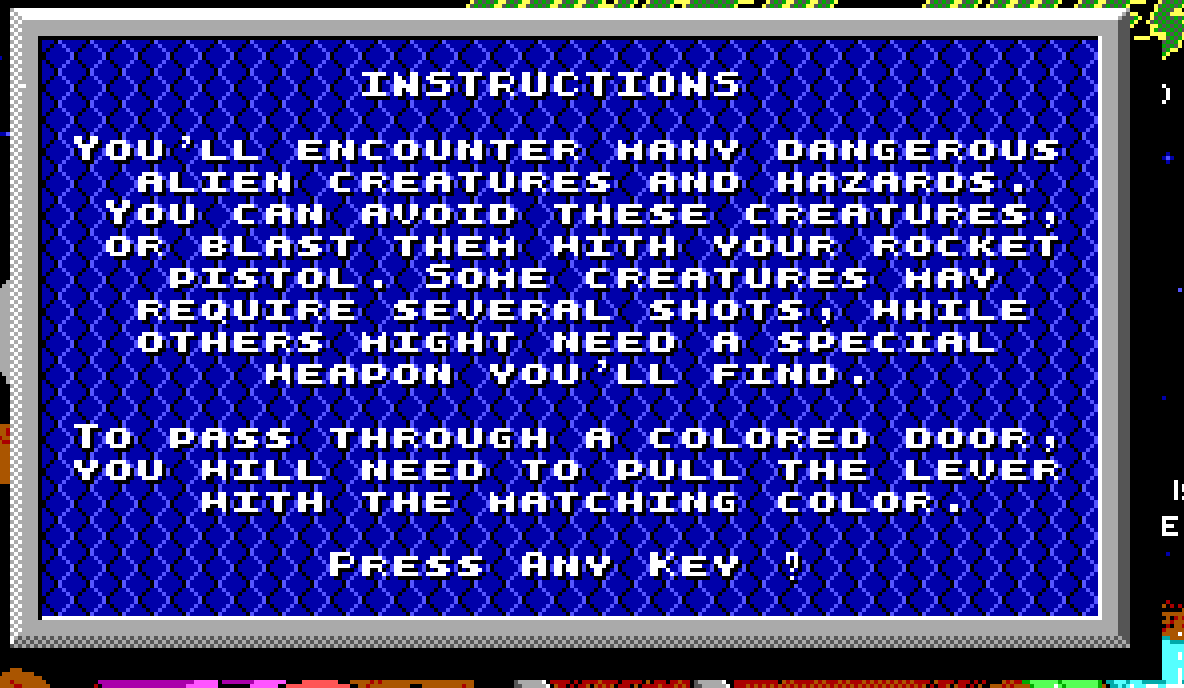 Sequential, text-only instructions Sequential, text-only instructions |
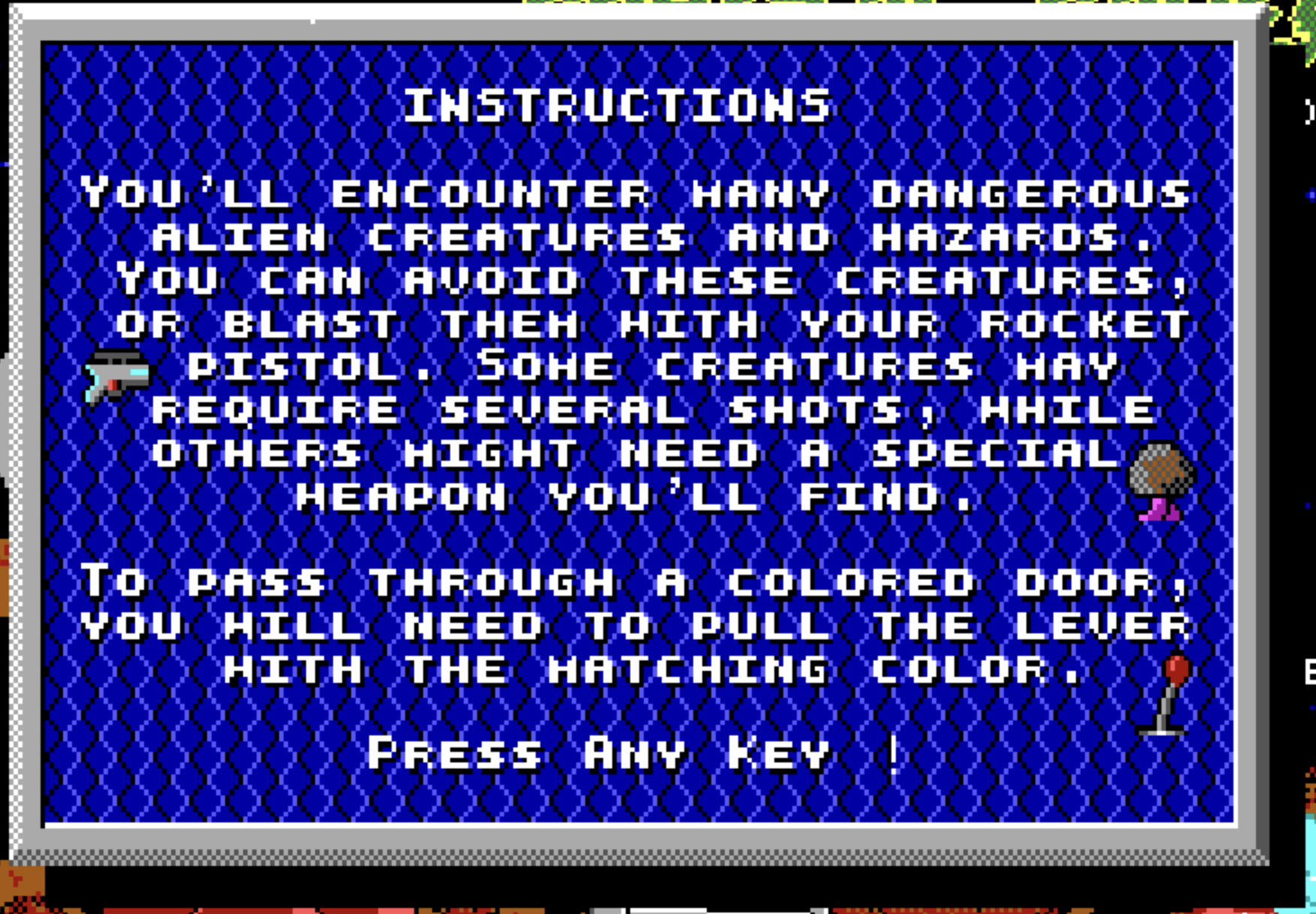 Added inline icons showing what game objects look like Added inline icons showing what game objects look like |
| Laser position | 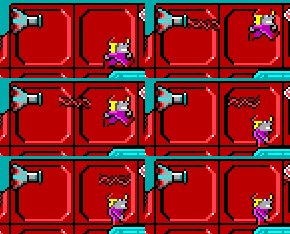 Laser is fired slightly below the muzzle Laser is fired slightly below the muzzle |
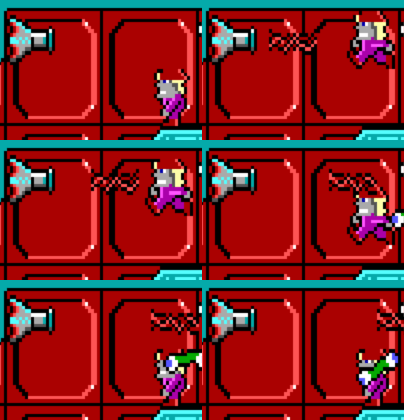 Laser is aligned with the muzzle Laser is aligned with the muzzle |
| Moving platform animation | 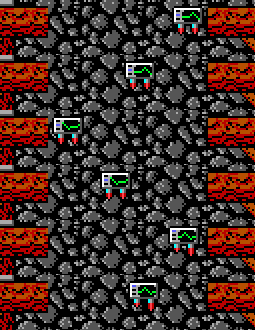 Animation is the same regardless of direction Animation is the same regardless of direction |
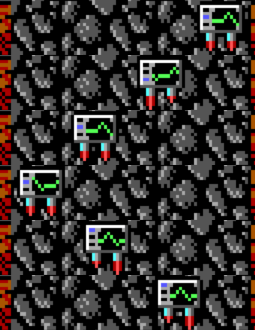 Animation reverses so that monitor follows background Animation reverses so that monitor follows background |
| Question mark spin animation |  Animation repeats and skips some frames Animation repeats and skips some frames |
 Animation shows fully rotating question mark Animation shows fully rotating question mark |
| Quit To OS menu label | 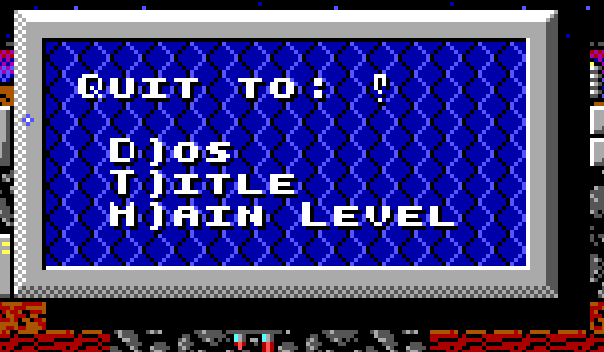 Quit to DOS Quit to DOS |
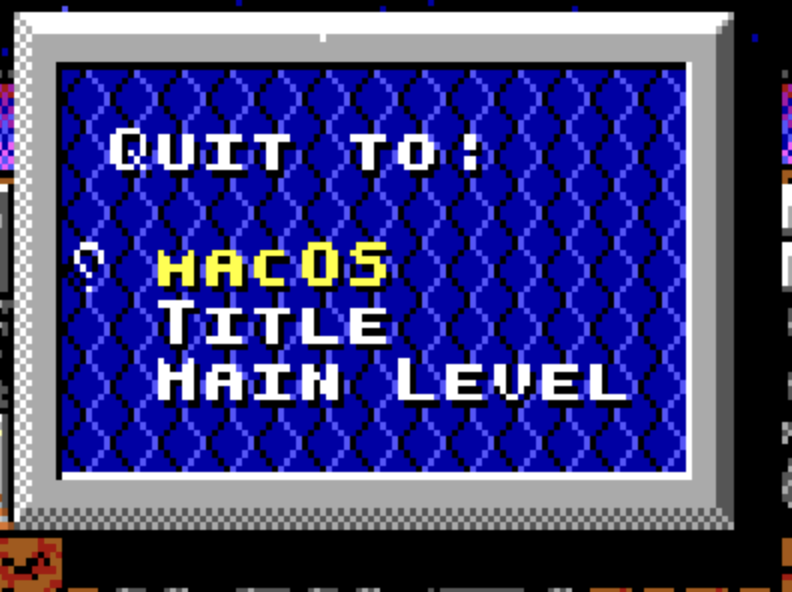 Quit to OS depending on build Quit to OS depending on build |
| Restarting levels | Menu > Quit Current Game > Main Level, re-enter level | Menu > Restart |
| Transitions | 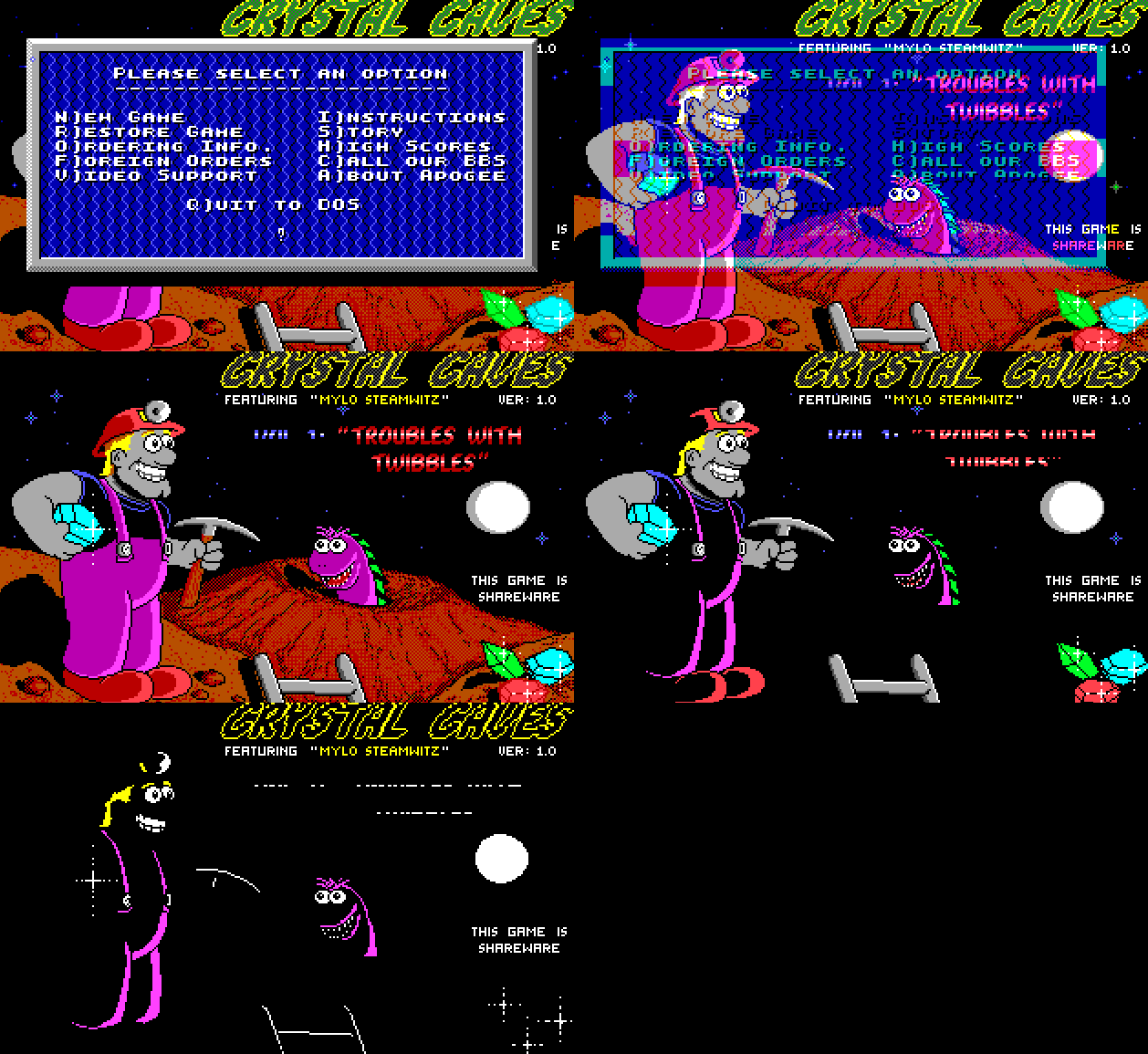 Fade by palette color Fade by palette color |
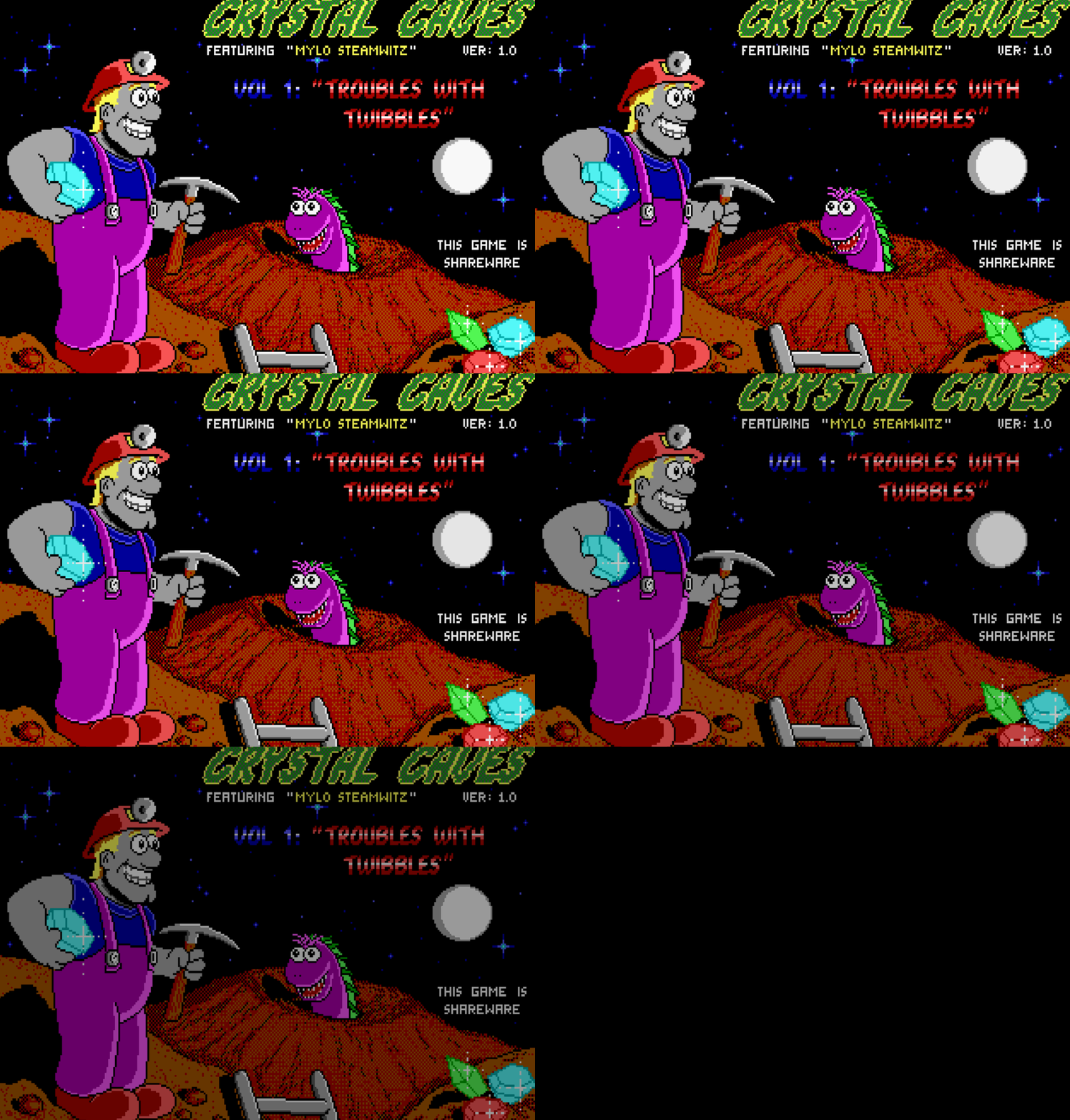 Fade to black Fade to black |
| Hammer crush | 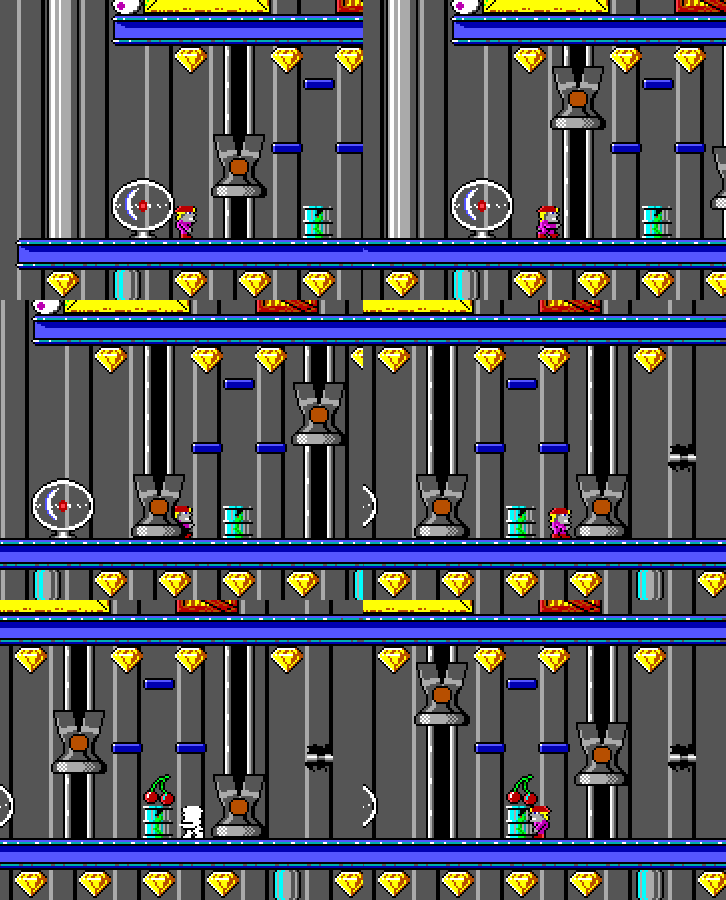 Getting hurt normally by hammers Getting hurt normally by hammers |
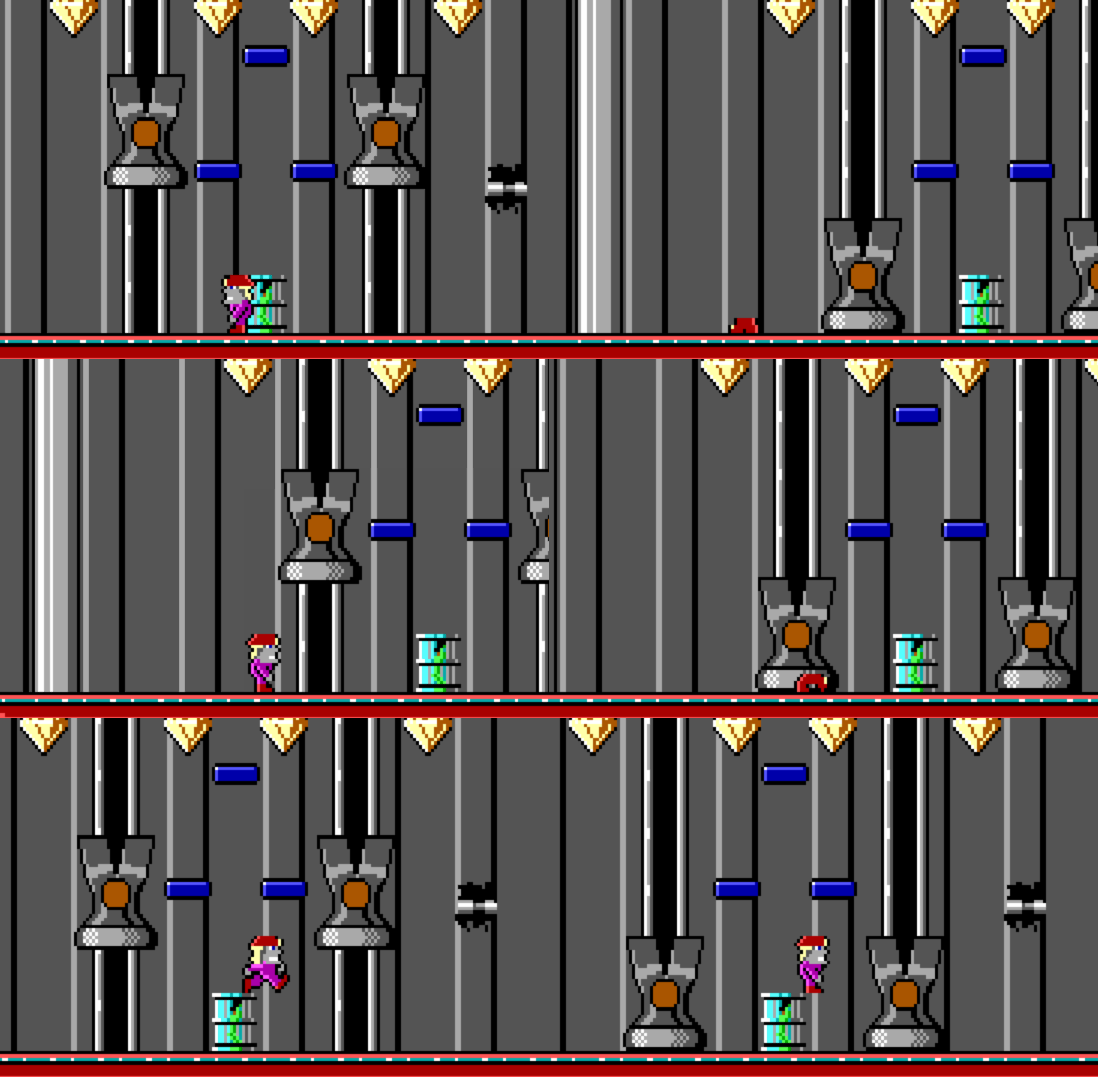 Getting crushed by hammers Getting crushed by hammers |
| Candle pickup sound | No sound | Same sound as other similar pickups (shovel, pickaxe) |
| Snoozer roll animation | 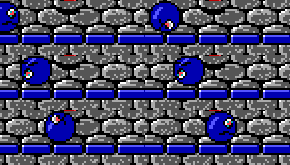 Third frame has slight Y offset Third frame has slight Y offset |
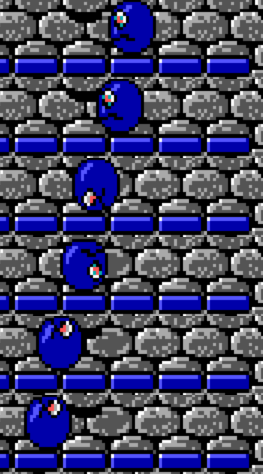 No irregular Y offsets No irregular Y offsets |
| Flame on/off animation | 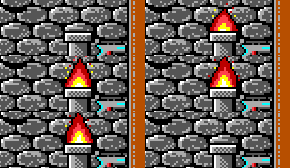 Transition in but not out Transition in but not out |
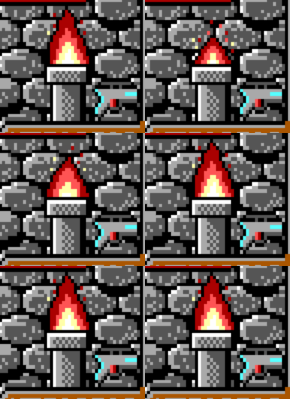 Transition both in and out Transition both in and out |
| Lights off | 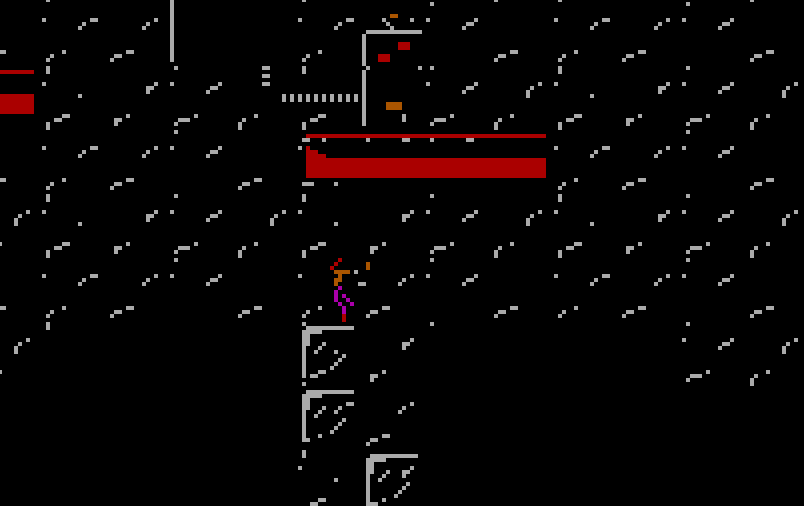 EGA palette swapped EGA palette swapped |
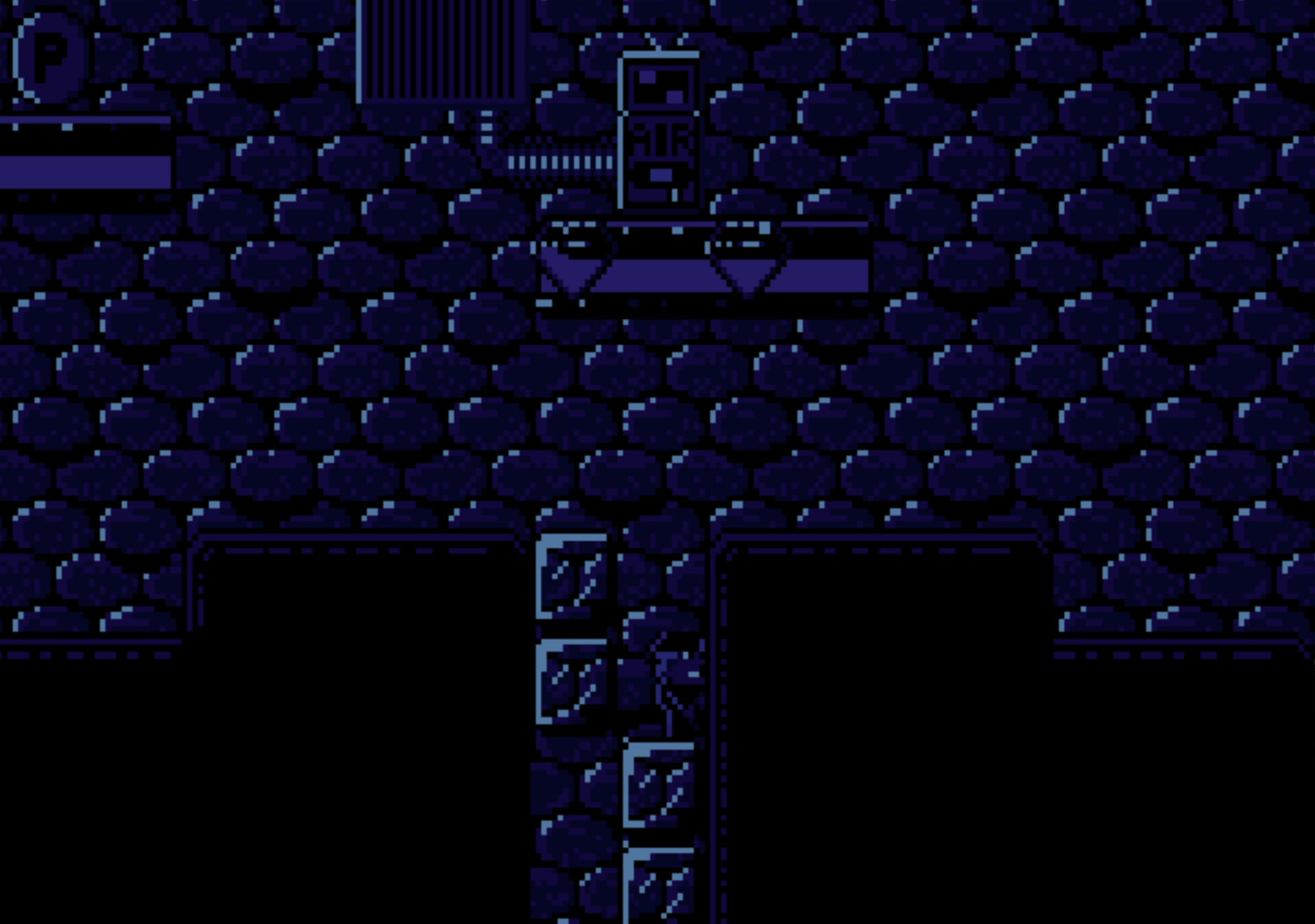 Option to use blue monochrome dark palette Option to use blue monochrome dark palette |
| Level complete indicator | 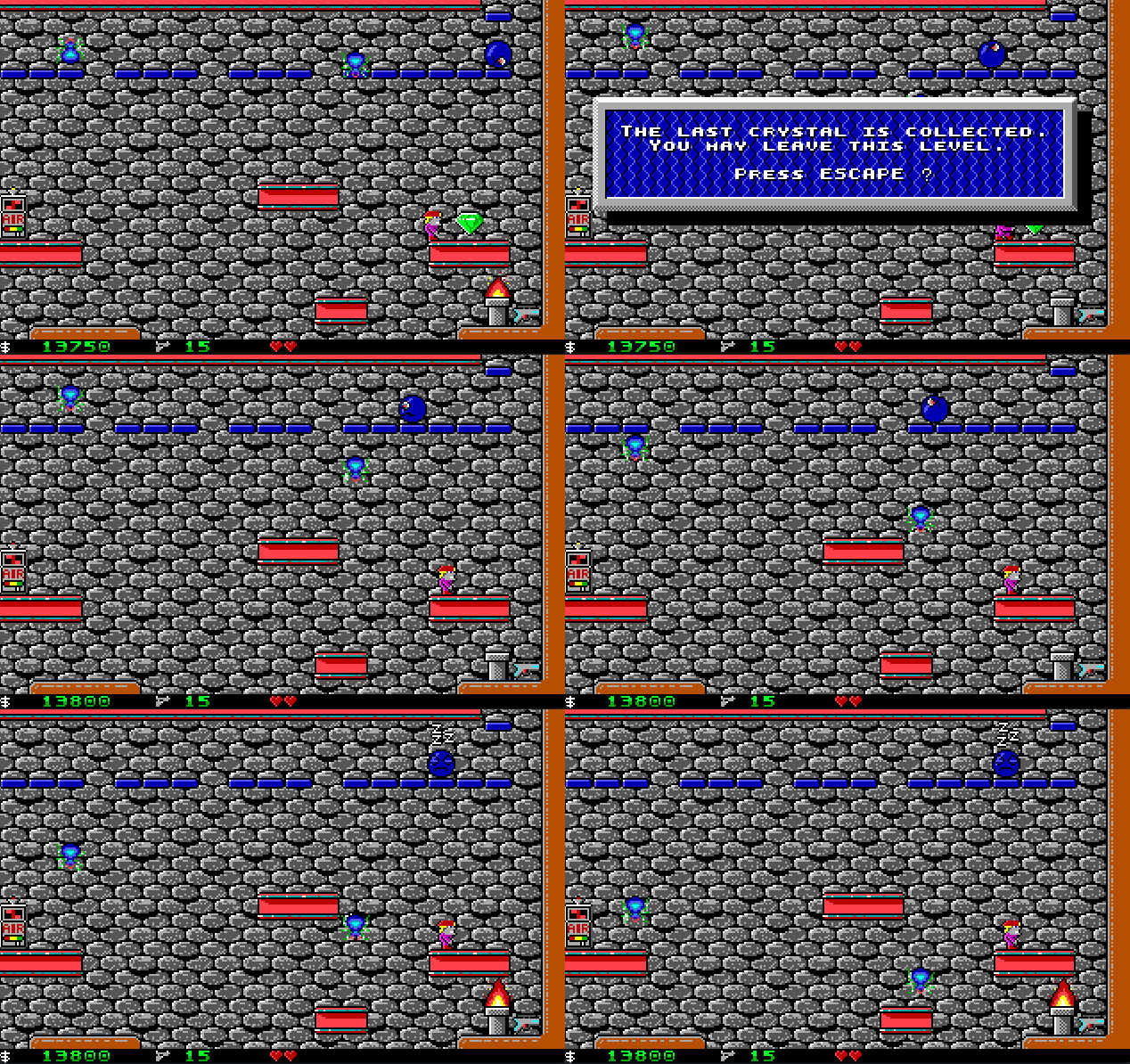 Green overscan (invisible in dosbox) Green overscan (invisible in dosbox) |
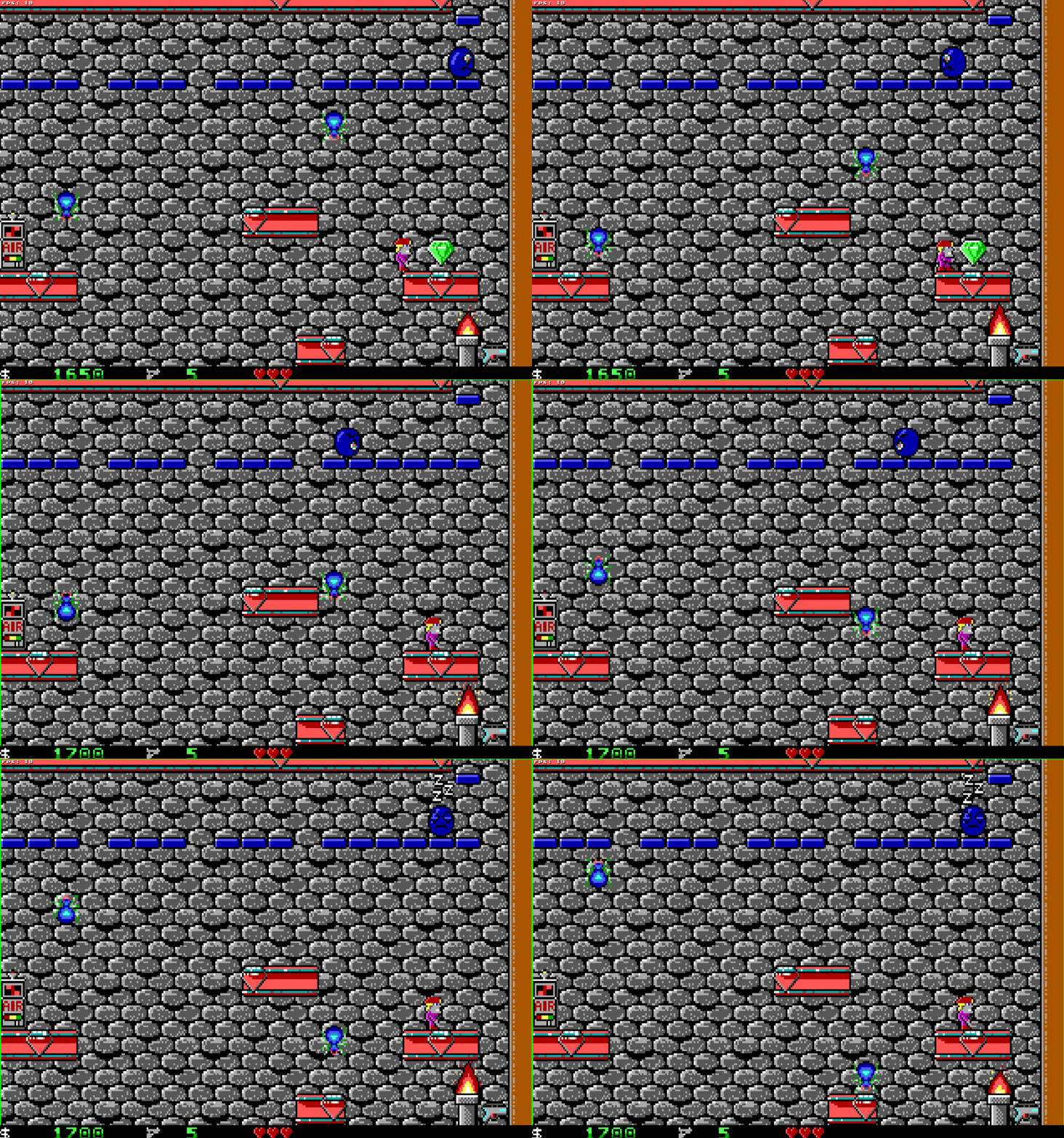 Flashing green screen border Flashing green screen border |
| Red mushroom | 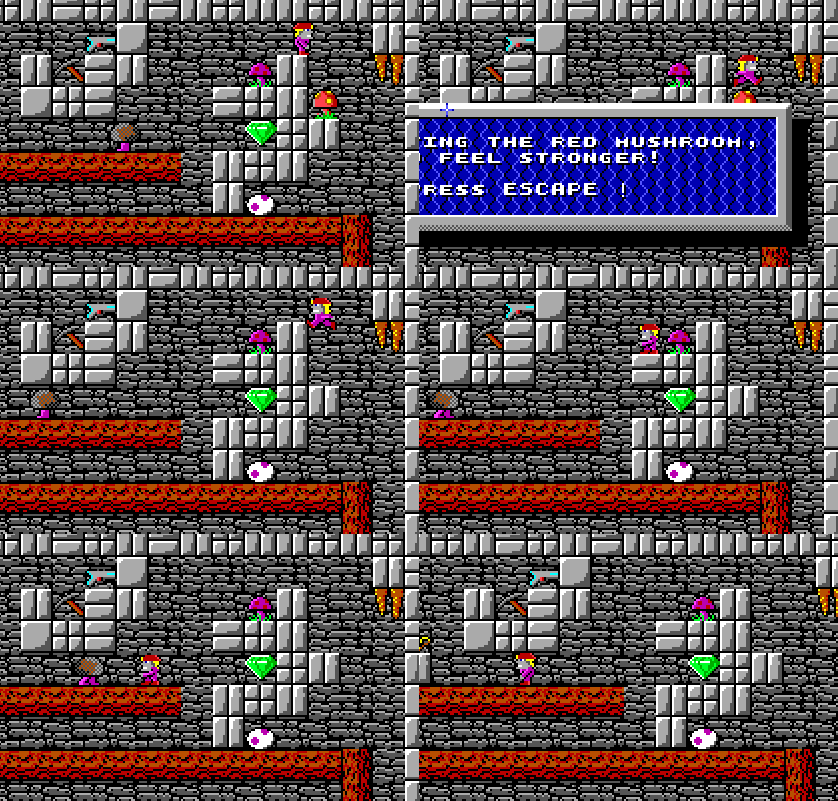 Timer in status bar Timer in status bar |
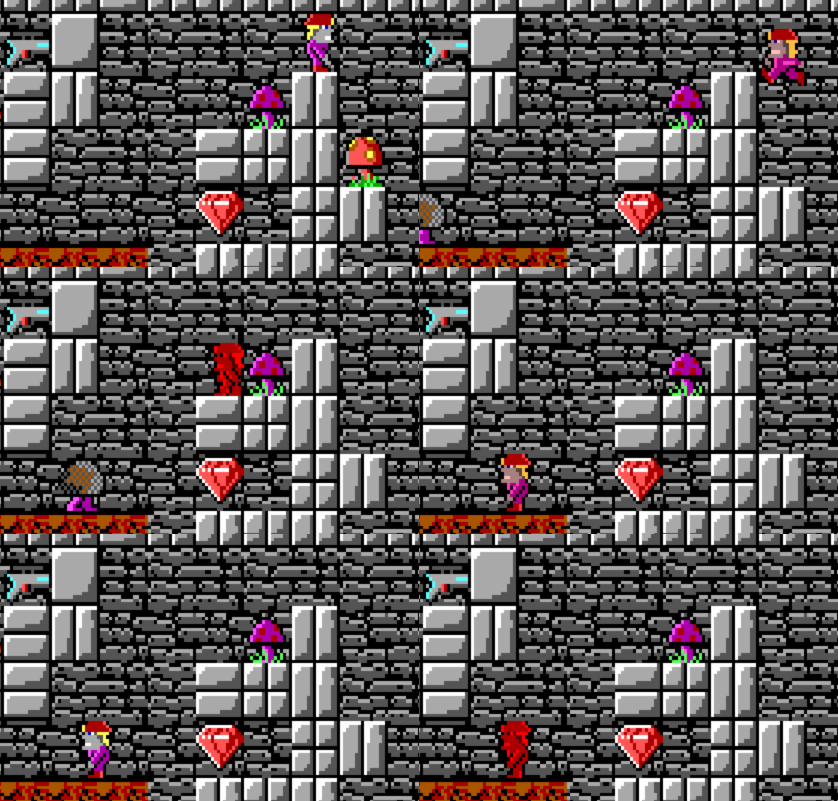 Player pulses red Player pulses red |
| Stopped enemies | 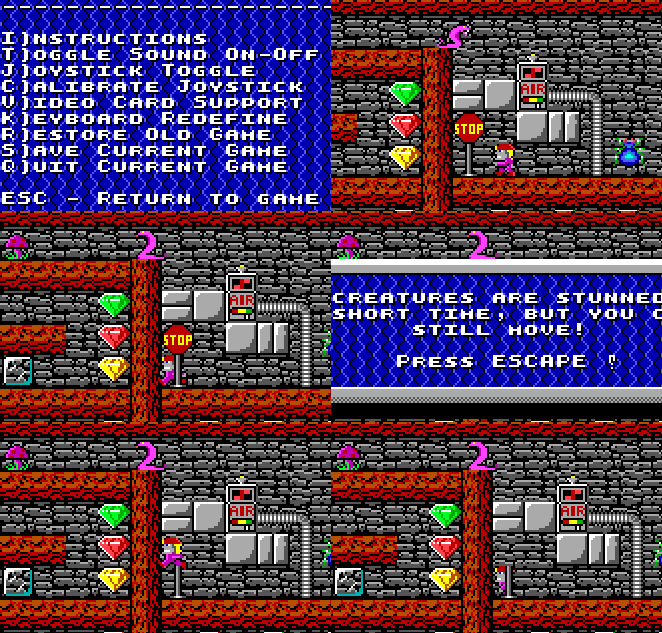 Stopped bar Stopped bar |
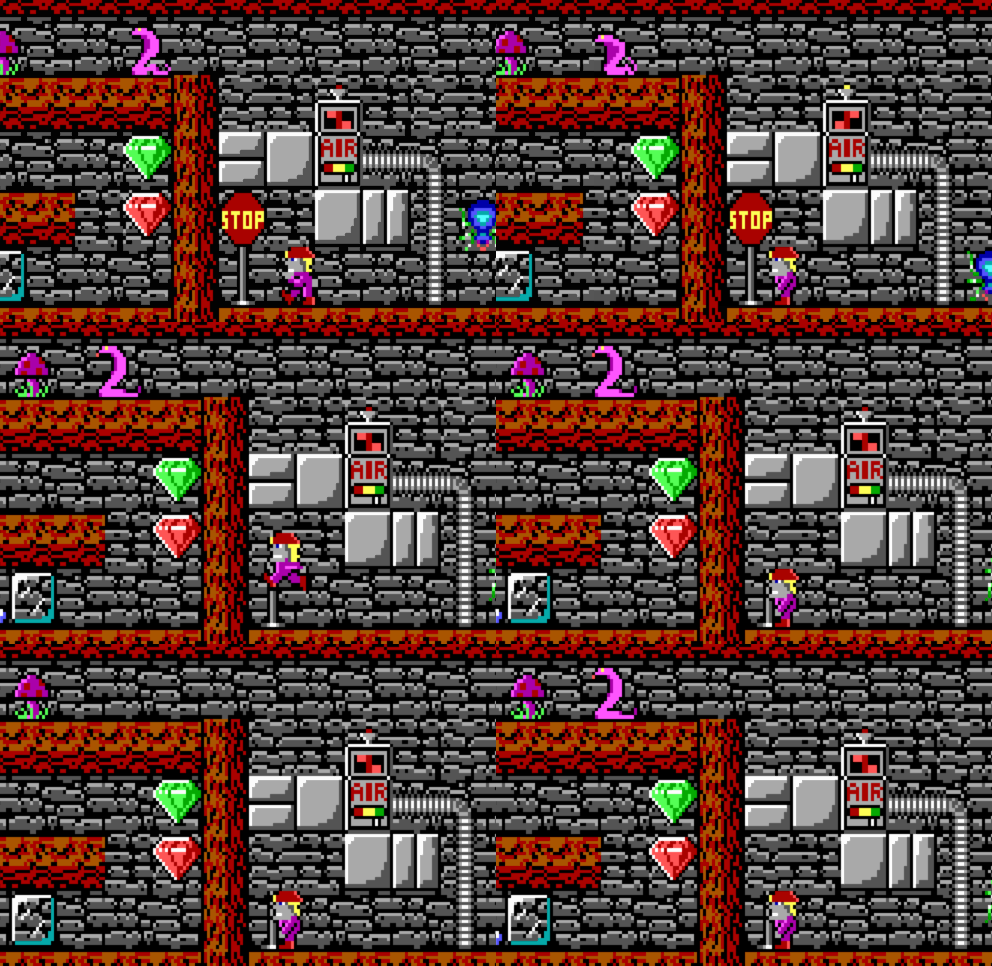 Stopped and blinking red Stopped and blinking red |
| Falling rocks | 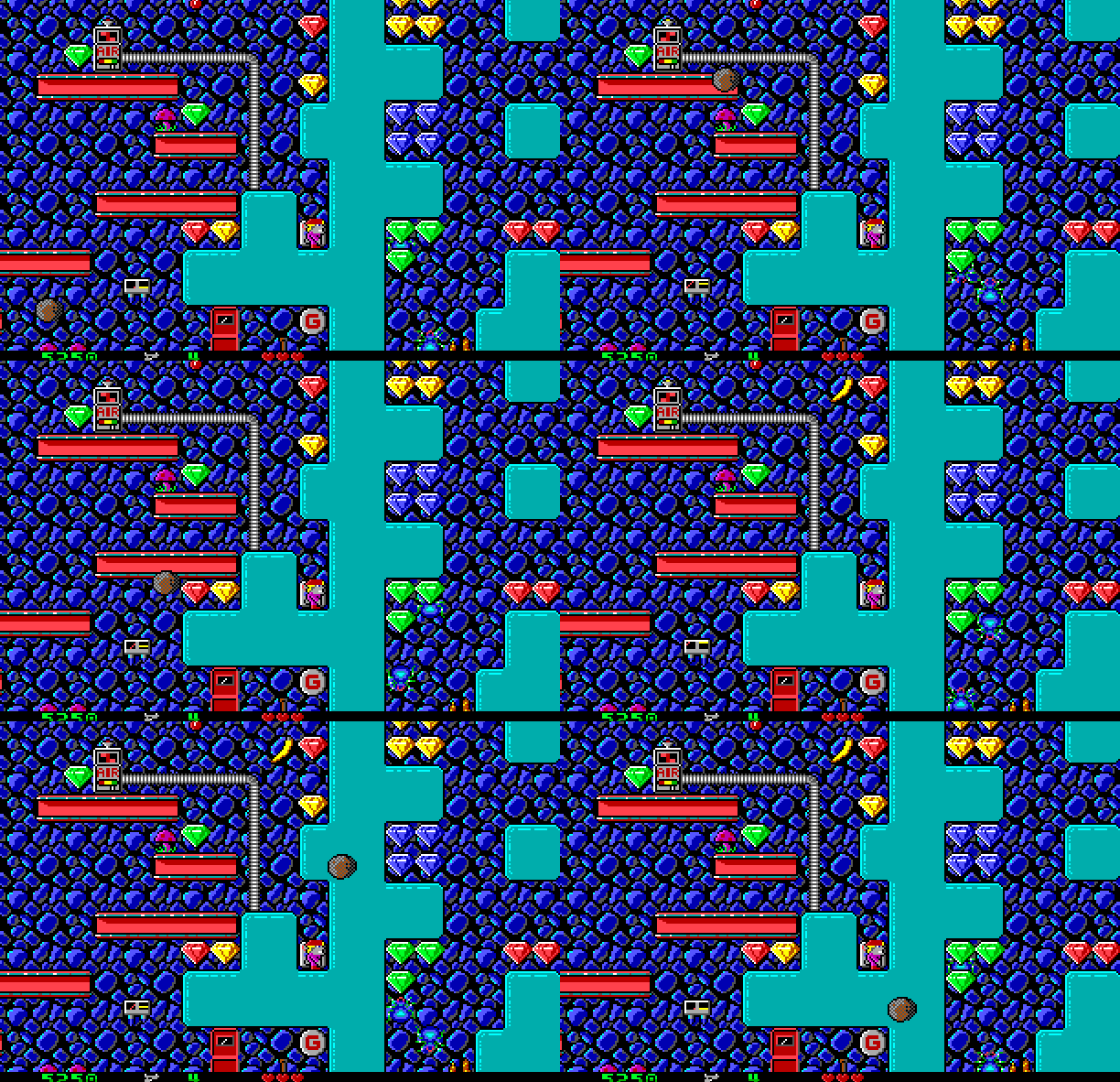 Can spawn outside danger area Can spawn outside danger area |
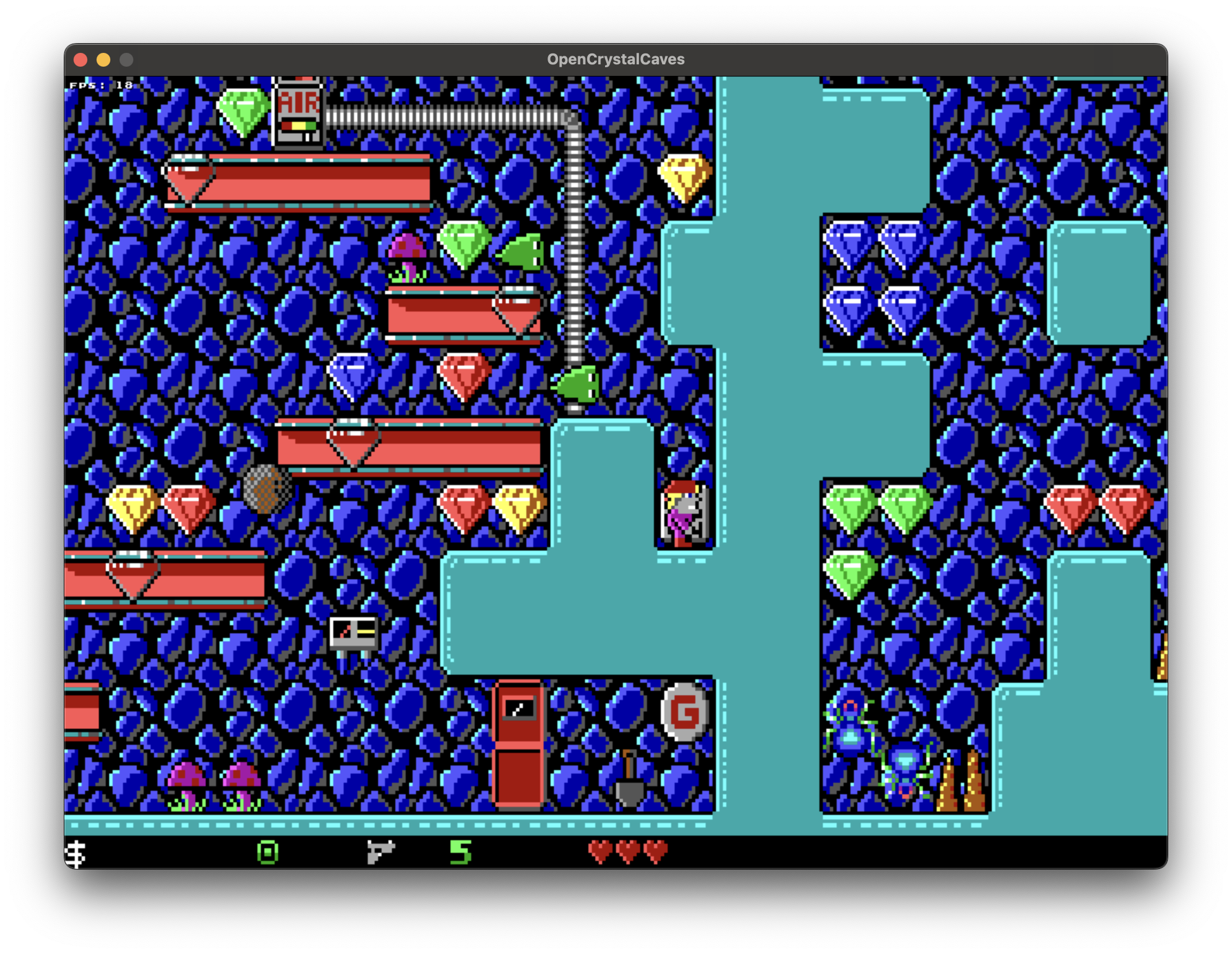 Only spawns in danger area Only spawns in danger area |
| Stopped platforms | 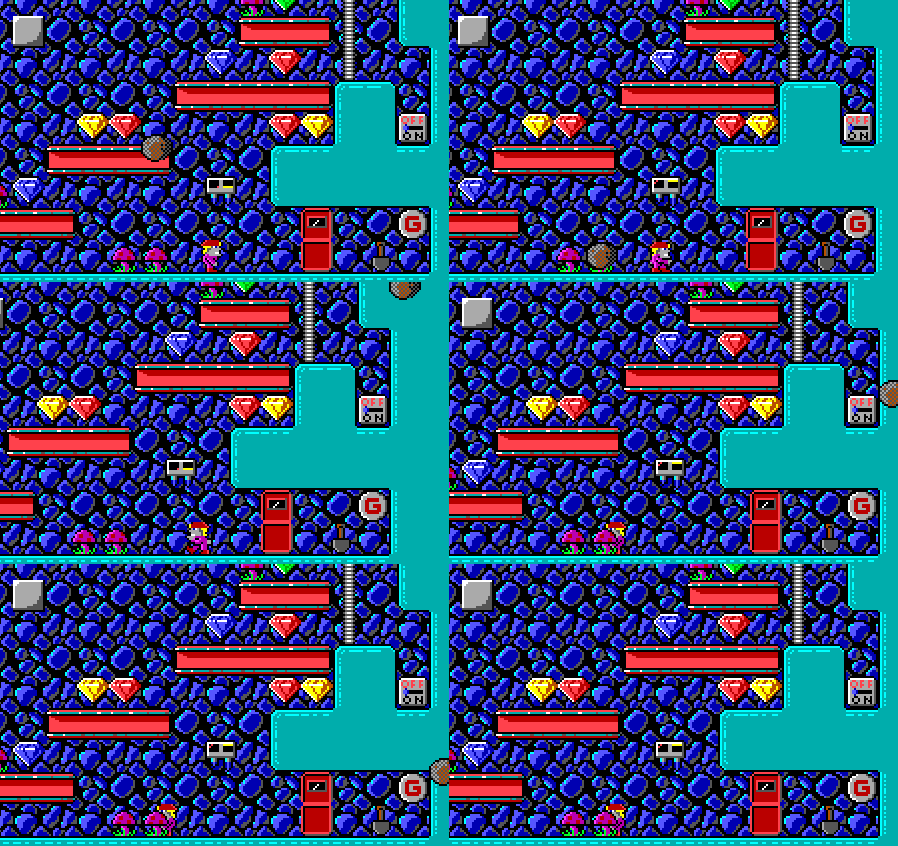 Animated Animated |
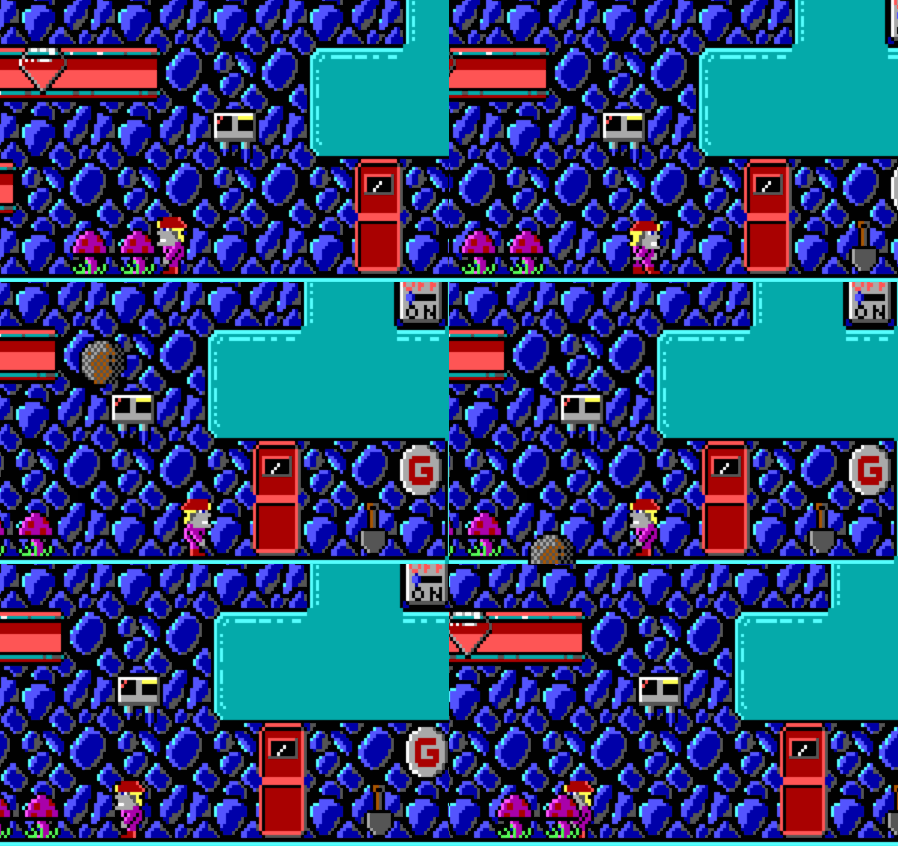 Not animated Not animated |
| Slime and egg positions | 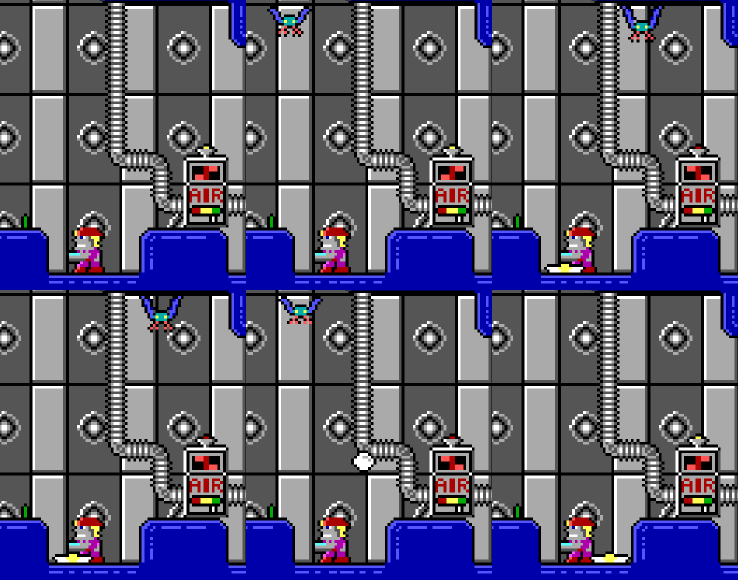 Strictly aligned with tile grid Strictly aligned with tile grid |
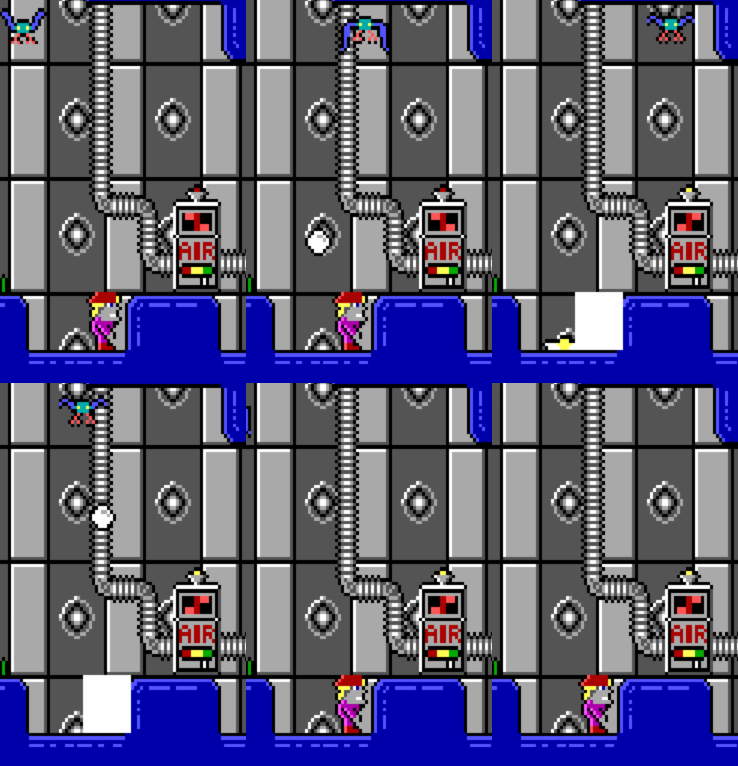 Dynamic position based on parent Dynamic position based on parent |
| Enemy destructible shots |  Stops shooting if shot goes off screen Stops shooting if shot goes off screen |
 Keeps shooting Keeps shooting |
| Laser beams | 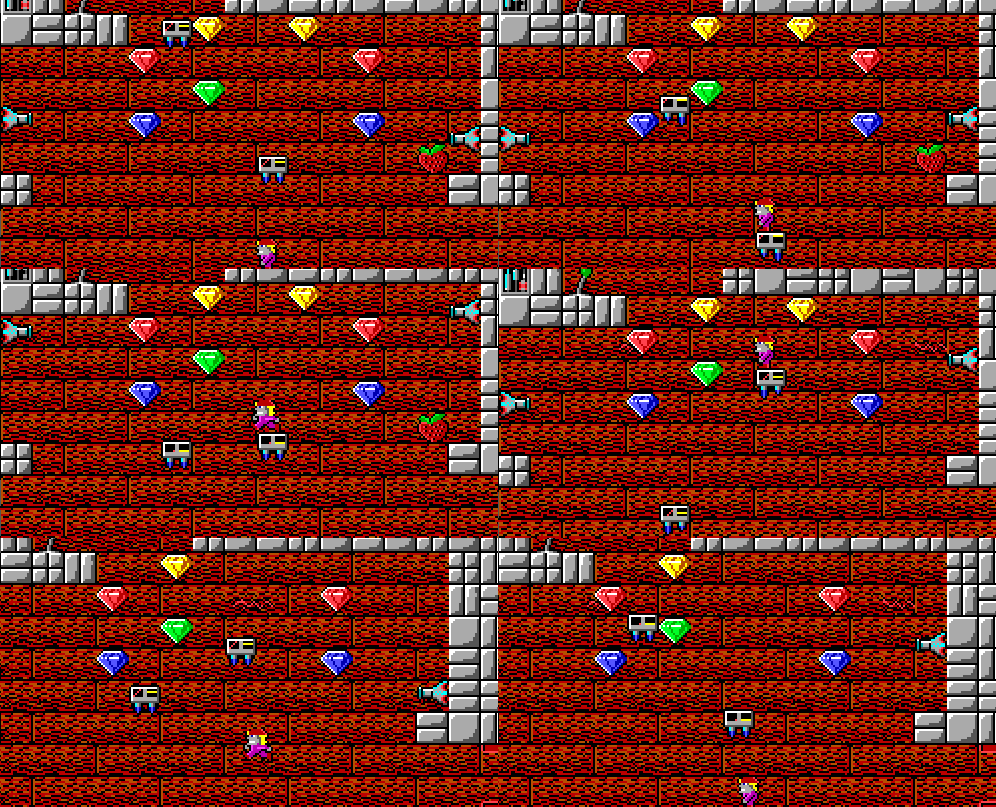 Can be hard to see Can be hard to see |
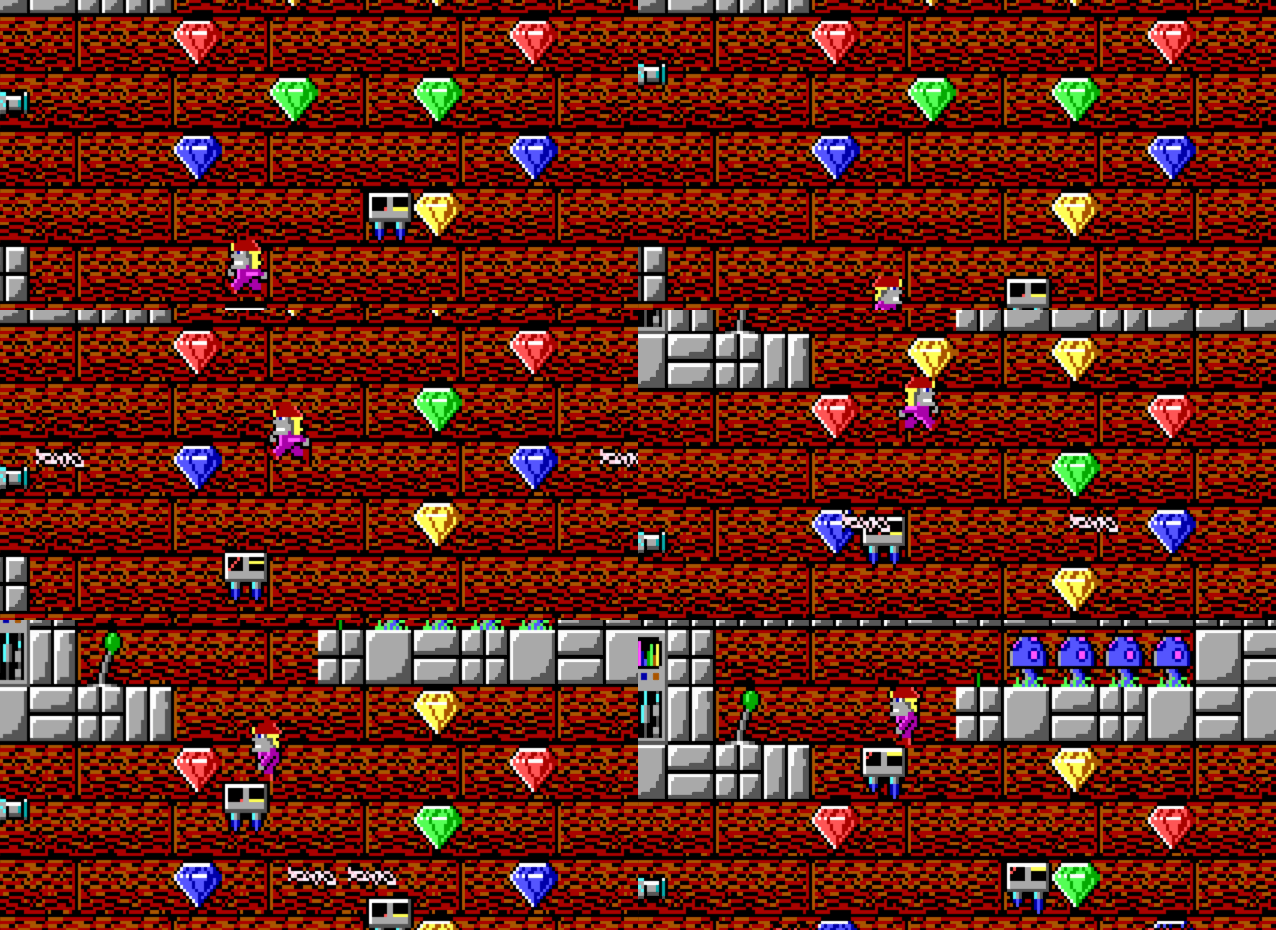 Flashing and easy to see Flashing and easy to see |
| Low gravity sign | 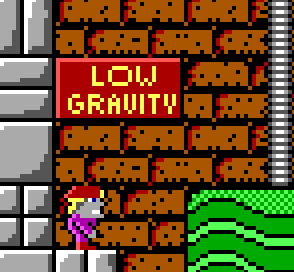 |
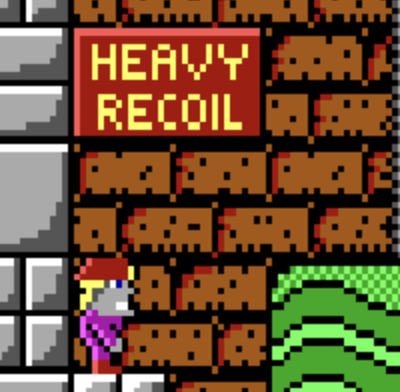 HEAVY RECOIL or LIGHT RECOIL HEAVY RECOIL or LIGHT RECOIL |
Compiling OCC
OCC is built using C++20 and requires external libraries: SDL 2.0, and SDL_mixer. SDL2 must be installed and available in /usr/include/SDL2. Additionally the build system cmake must be installed.
Steps to compile (Linux, macOS):
git clone --recursive https://github.com/gurka/OpenCrystalCaves.git
cd OpenCrystalCaves
mkdir -p debug
cmake -Bdebug -DCMAKE_BUILD_TYPE=debug occ
cd debug
make
The binary will be available at OpenCrystalCaves/debug/build/occ
Or in Windows (with vcpkg):
# In vcpkg dir
./vcpkg install --triplet x64-windows sdl2 sdl2-mixer --recurse
# In your projects dir
git clone --recursive https://github.com/gurka/OpenCrystalCaves.git
cd OpenCrystalCaves
cmake -Bbuild -DCMAKE_TOOLCHAIN_FILE=C:/path/to/vcpkg/scripts/buildsystems/vcpkg.cmake occ -A x64
The Visual Studio project will be available at OpenCrystalCaves/build
Running OCC
OCC includes the shareware episode for convenience, but for the other episodes requires data files from the original Crystal Caves (any episode). Either install it via Steam or GoG, or copy the game data to the media folder in the occ package (such as CC1.GFX).