
Voxel Editors > Voxelle Desktop
Voxelle Desktop
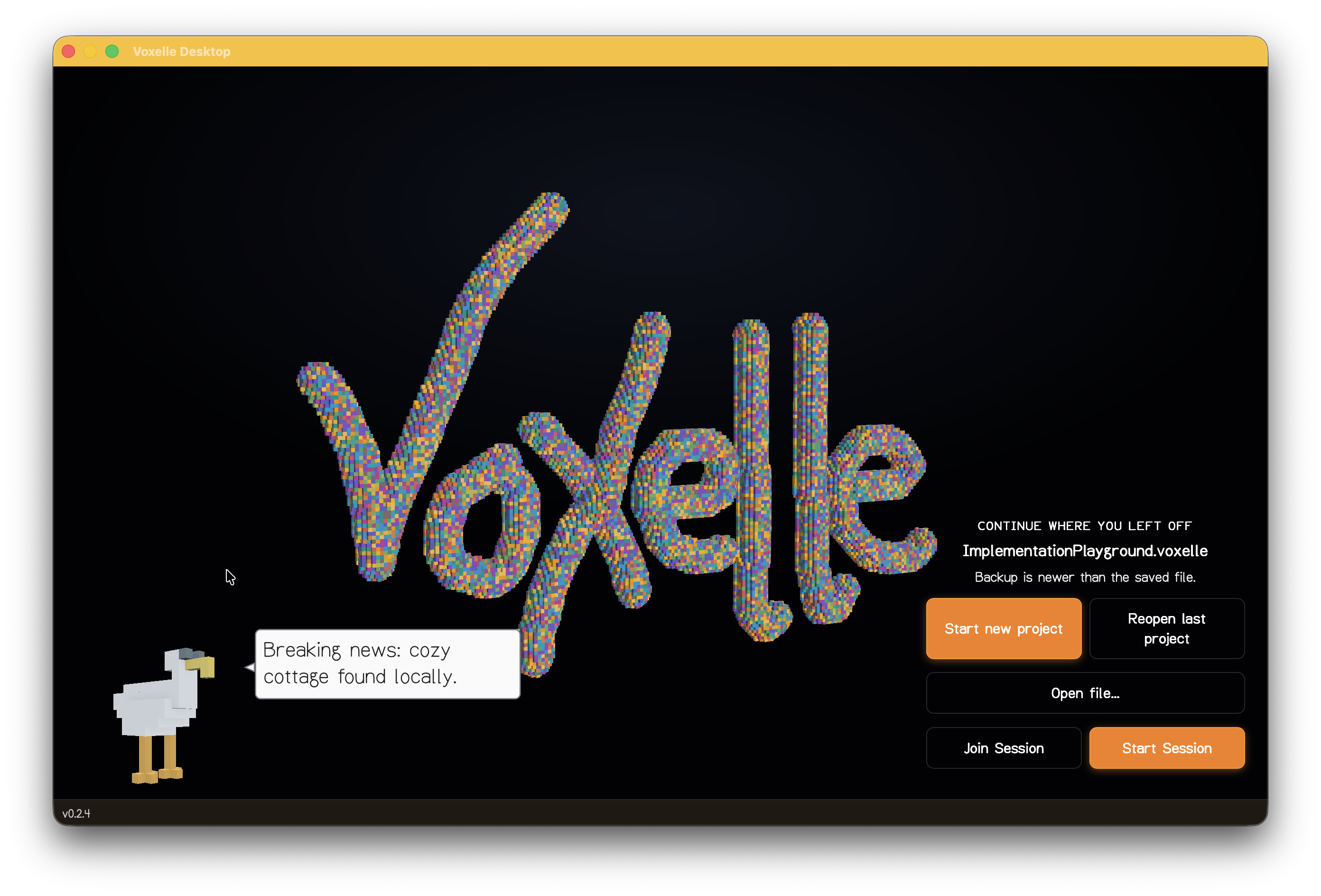
A native voxel editor for macOS, Windows, and Linux. Open, create, sculpt, and paint voxel scenes in a fast GPU-accelerated viewport.
Based on the original web version.

Features
- Draw — place voxels with a brush using solid colors, FBM noise, gradients, or dithered patterns
- Select — pick, box-select, or paint-select voxels for batch operations
- Sculpt — push, pull, and smooth surfaces with pressure-sensitive strokes
- Generators — procedurally fill selections with noise-based or shape-based geometry
- Squishy tool — soft-body deformation for organic shaping
- Mood settings — ambient, lighting, and atmosphere controls including screen-space reflections
- Fly camera — FPS-style free camera with mouse look (hold right-click or use pointer lock)
- Walk mode — ground-constrained navigation
- Gamepad support — radial menu and camera control via controller
- Collaboration — join multiplayer sessions to edit scenes together
- Auto-update — the app checks for and installs updates automatically
Getting the app
Download the latest release from the releases page.
The app will notify you when updates are available and can install them automatically.
Requirements
| Platform | Minimum version |
|---|---|
| macOS | 11.0 (Big Sur) |
| Windows | Windows 10 |
| Linux | Ubuntu 20.04+ |
Examples
See examples and works-in-progress on Bluesky.
File format
Voxelle Desktop uses the .voxelle file format (v4). Files store voxel geometry, materials, and metadata in a compact binary container.
For development setup and contribution guidance, see CONTRIBUTORS.md.