
Cleanup and Uninstall > App Uninstaller
Lightweight app uninstaller with drag-and-drop support. Built with Swift and SwiftUI.
App Uninstaller
A lightweight, native macOS app uninstaller with drag-and-drop support. Built with Swift and SwiftUI.


Features
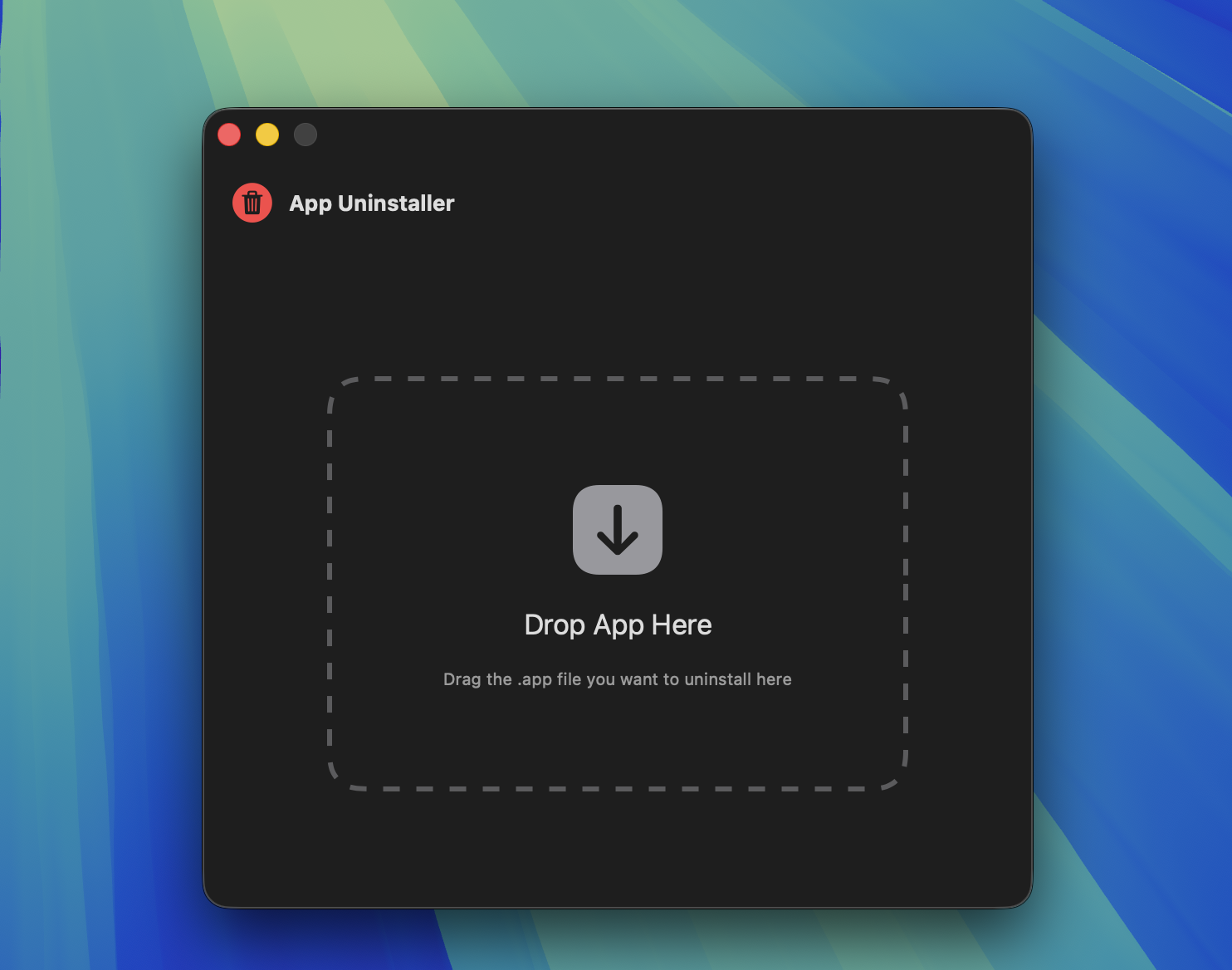
- Drag & Drop: Simply drag any
.appfile onto the window to uninstall - Deep Cleaning: Automatically finds and removes related files:
- Application Support files
- Preferences (plist files)
- Caches
- Logs
- Saved Application State
- Containers
- And more...
- Native UI: Beautiful SwiftUI interface that fits right in with macOS
- Smart Permissions: Automatically requests admin privileges only when needed
- Safe: Shows all files before deletion, requires confirmation
Screenshots
| Main Interface | Ready to Uninstall |
|---|---|
 |
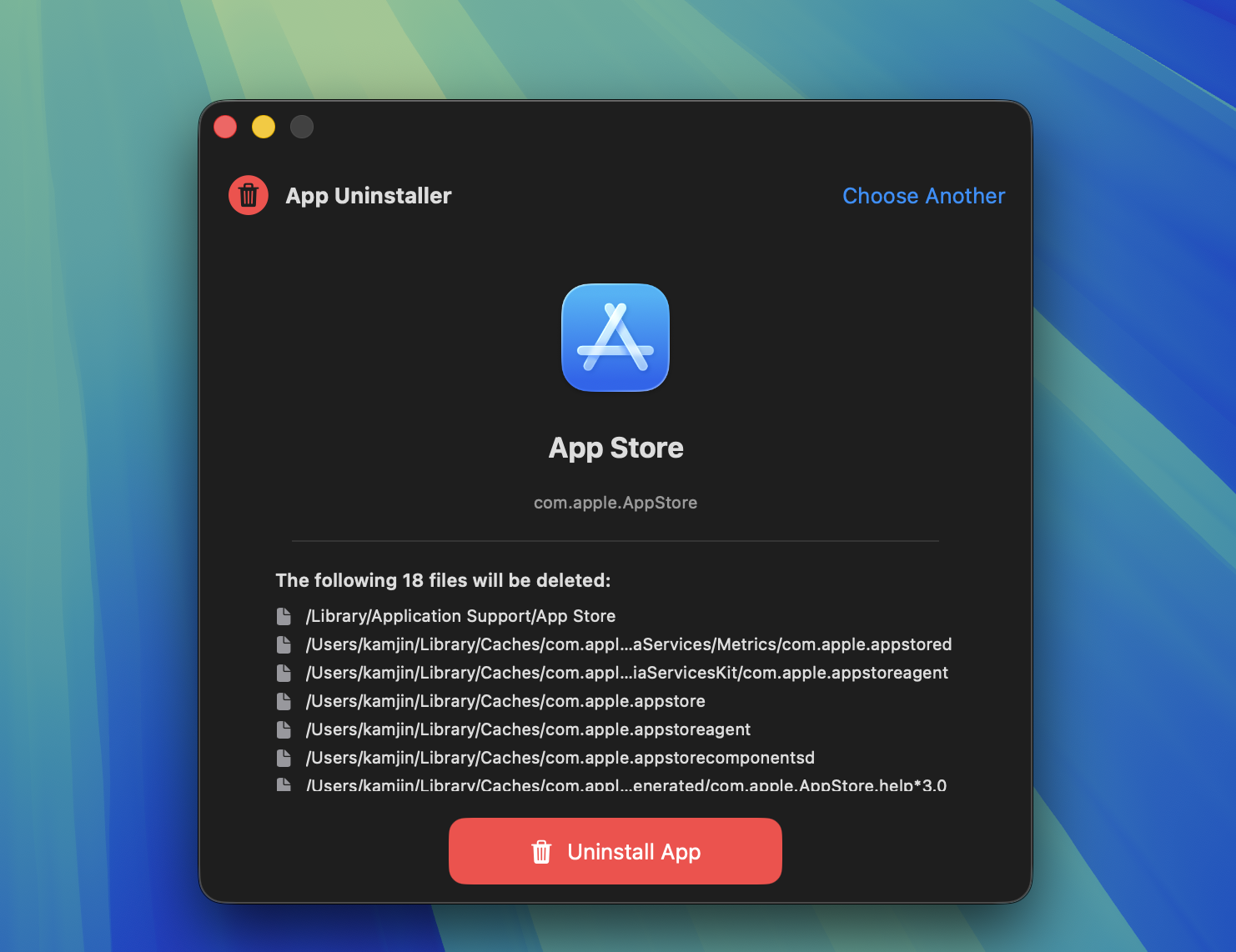 |
Drag any .app file to uninstall it along with all related files.
Installation
Download Release
- Go to Releases
- Download
AppUninstaller.zip - Unzip and move
App Uninstaller.appto/Applications - On first launch, right-click and select "Open" to bypass Gatekeeper
Build from Source
Requirements:
- macOS 13.0+
- Xcode Command Line Tools or Xcode
# Clone the repository
git clone https://github.com/kamjin3086/AppUninstaller.git
cd AppUninstaller

# Build release version
swift build -c release

# Create app bundle (optional)
mkdir -p "AppUninstaller.app/Contents/MacOS"
cp .build/release/AppUninstaller "AppUninstaller.app/Contents/MacOS/"
cp Info.plist "AppUninstaller.app/Contents/"
Usage
- Launch the app
- Drag any
.appfile onto the drop zone - Review the list of files that will be deleted
- Click "Uninstall" and confirm
- Enter your password if prompted (for system-protected files)
How It Works
App Uninstaller scans these locations for files related to the app:
| Location | Description |
|---|---|
~/Library/Application Support |
App data and settings |
~/Library/Preferences |
Preference files (.plist) |
~/Library/Caches |
Cached data |
~/Library/Logs |
Log files |
~/Library/Saved Application State |
Window states |
~/Library/HTTPStorages |
HTTP cookies |
~/Library/WebKit |
WebKit data |
~/Library/Containers |
Sandboxed app data |
/Library/Application Support |
System-wide app data |
/Library/Preferences |
System-wide preferences |
Files are matched by:
- App name (case-insensitive)
- Bundle identifier (e.g.,
com.company.appname)
Why Not Mac App Store?
This app requires access to system directories and administrator privileges to fully clean up applications. Mac App Store apps run in a sandbox that prevents this functionality. Similar tools like AppCleaner and CleanMyMac are also distributed outside the App Store for the same reason.
Contributing
Contributions are welcome! Feel free to:
- Report bugs
- Suggest features
- Submit pull requests
License
MIT License - see LICENSE for details.
Acknowledgments
Inspired by the need for a simple, open-source alternative to commercial uninstaller apps.