
TinyPNG4Mac
Open-source tool to compress images. [![Open-Source Software][OSS Icon] ![Freeware][Freeware Icon]](https://github.com/kyleduo/TinyPNG4Mac)
Tiny Image
The App's name is renamed to Image Image for property sake, since previous name contains TinyPNG and macOS.
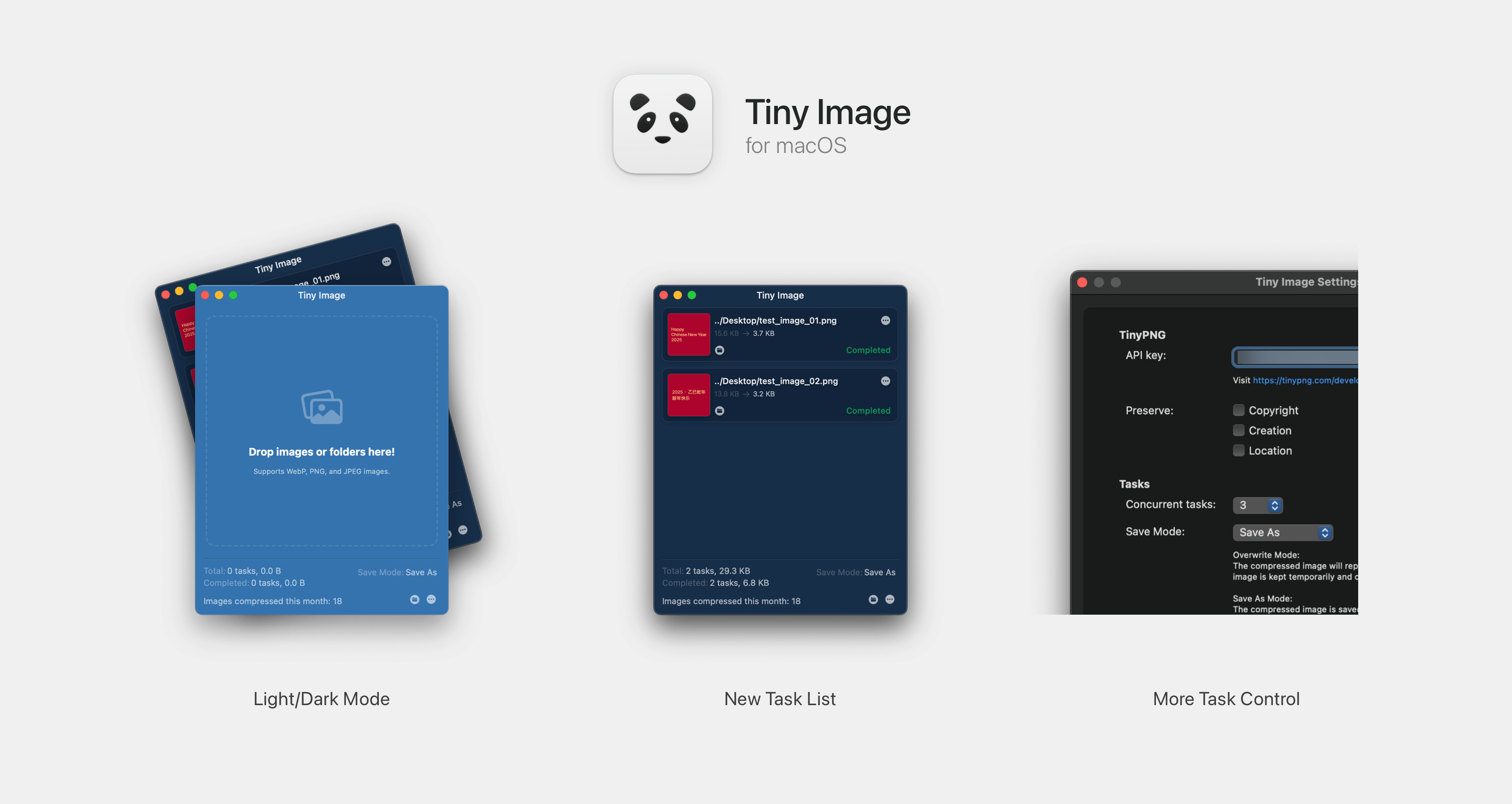
TinyPNG for macOS is a 3rd-party client of TinyPNG. With which you can compress images without opening browser.
2.2.1 Release Note
Version 2.0.0+ supports macOS 13 Ventura and later. For lower version systems, please use the previous version.
- Support format converting. Convert image to specific format or automatically pick the smallest one in supported format list (PNG, JPEG, AVIF, WEBP).
- Add cache for number of image compressed.
Usage
- Register an API key at link.
- Paste your API key to
Settingswindow. (You can edit it when you need to) - Drag images or directories containing images to the window.
- Or right-click image files / folders in Finder and choose
Services -> Compress with Tiny Image.
Download
Through Release Page
Check System Settings -> Security & privacy page if you can not open this app.
Thanks
droptogif -- A very useful client for convert video to gif. I learnt how to create window from that project.