
RippleTransition.framer
Framer Module for a Material design like ripple transition.
RippleTransition.framer
Framer JS Module for a Material design like ripple transition
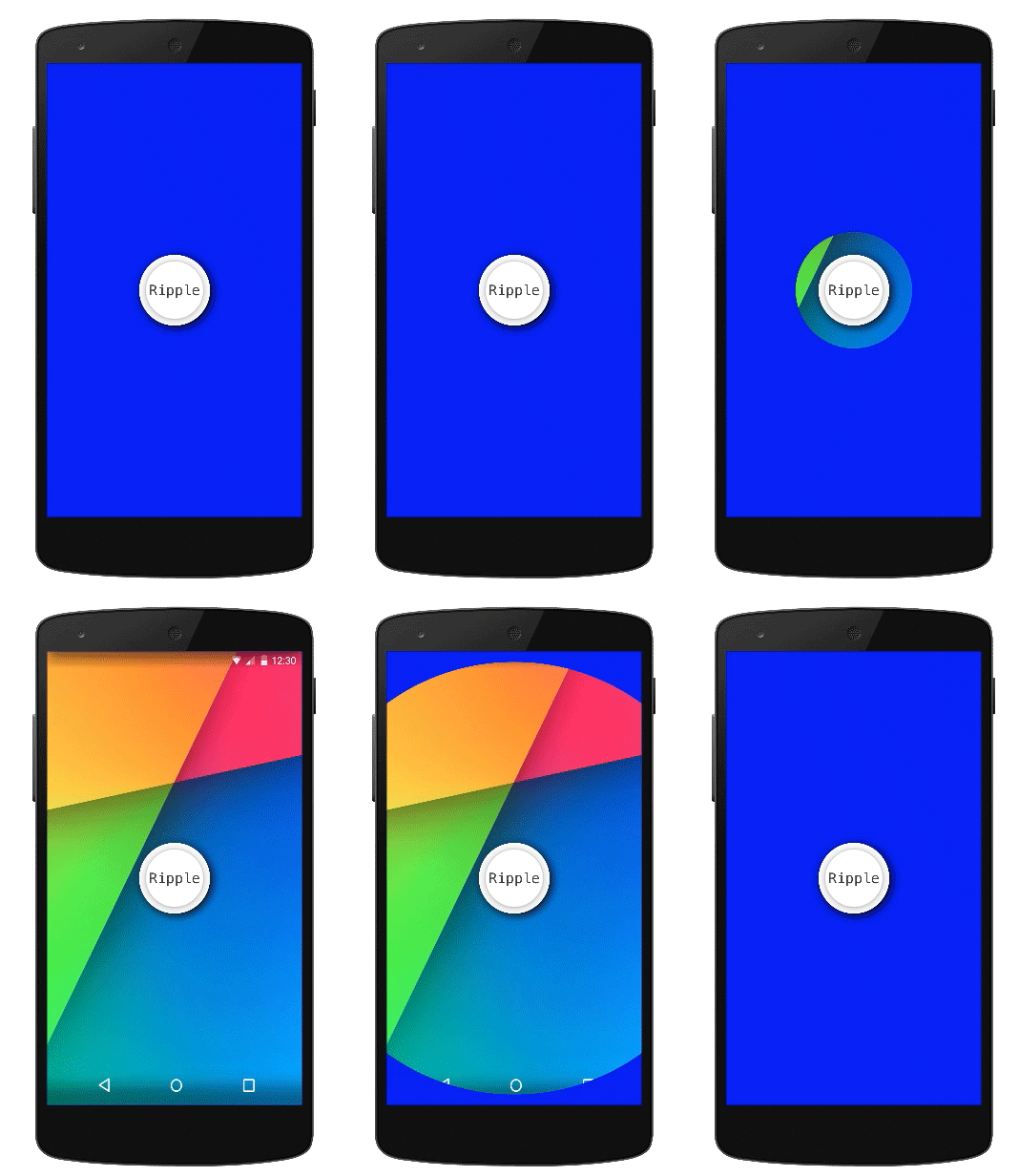
Example
Installation
Put rippleModule.coffee in the modules folder.
Instructions
1.Require the module:
rippleMod = require("rippleModule")
2.Create the ripple layer by calling the module function ripple(layerA, layerB, originX, originY, animationOptions)
- LayerA- top layer
- LayerB- underlying layer to be revealed by the ripple mask
- originX- ripple X origin where it expands from
- originY- ripple Y origin where it expands from
- animationOptions- ripple animationOptions object (optional)
ripl = rippleMod.ripple layer1, layer2, 50, 50, animationOptions
3.Change the ripple state ("fill", "empty") by using the states Framer js API
ripl.states.switch "fill"
ripl.states.switch "empty"