
Pollinations.AI
easy-to-use, free image generation AI with free API available. No signups or API keys required, and several option for integrating into a website or workflow.



🆕 Recent Apps
| Name | Description | Author |
|---|---|---|
| 🖼️ LAHgen | LAHgen generates AI images from text prompts on https://image.khminds.com/. It produces unlimited images using AI models across different artistic styles. | @LuqmanLAH |
| 🖼️ YSOAI IMAGE GENERATOR | Generate images with YSOAI using pollinations.ai, for free and quickly. | @gumbynews24 |
| 🖼️ Frieze | Generate and display AI-generated banner images and slogans in your terminal using Frieze, a mostly silly shell tool. | @peterjaric |
| 📚 StoryForge | StoryForge is a client-side web app that turns ideas into chapter-based short stories with AI cover art, using the Pollinations API and BYOP model. Built with Vanilla JS and CSS. | @Giyuu7777 |
| ⏳ TimeMachine Chat | TimeMachine Chat provides a chat interface for tech essentials, with safety and security features. It consolidates those essentials into one app experience. | @timemachine-studio |
| 🖼️ Frieze | Generate and display AI-generated banner images and slogans in your terminal using Frieze, a mostly silly shell tool. | @peterjaric |
| 📚 StoryForge | StoryForge is a client-side web app that turns ideas into chapter-based short stories with AI cover art, using the Pollinations API and BYOP model. Built with Vanilla JS and CSS. | @Giyuu7777 |
| ⏳ TimeMachine Chat | TimeMachine Chat provides a chat interface for tech essentials, with safety and security features. It consolidates those essentials into one app experience. | @timemachine-studio |
| 🧠 Scene2Text | Scene2Text describes what it is. | @tatn |
| 🧪 AI Models Laboratory | AI Models Laboratory is a Next.js 15 and Three.js web app for real-time generative creation and archiving of high resolution digital artifacts. | @OSK0020 |
🚀 New Unified API — Now Live
We've launched https://gen.pollinations.ai — a single endpoint for all your AI generation needs: text, images, audio, video — all in one place.
What's New
- Unified endpoint — single API at
gen.pollinations.aifor all generation - Pollen credits — simple pay-as-you-go system ($1 ≈ 1 Pollen)
- All models, one place — Flux, GPT-5, Claude, Gemini, Seedream, and more
- API keys — publishable keys for frontend, secret keys for backend
- CLI —
npx @pollinations_ai/clifor humans and AI agents (source)
Get started at enter.pollinations.ai and check out the API docs
🆕 Latest News
- 2026-04-30 – ⚡ Edge Text Generation Text generation now runs directly on the edge worker. One less network hop means faster responses when hitting the text API.
- 2026-04-30 – 🚀 Llama 3.3 70B Meta's Llama 3.3 70B Instruct is now live. Just pass
llamato the text endpoint and see what it has to say. - 2026-04-29 – 🎬 Seed support for Nova Reel You can now pass a
seedparameter to our video generation model. Iterative prompting is finally possible without the output hallucinating a completely new timeline on every request. Check the API Docs. - 2026-04-29 – 🌸 YSOAI Image Generator A new community-built image generation interface joins the showcase. Try it
- 2026-04-29 – ✨ LAHgen Another text-to-image creation tool takes root in the community directory. Try it
- 2026-04-28 – 🤖 OpenClaw Integration Added an
openclawmodel alias backed by Qwen3-Coder-30B. You can now wire up the OpenClaw CLI to use Pollinations for automated coding workflows. Check the Available Text Models. - 2026-04-28 – ⚡ Unbottlenecking gpt-image-2 Ripped out the old Azure routing for
gpt-image-2and wired it directly to OpenAI. Expect significantly higher capacity and fewer rate limits when generating pixels. - 2026-04-27 – 📖 StoryForge A new community app that generates illustrated, chapter-based short stories using the Unified API. Try it
- 2026-04-27 – 🖥️ Frieze Because your terminal needs art too. A community-built shell tool for generating AI banners and slogans right in your CLI. View repo
- 2026-04-24 – 🎨 Thinking in three speeds Image generation reasoning is no longer just on or off. You can now pass
fast,balanced, orpromodes to the Image API to dial in exactly how hard you want the models to think.
🌱 Introduction
pollinations.ai is an open-source generative AI platform based in Berlin, powering 500+ community projects with accessible text, image, video, and audio generation APIs. We build in the open and keep AI accessible to everyone—thanks to our amazing supporters.
🚀 Key Features
- 🔓 100% Open Source — code, decisions, roadmap all public
- 🤝 Community-Built — 500+ projects already using our APIs
- 🌱 Pollen Tiers — earn credits by contributing (tiers in beta)
- 🖼️ Image Generation — Flux, GPT Image, Seedream, Kontext
- 🎬 Video Generation — Seedance, Veo (alpha)
- 🎵 Audio — Text-to-speech and speech-to-text
- 🎣 Easy-to-use Packages (Packages)
Quick Start (3 Steps)
1️⃣ Get your API key
Sign up at enter.pollinations.ai to generate your key.
2️⃣ Choose what you want to generate
Pollinations supports:
- 🖼 Images
- 📝 Text
- 🔊 Audio
- 🎬 Video
3️⃣ Make your first request
Use one of the examples below to generate your first AI output in seconds.
🚀 Getting Started

Image Generation
curl 'https://gen.pollinations.ai/image/a%20beautiful%20sunset' -o image.jpg
Or visit pollinations.ai for an interactive experience.
Text Generation
curl 'https://gen.pollinations.ai/text/Hello%20world'
Audio Generation
Simple GET endpoint:
curl 'https://gen.pollinations.ai/audio/Hello%20from%20Pollinations?voice=nova&key=YOUR_API_KEY' -o speech.mp3
OpenAI TTS compatible:
curl 'https://gen.pollinations.ai/v1/audio/speech' \
  -H 'Content-Type: application/json' \
  -H 'Authorization: Bearer YOUR_API_KEY' \
  -d '{"model": "tts-1", "input": "Hello from Pollinations!", "voice": "nova"}' \
  -o speech.mp3
Available voices: alloy, echo, fable, onyx, nova, shimmer, plus 30+ ElevenLabs voices.
MCP Server for AI Assistants
Our MCP (Model Context Protocol) server enables AI assistants like Claude to generate images and audio directly. Learn more
Configuration
Add this to your MCP client configuration:
{
  "mcpServers": {
    "pollinations": {
      "command": "npx",
      "args": ["@pollinations_ai/mcp"]
    }
  }
}
Run with npx (no installation required)
npx @pollinations_ai/mcp
Community alternatives like MCPollinations and Sequa MCP Server are also available.
AI assistants can:
- Generate images from text descriptions
- Create text-to-speech audio with various voice options
- Play audio responses through the system speakers
- Access all pollinations.ai models and services
- List available models, voices, and capabilities
For more advanced usage, check out our API documentation.
🔐 Authentication
Get your API key at enter.pollinations.ai
Key Types
| Key | Prefix | Use Case | Rate Limits | Status |
|---|---|---|---|---|
| Publishable | pk_ |
Client-side, demos, prototypes | 1 pollen per IP per hour | ⚠️ Beta |
| Secret | sk_ |
Server-side only | No rate limits | Stable |
⚠️ Publishable keys: Turnstile protection coming soon. Not recommended for production yet.
⚠️ Never expose
sk_keys in client-side code, git repos, or public URLs
💡 Building an app? Use Bring Your Own Pollen — users pay for their own usage, you pay $0
Model Restrictions
Each API key can be scoped to specific models. When creating a key at enter.pollinations.ai, you can:
- Allow all models — key works with any available model
- Restrict to specific models — select exactly which models the key can access (e.g., only
fluxandopenai, or justgptimage-large)
Usage
curl 'https://gen.pollinations.ai/image/a%20cat?key=YOUR_KEY'
Environment variable (best practice):
export POLLINATIONS_API_KEY=sk_...
See full API docs for detailed authentication information.
🖥️ How to Use
Web Interface
Our web interface is user-friendly and doesn't require any technical knowledge. Simply visit https://pollinations.ai and start creating!
API
Use our API directly in your browser or applications:
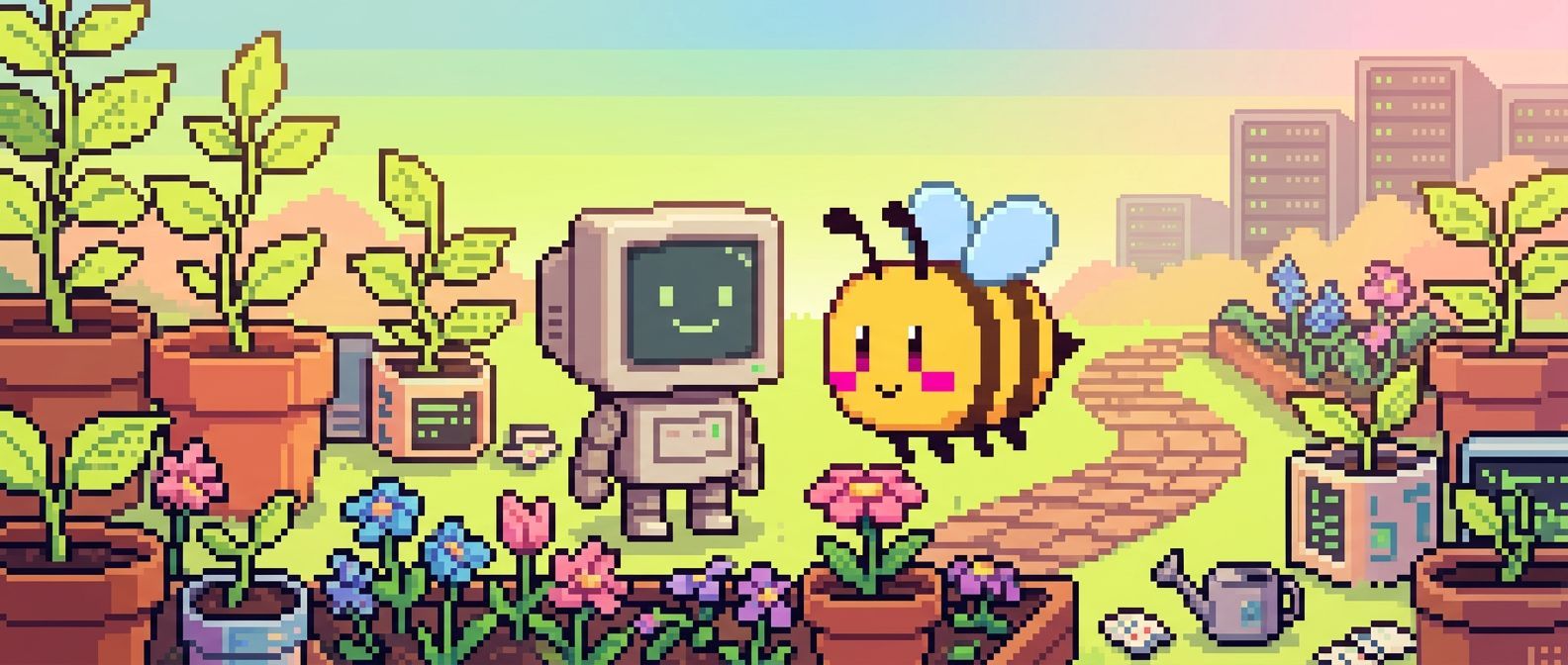
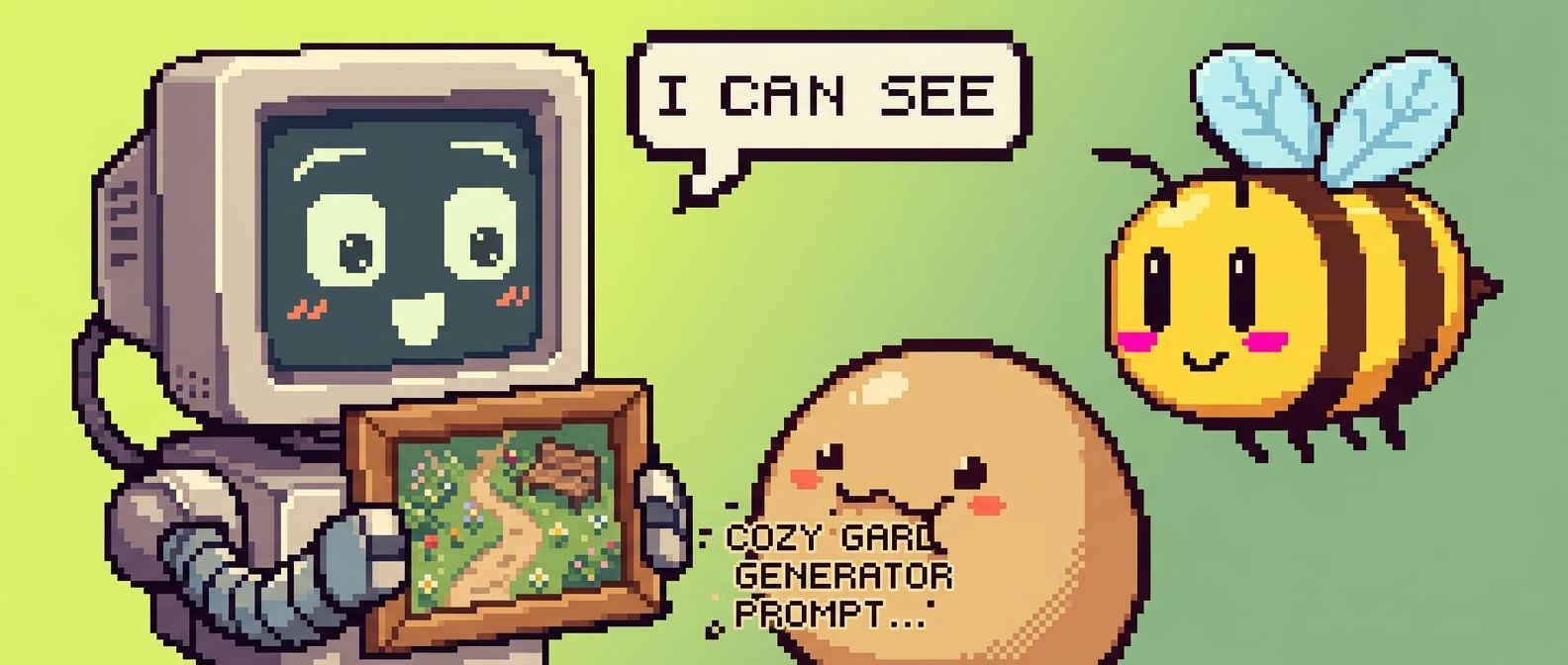
https://pollinations.ai/p/a_cozy_pixel_art_robot_and_bee_in_a_digital_garden_8-bit_warm_stardew_valley_vibes
Replace the description with your own, and you'll get a unique image based on your words!
Here's an example of a generated image:
🎨 Examples
Image Generation
Python code to download the generated image:
import requests

def download_image(prompt):
    url = f"https://pollinations.ai/p/{prompt}"
    response = requests.get(url)
    with open('generated_image.jpg', 'wb') as file:
        file.write(response.content)
    print('Image downloaded!')

download_image("a_cozy_pixel_art_robot_and_bee_in_a_digital_garden_8-bit_warm_stardew_valley_vibes")
Text Generation
To generate text:
https://gen.pollinations.ai/text/What%20is%20artificial%20intelligence?
Audio Generation
Generate speech from text:
https://gen.pollinations.ai/audio/Hello%20from%20Pollinations?voice=alloy&key=YOUR_API_KEY
Or use the OpenAI TTS-compatible endpoint:
curl 'https://gen.pollinations.ai/v1/audio/speech' \
  -H 'Content-Type: application/json' \
  -H 'Authorization: Bearer YOUR_API_KEY' \
  -d '{"model": "tts-1", "input": "Hello from Pollinations!", "voice": "alloy"}' \
  -o speech.mp3
🛠️ Integration
SDK
Check out our Pollinations SDK for Node.js, browser, and React integration.
Architecture
%%{init: {'theme': 'dark', 'themeVariables': { 'background': '#1a1a1a', 'primaryColor': '#2a2a2a', 'primaryBorderColor': '#555555', 'primaryTextColor': '#eeeeee', 'lineColor': '#00e5ff', 'clusterBkg': 'transparent', 'clusterBorder': '#888888', 'fontSize': '13px', 'fontFamily': 'Inter, system-ui, sans-serif'}}}%%

graph LR
    subgraph CLIENTS["Clients / Apps"]
        Q[Bots - Discord, Telegram, WhatsApp]
        N[30+ Mobile and Web Apps]
        A[pollinations.ai Web Frontend]
        R[AI Agents - Qwen, Sillytavern, ...]
        AI[AI Assistants - Claude]
        MCP[MCP Server]
    end

    AI --> MCP
    Q --> GEN
    N --> GEN
    A --> GEN
    R --> GEN
    MCP --> GEN

    GEN["gen.pollinations.ai"]:::cfWorker --> ENTER["enter.pollinations.ai Gateway"]:::cfWorker

    ENTER --> IMG["Image Service"]:::ec2
    ENTER --> AUD["Audio Service"]:::ec2

    IMG --> CF["Cloudflare Worker with R2 Cache"]:::cfWorkerLight
    CF --> B["image-origin.pollinations.ai"]:::ec2
    B --> D["FLUX / GPT Image / Seedream - GPU VMs"]:::gpuNode

    AUD --> EL["ElevenLabs TTS API"]:::provider

    GEN --> SC["Scaleway API"]:::provider
    GEN --> DS["Deepseek API"]:::provider
    GEN --> G["Azure-hosted LLMs"]:::provider
    GEN --> CFM["Cloudflare AI"]:::provider

    style CLIENTS fill:none,stroke:#888,stroke-width:2px,stroke-dasharray: 5 5

    linkStyle default stroke-width:3px,stroke:#00E5FF

    classDef cfWorker fill:#E65100,color:#fff,stroke:#FFB300,stroke-width:2px,font-weight:bold
    classDef cfWorkerLight fill:#BF360C,color:#fff,stroke:#FFB300,stroke-width:1px
    classDef ec2 fill:#1F2937,color:#fff,stroke:#F59E0B,stroke-width:2px
    classDef gpuNode fill:#064E3B,stroke:#34D399,color:#ECFDF5,stroke-width:2px
    classDef provider fill:#1E3A8A,stroke:#60A5FA,color:#EFF6FF,stroke-width:1px
🔮 Future Developments
We're constantly exploring new ways to push the boundaries of AI-driven content creation. Some areas we're excited about include:
- Digital Twins: Creating interactive AI-driven avatars
- Music Video Generation: Combining AI-generated visuals with music for unique video experiences
- Real-time AI-driven Visual Experiences: Projects like our Dreamachine, which create immersive, personalized visual journeys
🌍 Our Vision
pollinations.ai envisions a future where AI technology is:
Open & Accessible: We believe AI should be available to everyone — earn Pollen by contributing, no credit card required
Transparent & Ethical: Our open-source approach ensures transparency in how our models work and behave
Community-Driven: We're building a platform where developers, creators, and AI enthusiasts can collaborate and innovate
Interconnected: We're creating an ecosystem where AI services can seamlessly work together, fostering innovation through composability
Evolving: We embrace the rapid evolution of AI technology while maintaining our commitment to openness and accessibility
We're committed to developing AI technology that serves humanity while respecting ethical boundaries and promoting responsible innovation. Join us in shaping the future of AI.
🤝 Community and Development
We believe in community-driven development. You can contribute to pollinations.ai in several ways:
Coding Assistant: The easiest way to contribute! Just create a GitHub issue describing the feature you'd like to see implemented. The MentatBot AI assistant will analyze and implement it directly! No coding required - just describe what you want.
Project Submissions: Have you built something with pollinations.ai? Use our project submission template (labeled as APPS) to share it with the community and get it featured in our README.
Feature Requests & Bug Reports: Have an idea or found a bug? Open an issue and let us know. Our team and the MentatBot assistant will review it.
Community Engagement: Join our vibrant Discord community to:
- Share your creations
- Get support and help others
- Collaborate with fellow AI enthusiasts
- Discuss feature ideas before creating issues
For any questions or support, please visit our Discord channel or create an issue on our GitHub repository.
🗂️ Project Structure
Our codebase is organized into several key folders, each serving a specific purpose in the pollinations.ai ecosystem:
pollinations.ai/: The main React application for the Pollinations.ai website.image.pollinations.ai/: Backend service for image generation and caching with Cloudflare Workers and R2 storage.gen.pollinations.ai/: Cloudflare Worker for API routing, auth handoff, text generation, and caching.packages/polli-cli/: The Pollinations CLI — for humans, AI agents, and everything in between.packages/sdk/: SDK NPM library with pollinations ready functions for Pollinations.ai.packages/mcp/: Model Context Protocol (MCP) server for AI assistants like Claude to generate images directly.opencode-pollinations-plugin: This isopen-code-pollinations-plugin, a plugin for OpenCode that integrates Pollinations.ai's inference capabilities directly into the OpenCode environment, built by our community member @fkom13.
This structure encompasses the frontend website, backend services for image and text generation, and integrations like the Discord bot and MCP server, providing a comprehensive framework for the pollinations.ai platform.
For development setup and environment management, see DEVELOP.md.
🏢 Supported By
pollinations.ai is proud to be supported by:
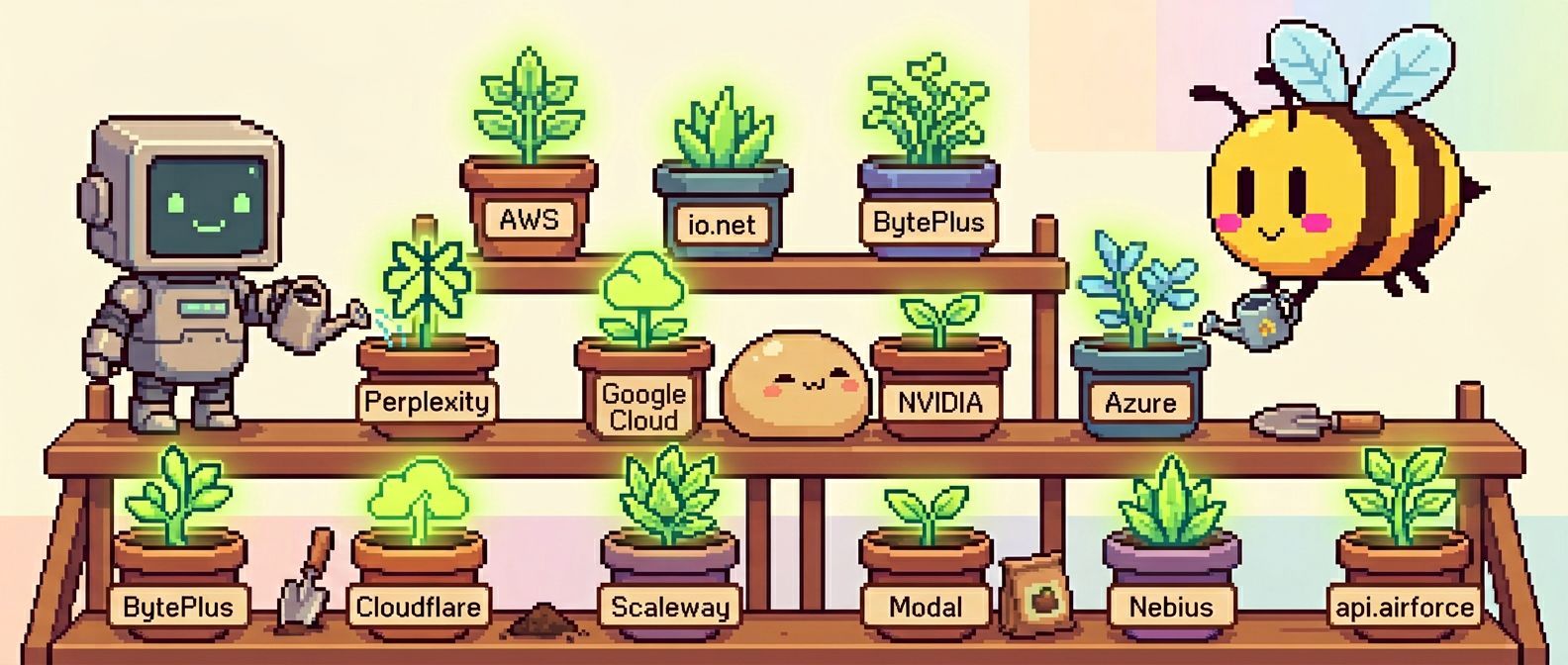
- Perplexity AI: AI-powered search and conversational answer engine
- AWS Activate: GPU Cloud Credits
- io.net: Decentralized GPU network for AI compute
- BytePlus: Official ByteDance cloud services and AI solutions
- Google Cloud for Startups: GPU Cloud Credits
- NVIDIA Inception: AI startup support
- Azure (MS for Startups): OpenAI credits
- Cloudflare: Put the connectivity cloud to work for you.
- Scaleway: Europe's empowering cloud provider
- Modal: High-performance AI infrastructure
- Nebius: AI-optimized cloud infrastructure with NVIDIA GPU clusters
💚 Support Us
The best way to support pollinations.ai is by using our product! Get your API key and start building at enter.pollinations.ai.
📣 Stay Connected
𝕏 Twitter · Instagram · LinkedIn · Facebook · Reddit · YouTube
📜 License
pollinations.ai is open-source software licensed under the MIT license.
Made with ❤️ by the pollinations.ai team